
Asus Zenbook Duo 2026 review: Panther Lake makes this the best multitasking laptop I’ve used
 Follow Us

I’ve spent the last two weeks with the Asus Zenbook Duo 2026, a 14-inch laptop that feels like it shouldn’t really work as a daily driver, but somehow does. For the longest time, I have used laptops like most people use laptops. There’s a screen, you have a crowded taskbar, and the constant ‘Alt+Tab’ shuffle, or in a Mac’s case, ‘CMD+Tab’ shuffle to find the window I actually need. Now, when it comes to portable laptops, the natural instinct that comes to mind is this question: What are the sacrifices here? For instance, my daily driver is a 13-inch MacBook Air, a great laptop in its own right. But, time and again, there’s this feeling – the screen is not as big as a Pro, or maybe I had more real estate to run multiple windows of the same app. Basically, a human can never be fully satisfied.
Then the Asus Zenbook Duo UX8407 arrived.
I’ll be honest, I wasn’t immediately sold. I remember when a colleague tested the previous UX8406 almost two years ago; it looked like a nice experiment, but it still felt a bit ‘first-gen’. Don’t get me wrong, Asus has been using the Zenbook Duo moniker for quite a few years, and back in 2021, I even used one of the initial models. But that one was nothing like this one we are talking about right here.
Also read: Nothing Phone 4a vs OnePlus Nord 5: Style vs Raw power
This 2026 refresh is the first time I’ve actually lived with a ‘proper’ dual-screen setup myself, and it’s a big shift. After having used the Zenbook Duo, I can say that this isn’t just a gimmick strapped onto a laptop; it’s how I actually want to get through my workday. Also, knowing the fact that my review unit will be returned soon, going back to a single screen feels a bit like trying to work with one hand tied behind my back.
The hinge and the ‘seam’ problem
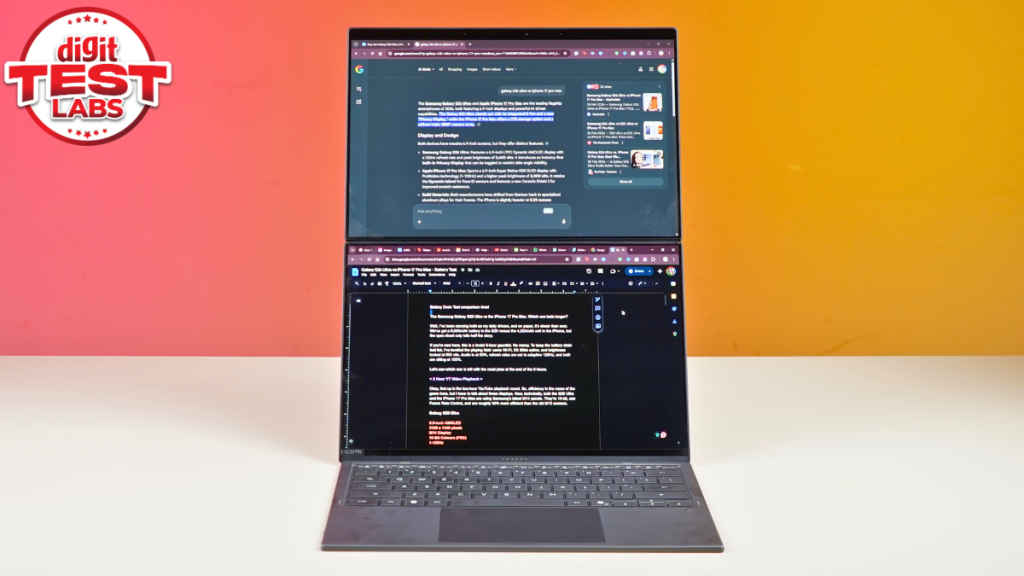
The biggest issue with dual-screen laptops has always been the physical gap between the panels. If you’re going to give me two displays, they need to feel like one, and not like two tablets awkwardly stuck together, if you know what I mean. This is where the UX8407 really steps up. Asus has designed the hinge in such a way that the two 14-inch panels sit almost flush against each other.
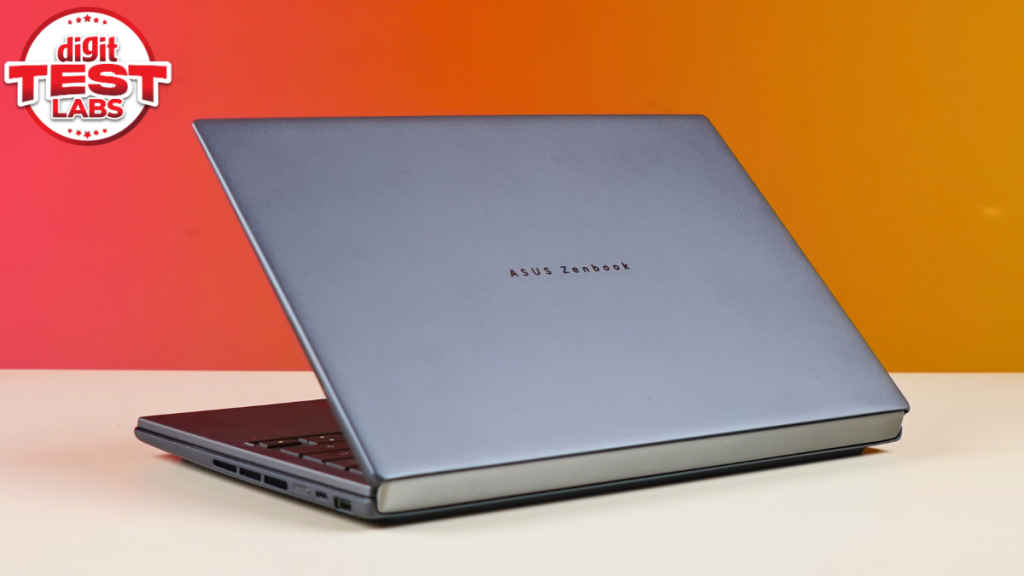
When you use the built-in kickstand to stack the screens vertically, that gap is so small it basically disappears when you’re focused on your content. It creates this tall viewing experience that is, quite frankly, addictive. I found myself snapping Chrome to the top and Docs to the bottom, and for the first time, I didn’t feel like I was compromising on space. The build itself uses a Ceraluminum finish, which has this stony, matte feel that is much nicer than standard metal. The good thing is that it’s tactile, resists the oily fingerprints that usually show up on other types of materials, and feels sturdy enough to survive the daily wear and tear.
Those gorgeous (but reflective) OLEDs
If you’re going to spend what will likely be Rs 2-2.5 lakh for this Core Ultra 9 variant of the Zenbook Duo UX8407, the screens have to be the headline. Asus has gone all out with dual 14-inch Lumina Pro OLED touchscreen panels. They’ve bumped the refresh rate to 144Hz, which makes scrolling and animations feel incredibly smooth, actually smoother than the iPhone 17 Pro Max and the S26 Ultra I carry around.
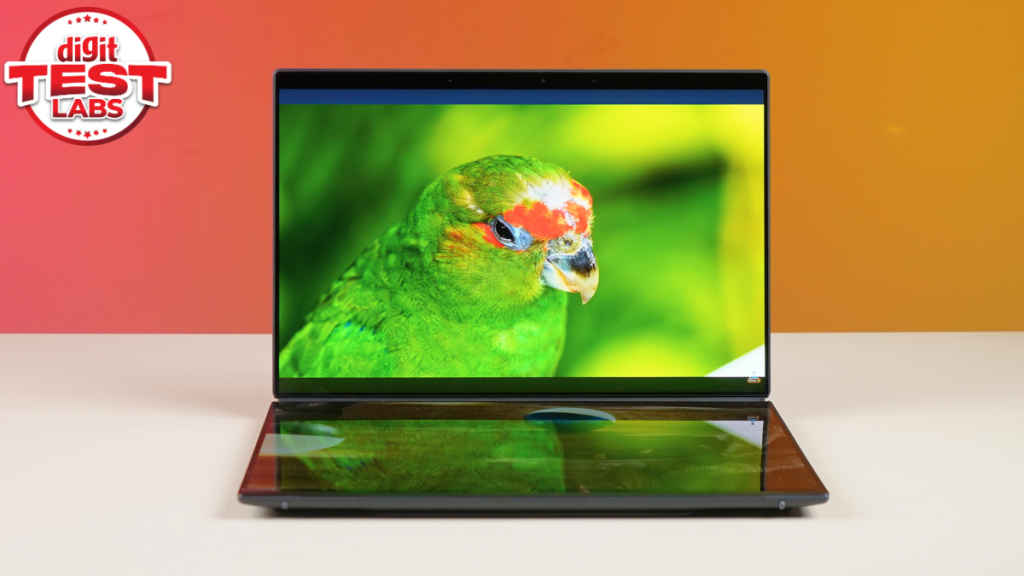
The colour accuracy is professional-grade. In the Digit Test Labs, I ran a Calman test and got an Average Delta E of 1.02, which is basically perfect. It covers 100% of the DCI-P3 gamut, so watching anything on these screens – Netflix, YouTube, Prime or simply gawking at it – is a treat. The blacks are deep, and with 500 nits of brightness, the contrast is punchy. The only real downside is the reflection. Asus added an anti-reflective layer, which helps with overhead office lights, but these are still glossy glass panels. If you’ve got a bright light source or a window behind you, you’re going to see your own reflection during dark movie scenes.
A keyboard that doesn’t feel like an afterthought
One of my worries when the Zenbook Duo first arrived was the keyboard. You see, usually when a laptop gets this ‘creative’ with the form factor, the typing experience suffers. Here, the keyboard is a detachable Bluetooth folio that sits between the screens when the laptop is closed. With this one, you can actually use it as a normal laptop, having the screen up top along with the keyboard. Or, you can use like me – sitting back, with both screens set like a tower, and using the keyboard propped on my lap or the table.
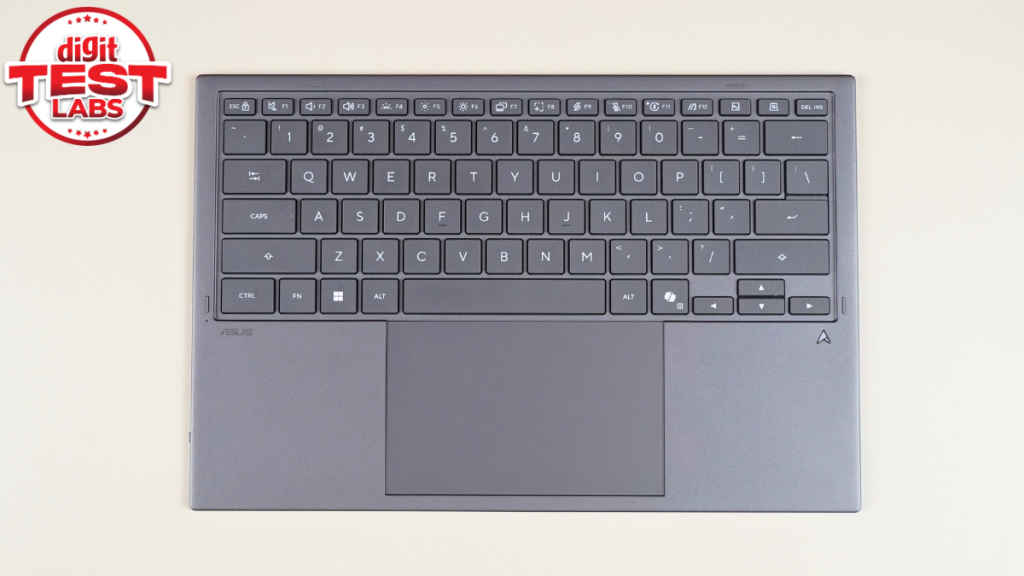
I’ve spent a good while typing out scripts and articles on this, and it’s actually really nice. The keys have a good 1.4mm of travel and a ‘mushy’ feel in a good way, soft on the sound but tactile enough that I didn’t miss my mechanical deck. It’s quiet, so while typing, it isn’t the keyboard that attracts unwanted attention. Also, it’s magnetic, too, so as I said, when you want to use this machine as a normal laptop, the keyboard snaps right onto the bottom screen. The trackpad is smooth and responsive, though I found myself reaching out to touch the screens to scroll through pages more often than I expected.
Performance: Is Panther Lake enough for a dual-screen setup?
Under the hood, the Asus Zenbook Duo UX8407 is powered by the Intel Core Ultra X9 388H, which is part of the new Panther Lake family. This is paired with 32 GB of LPDDR5 RAM and an integrated Intel Arc B390 GPU. Since there’s no dedicated NVIDIA or AMD chip inside, I was curious to see if it would struggle with my typical workflow. It didn’t. In fact, it handled everything I threw at it with ease. To give you an idea of the muscle here, this chip features 16 cores and 16 threads with a boost clock of up to 5.1 GHz. But the real secret sauce for the future is the NPU, which now pushes up to 50 TOPS. Of course, in the present times, we’re still in the early days of AI features actually being useful. But at the same time, having that much dedicated power for background tasks means the main CPU can stay focused on what you’re actually doing on the machine.
I ran a few benchmarks to see where it sits:
- Cinebench R23: 15,586 (multi-core) / 2,093 (single-core)
- TimeSpy: 7,079
- Night Raid: 43,426
- FireStrike: 12,374
- Wild Life Extreme: 2,685
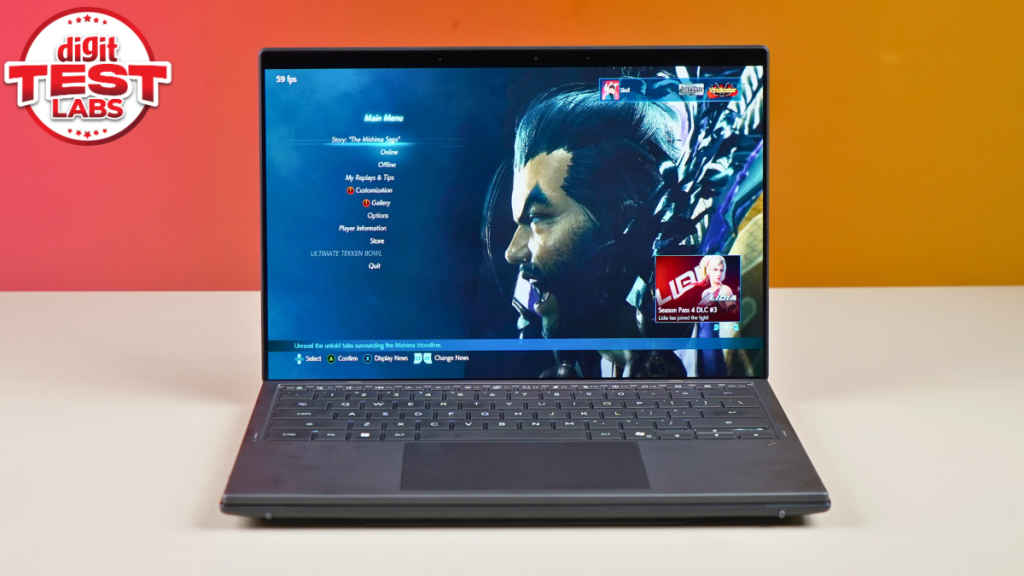
In real-world terms, it feels every bit as snappy as you’d expect from any high-end ultrabook. When you compare it to the previous generation’s Meteor Lake chips, Panther Lake feels like a proper step up in fluidity. I never felt the performance slow down, even with both screens active, running different workflows at the same time. The 32 GB of RAM plays a huge role here, especially when you’re multitasking across two displays. In fact, I even played some Tekken 7 to kill time, and it ran perfectly without any hiccups or frame drops. The new Arc graphics architecture in Panther Lake is surprisingly capable. Of course, you won’t be playing heavy AAA titles at max settings, but it’s more than enough for casual gaming and smooth 4K video playback. For writing, browsing, and heavy multitasking, it flies. The PC Mark 10 Work score of 7,385 confirms that it’s more than capable enough for a demanding user.
Living with two screens: The actual use case
The real value of the Zenbook Duo UX8407 isn’t in the numbers; it’s in how you use it. Over the last two weeks, I’ve settled into three main ways of working.
- The vertical stack: This is how I used it 80% of the time. I’d have my research or a video on the top screen at eye level and my primary work window on the bottom. Fun fact, I also felt it’s been a solid implementation for my neck too, because I’m not constantly looking down.
- The reading mode: Turning the laptop 90 degrees into portrait mode gives you two long, skinny screens side-by-side. This makes it perfect for reading long PDFs or scrolling through Chrome and X at the same time.
- Multitasking: Being able to run two instances of the same apps, like two different Chrome windows, on separate physical screens makes cross-referencing so much easier.
The audio is also worth a mention. It’s a six-speaker setup tuned by Harman Kardon, with two tweeters firing forward from the hinge. It’s much fuller and louder than the older bottom-firing speakers, making it great for watching Netflix without needing headphones.
The 99Wh battery has solid endurance
Asus managed to fit a 99Wh battery into this 14-inch chassis, which is massive. In the PC Mark 10 battery test, it lasted about 802 minutes, which is roughly 13.5 hours. Obviously, using both OLED screens at high brightness will drain the battery faster, but in laptop Mode, the endurance is fantastic. Even using both screens for a full workday, I rarely had to put the machine on charge before the day was done.
Asus Zenbook Duo UX8407: Final verdict
The Asus Zenbook Duo UX8407 is a specialist tool, but it’s one that actually works. It’s going to appeal a lot to folks who feel limited by a single screen but need to stay mobile. However, it’s likely going to be expensive, and it will be compared to the traditional premium laptops of the world, like the MacBooks, the Dells and the HPs. But do note, neither of those can give you this much screen real estate in a backpack.
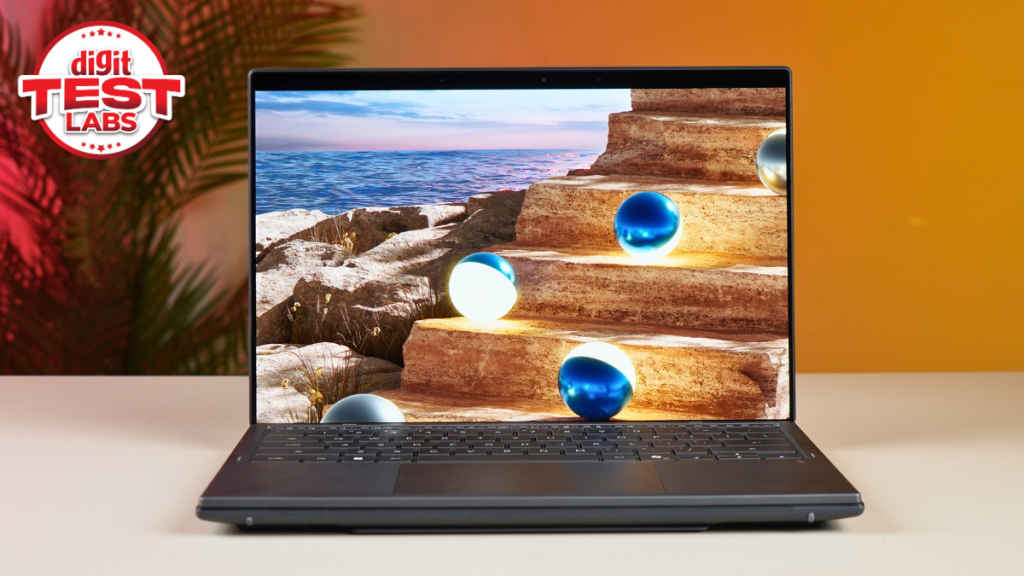
Of course, it’s not all dual-screen magic, though. There are some very real compromises you’re making for this form factor. First off, this isn’t a laptop in the traditional, lap-friendly sense. If you’re using both screens with the kickstand, you need a flat, stable table. Then there’s the weight. At around 1.65kg with the keyboard, you definitely feel it in your bag. Compared to my MacBook Air, it feels noticeably heavier. Also, while those OLED panels are stunning, they are incredibly glossy. Even with the anti-reflective layer, I spent a fair bit of time adjusting the positioning of the laptop, just to stop the lights around me from washing out the bottom screen.
So, after two weeks of using this Zenbook Duo as my primary machine, the ‘cool factor’ has worn off, but the utility hasn’t. If you’re someone who mostly writes, watches videos, does some light gaming, and multitasks between apps for cross-referencing, you’re going to absolutely love this machine and its performance. For me, after living with the Zenbook Duo for two weeks, going back to a single screen feels like a massive downgrade.
Also read: Dell Alienware Area-51 Desktop AAT2250 Review
Asus Zenbook Duo 2026 (UX8407) Key Specs, Price and Launch Date
| Release Date: | |
| Market Status: | Launched |


