
Happy Ganesh Chaturthi 2026 WhatsApp Status video download: Short videos to share on Instagram and Facebook
 Follow Us
Download short Ganesh Chaturthi 2026 videos to share as WhatsApp Status.
Follow simple steps to upload and personalise your festive video status.
Create AI-powered Ganesh Chaturthi videos using Gemini for a unique touch.
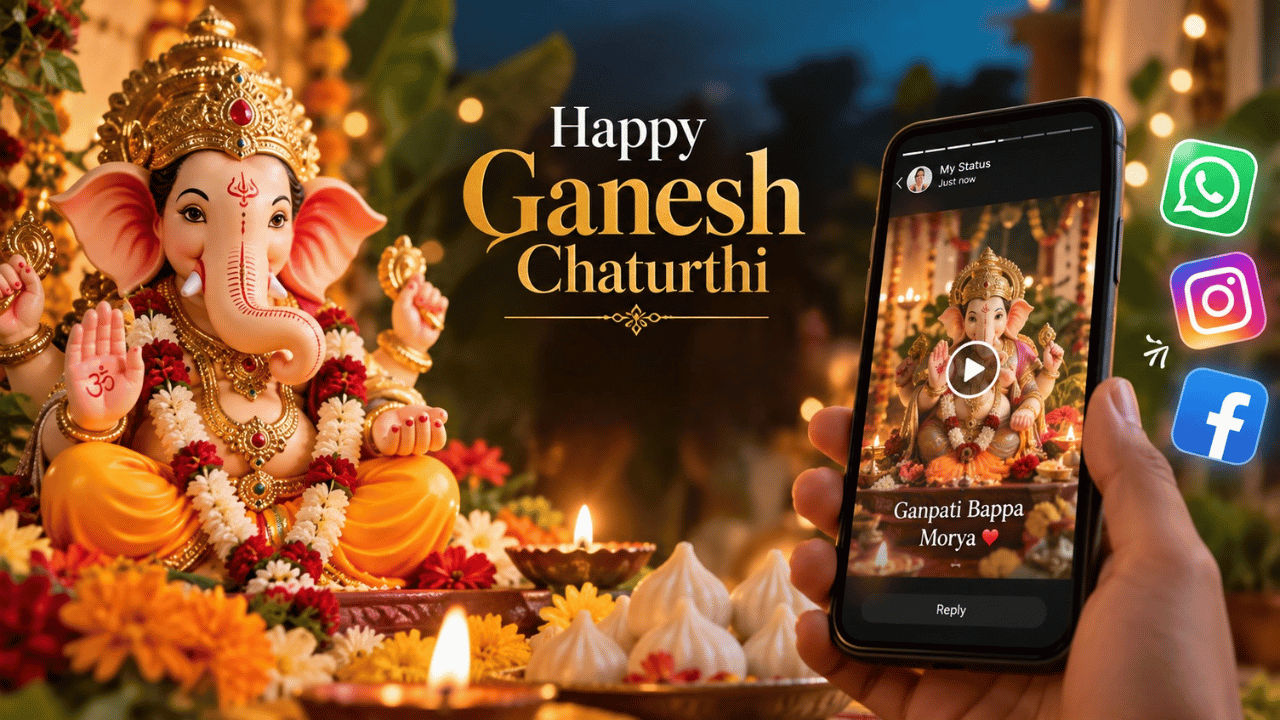

Ganesh Chaturthi is an Indian festival that celebrates the birth of Lord Ganesha. It is a joyful festival filled with devotion and celebration. Many people bring Lord Ganesha idols into their homes and pandals, offer prayers, sing devotional songs, and celebrate the festival with their family and loved ones. One of the easiest ways to share the festive spirit with friends and family is through a beautiful Ganesh Chaturthi WhatsApp Status video. If you’re looking for videos to share, then feel free to check out the viral Ganesh Chaturthi videos that we’ve shared below.
 Survey
Viral Ganesh Chaturthi WhatsApp status videos
Here are some of the most viral Ganesh Chaturthi videos that you can share as your WhatsApp status or on other social media platforms like Facebook or Instagram:
How to download Ganesh Chaturthi WhatsApp status video
If you want to download the Ganesh Chaturthi WhatsApp status video shared above, then you can simply do so by pressing and holding the video over a smartphone. Once you do that, all you need to do is choose the Download option from the list. However, in case you are on a PC, all you need to do is right-click the video and select Save Video or Download.
Also read: Anthropic CEO Dario Amodei wants AI industry to slow down, Musk and Sam Altman agrees
How to upload Ganesh Chaturthi video as a WhatsApp status
Follow the easy steps below to add the Happy Ganesh Chaturthi 2026 video status on WhatsApp:
- Launch the WhatsApp app on your smartphone.
- Tap on Updates and then on Add Status.
- Upload the video you want to share.
- Add a caption if you wish to personalise it. You can also add an emoji.
- Choose who to share the video with under Status settings.
- Tap Share to post your Happy Ganesh Chaturthi wishes.
The videos we’ve shared above are taken from open-source platforms like Canva, Pexels and more. If you want to explore more such videos, then you can also check out these platforms.
Also read: Inside online AI selfie boom: Hidden cost of viral AI image trends explained
Moreover, as the AI age is taking over, you can also use Gemini to create an AI video that you can later use as your Ganesh Chaturthi WhatsApp status video. You can simply upload your kids’ image and ask it to create a festive look inspired by Ganesh Chaturthi, or you can upload your and your partner’s image and ask it to give the video a traditional festive touch. Following that, you can further prompt it to make a Ganesh Chaturthi-style video of yours. You can also check out our dedicated article on how to create viral Ganesh Chaturthi images using ChatGPT for more ideas.


