Apple iOS 26.3 public beta is here: Everything new and how to download
 Follow Us
Apple has released the first public beta of iOS 26.3.
iOS 26.3 public beta 1 includes three notable changes.
Apple is adding a new transfer tool that makes it easier for users to switch from an iPhone to an Android phone.
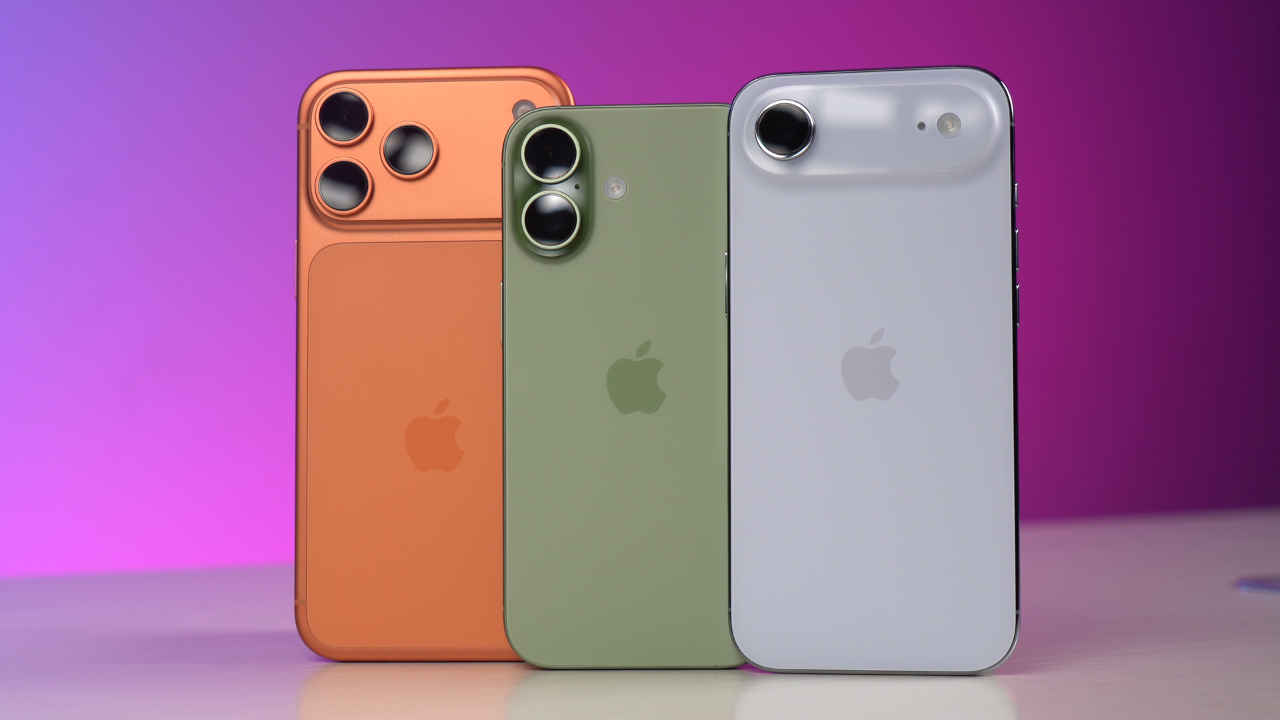

Apple has released the first public beta of iOS 26.3, giving users an early look at the next iPhone update. The beta comes shortly after Apple seeded iOS 26.3 beta 1 to developers earlier this week. Anyone who is part of Apple’s Beta Software Program can now try it out. Unlike major updates that introduce big redesigns or dozens of new features, iOS 26.3 follows Apple’s usual holiday-season approach, reports The Mac Observer. The update is smaller, with just a few useful additions aimed at improving everyday use.
 Survey
Apple iOS 26.3 public beta: What’s new
iOS 26.3 public beta 1 includes three notable changes. The first is a new Transfer to Android feature. Apple is adding a new transfer tool that makes it easier for users to switch from an iPhone to an Android phone, according to the report. By placing the two devices close to each other, the transfer can begin without needing a separate app. It supports moving photos, messages, notes, apps, passwords, and more.
Also read: Google launches Gemini 3 Flash AI model: What’s new and how to access
The second update is Notification Forwarding. This new setting allows your iPhone to send notifications to a third-party wearable, such as an Android smartwatch. Only one device can receive forwarded notifications at a time, so turning this on may stop notifications from appearing on an Apple Watch. For now, this feature is limited to users in the European Union.
Lastly, Apple has given Weather its own section in Lock Screen customisation, instead of grouping it with Astronomy. Users also get a small collection of preset Weather wallpaper designs with different layouts and widget styles.
Also read: Meta encourages staff to use OpenAI and Google models in AI-first workplace push: Report
Apple iOS 26.3 public beta: How to download
To install iOS 26.3 public beta 1:
- Open Settings
- Tap General
- Select Software Update
- Select Beta Updates
- Choose iOS 26 Public Beta
- Go back and select Download and Install
As with all beta software, it is recommended to back up your iPhone before installing, since early versions can cause bugs, battery drain, or app issues.
Apple iOS 26.3 eligible devices
iOS 26.3 supports all iPhones that can already run iOS 26. This includes the iPhone 11 series, all iPhone 12, 13, 14, and 15 models, as well as the latest iPhone 17 lineup.


