

Google Photos introduces Me Meme feature: Here’s how to use it
 Follow Us
Google Photos new Me Meme feature lets users transform their own pictures into popular meme formats with editable captions.
The tool works only on photos selected by users, doesn’t run automatically, and memes stay private unless saved or shared.
Me Meme joins existing features like editing, videos, remixes, and collages, adding a fun way to share memories.
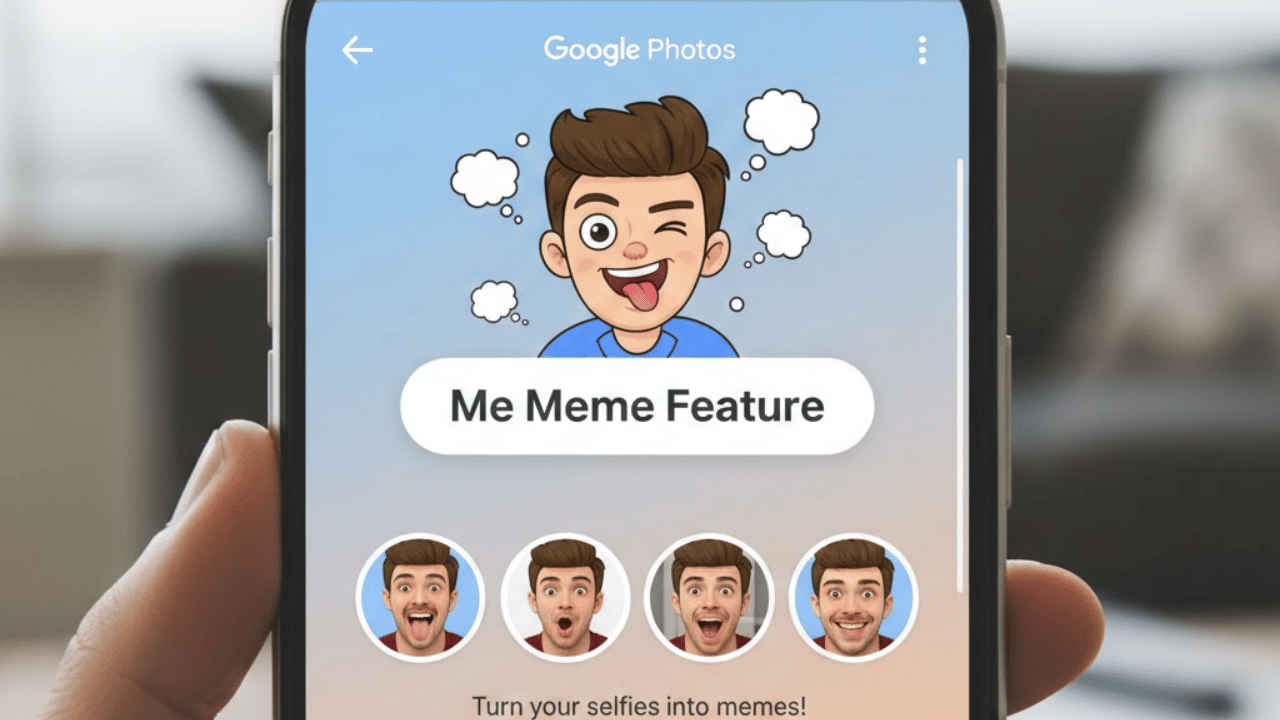

Google is rolling out a fun feature in Google Photos that lets users turn their own pictures into memes using artificial intelligence. This new feature is known as Me Meme. It enables users to insert their images followed by any humour or relating texts. The feature was first announced in October 2025 but is being rolled out now after a long three-month gap. This feature has become a new addition from Google amongst the other creative features like editing, videos, remixed content, and collaging, which were introduced earlier in the application. Do note that the feature is optional and works only when users choose a photo themselves. Google says the tool is designed for sharing and does not create content on its own.
 Survey
Also read: Motorola Edge 50 Pro price drops by over Rs 10,000 on Amazon, check details
The feature was recently announced by Google on its support page through a community manager. Me Meme is part of a growing set of creative tools inside Google Photos that help users have fun with their memories. With this tool, users can pick a photo and see themselves placed into well-known meme formats with ready-made text. They can also change the captions or upload their own meme styles to better match the joke.
Also read: Vivo X100 Pro price drop alert: Get over Rs 31,000 off on Amazon
Google has also stressed that privacy remains in the user’s control. Me Meme works only on photos selected by the user and does not run automatically. Any meme created stays inside the app unless the user decides to save or share it. Google has not clearly said if these memes will take up storage space, but created files are usually saved as new items. Also, do note that the feature is only active in the United States for now.
Also read: How to check if your medicine is genuine or not using your smartphone
How to create memes using Me Meme
Here’s how you can create memes using Me Meme on Google Photos:
- Open the Google Photos app on your phone.
- Select a clear photo of yourself or a portrait image.
- Tap on the Create or Meme option.
- Choose a meme template from the list or upload your own.
- Edit the text if you want to change the message.


