

How to check if your medicine is genuine or not using your smartphone
 Follow Us
You can check if a medicine is real by scanning the QR code on the pack using your smartphone.
The process is quick, easy, and works with your phone camera or QR scan feature.
Even older phones can verify medicines using free QR scanner apps from app stores.
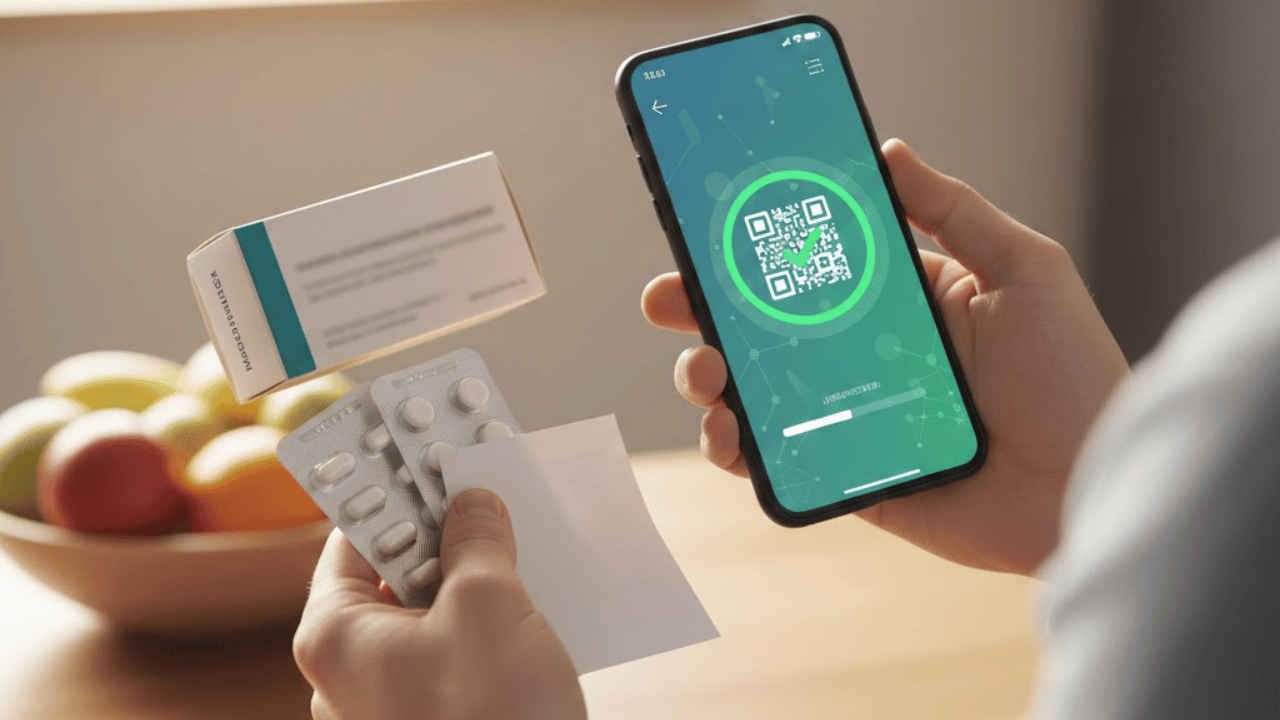

Fake medicines are a serious problem and can harm your health if taken without knowing their source. Today, many medicine packs come with a QR code that helps buyers confirm if the product is real. With just a smartphone, anyone can quickly check medicine details at home or at a store. This simple method does not need special skills or tools. It works for tablets, syrups, and other common medicines. Learning how to scan and read this information can help you stay safe, save money, and feel more confident about what you consume every day. The process is fast and suitable for all age groups and locations around the world. Here’s how you can use your smartphone camera to check if your medicine is genuine or not.
 Survey
Also read: Realme Buds Clip to launch in India on this date: Here’s what to expect
How to use your smartphone camera to check if your medicine is genuine
The following are easy steps to let you know if the medicine you are carrying is genuine or not:
- Look for the QR code on the medicine.
- Now, on your smartphone, slide down from the top of the screen to access the control panel. On an Android, the feature is present in the control panel. On an iPhone, it is present in the Control Center.
- Tap the QR scan icon once you locate it on your device.
- Scan the medicine’s QR code.
- Now, you will be redirected to a web page containing information about the medicine.
Also read: Motorola Signature vs OnePlus 15: Price, camera, display, battery and other specs compared
Alternatively, you can also use the camera app for the same. Just find the QR code on the medicine > open the camera app on your phone > scan the QR code > tap the link that briefly appears on the screen. Once done, you will be taken to a website with the medicine details. As we just mentioned, on some phones, you may be prompted to press an ‘Open browser’ button before the page opens.
Also read: Samsung Galaxy S26 Ultra launch next month, how much it may cost in India?
Using third-party apps to check if your medicine is genuine
If you are using an old phone which did not come with a built-in QR scan option, you can download other apps which offer this option as well. There are several third-party tools available that let you scan a QR code and check if a medicine is genuine or not. Some of the best and most used options include the QR Code Reader, Barcode Scanner, and QR Scanner. You can find these apps on both the Google Play Store for Android and the App Store for iPhones.


