You must have noticed a lot of reels on Instagram where girls are sharing photos, reimagining themselves in sarees with a vintage look.
Now, another trend is emerging in which people are creating classic Polaroid-style images with celebrities.
With Google Gemini, you can also create that retro magic right from your phone or computer.
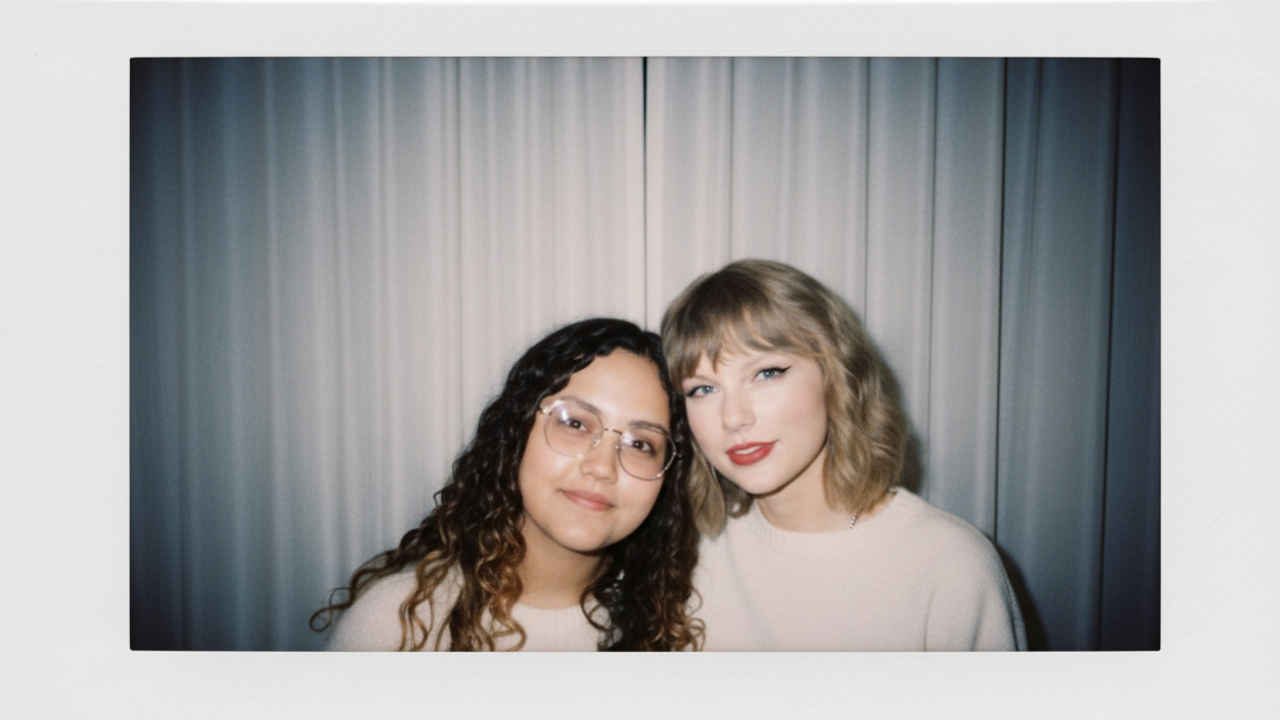
You must have noticed a lot of reels on Instagram where girls are sharing photos, reimagining themselves in sarees with a vintage look. Now, another trend is emerging in which people are creating classic Polaroid-style images with celebrities. With Google Gemini, you can also create that retro magic right from your phone or computer.
 Survey
The appeal of Polaroid photos lies in their unique charm. There’s something magical about watching a photo slowly develop, the edges slightly blurred, colours softly fading, and that iconic white border framing the memory.


Here’s a simple step-by-step guide to get started.
How to create viral Polaroid-style photos with celebrities for Instagram using Google Gemini
- Step 1: Open Gemini on your smartphone or computer.
- Step 2: Use your Google account to log in.
- Step 3: Upload the pictures of people you want to merge.
- Step 4: Enter the prompt. You can either write the prompt on your own and use one of the sample prompts provided at the end of this article.
- Step 5: Tap the send button and Gemini will do the work. Once generated, you can download the image to your device.
Sample prompts you can try
- Sample prompt 1: “Create a 4K HD realistic polaroid-style photograph of the people in the provided images. They are posing together. I want the same faces as I uploaded, no alteration – 100% same. The photo should have a natural, ordinary feel, with a slight blur and consistent lighting, as if taken with a flash in a dim room, The background should be white curtains. Keep the faces unchanged, but capture a cozy, candid vibe between the two, like a sweet moment frozen on film.”
- Sample prompt 2: “Create a 4K HD polaroid-style snapshot of the uploaded individuals sharing a sweet, candid laugh. I want the same faces as I uploaded, no alteration – 100% same. Natural, dim indoor lighting, white curtain background, faces exactly as uploaded, slight blur and film grain to simulate a real photo taken in the moment.”
 Follow Us
Ayushi Jain
Ayushi works as Chief Copy Editor at Digit, covering everything from breaking tech news to in-depth smartphone reviews. Prior to Digit, she was part of the editorial team at IANS. View Full Profile


