
ACT Stream TV 4K review: A VFM set-top box that finally brings Live TV and OTT together
 Follow Us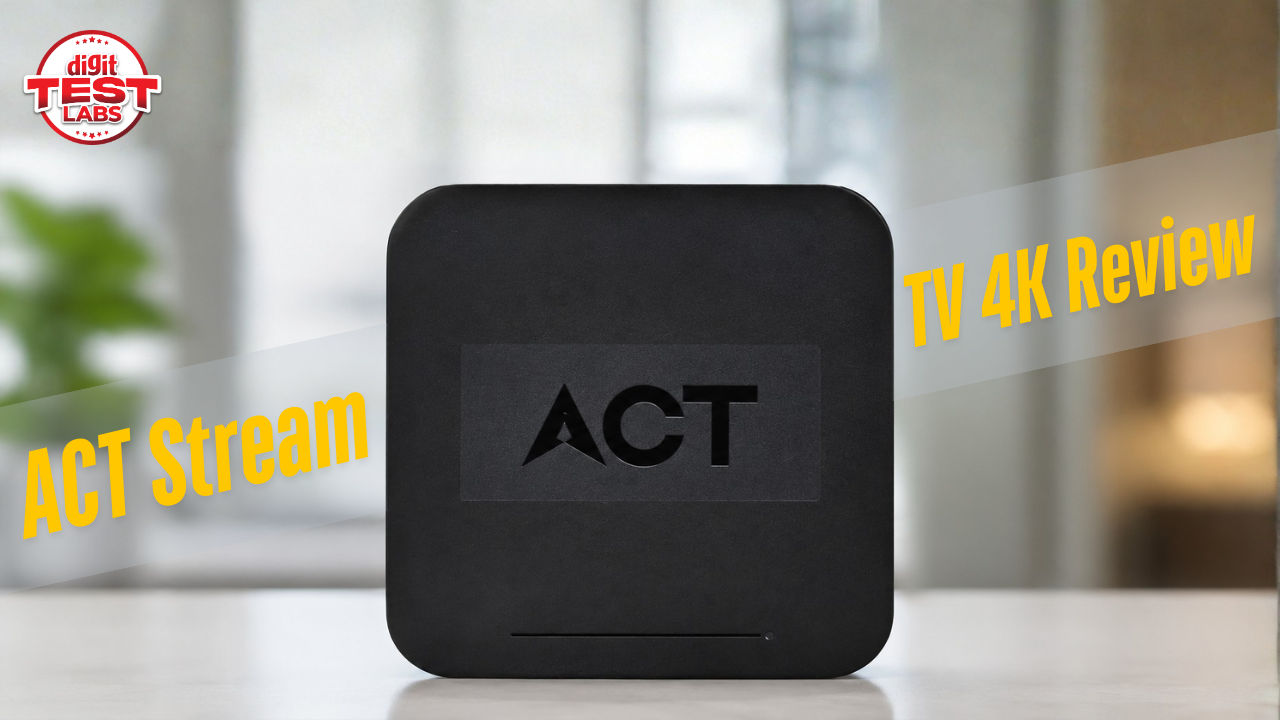

The biggest problem with modern entertainment isn’t a lack of content. Rather, it’s finding something to watch that’s of interest. Most of us follow the same routine every evening: we open Netflix and scroll for a while, but the movie we want isn’t there. So, we switch to Prime Video, then JioHotstar, then YouTube, and it goes on until nothing catches the eye. So we end up giving up and turning off the TV instead. Partly the reason behind this process is that we can’t watch Live TV. Don’t get me wrong, in 2026, we have never had more entertainment options, yet somehow it takes longer than ever to pick one. This is where the ACT Stream TV 4K steps in.
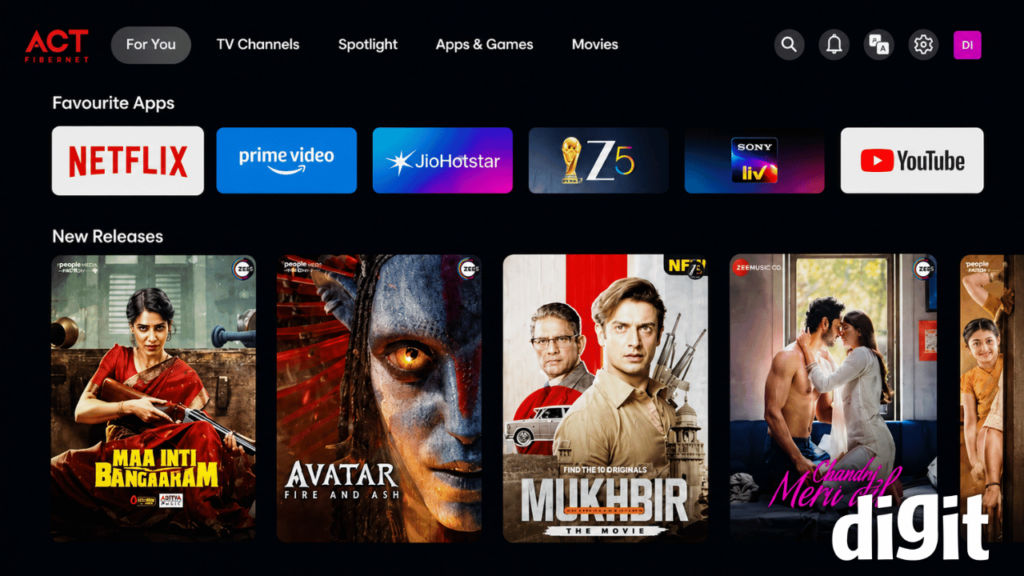
With the Stream TV 4K, ACT wants you to stop managing separate apps and services and instead have all your entertainment live inside one set-top box. Whether it be Live TV, OTT platforms, voice search or AI-powered recommendations, on the Stream 4K TV, they all come together in a single interface.
So, after spending several days with the ACT Stream TV 4K, I found that it gets many things right. The device looks premium, has a stable frame and delivers excellent picture quality. It also has a few rough edges that I hope ACT will improve soon. However, before you get all ready to buy it, there is one important thing you should know. Read along to find out.
ACT Stream TV 4K: Not your regular set-top box
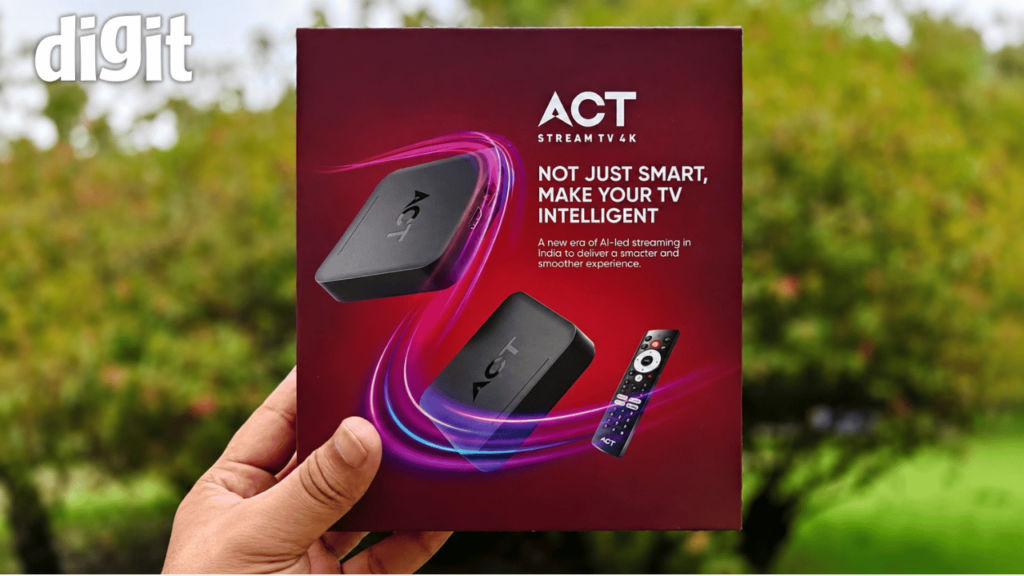
Unlike most streaming devices, which work on regular networks, the ACT Stream TV 4K is closely tied to ACT’s broadband ecosystem. In simple words, if your home does not have an ACT Fibernet connection, then this set-top box is not meant for you. That may sound restrictive, but it also explains why the overall experience feels well integrated. ACT is not selling just another Android TV device but is extending its broadband service into your living room.
However, if you already use ACT Fibernet connection, the Stream TV 4K becomes a natural extension of your internet connection. If you rely on another broadband provider, you will have to switch to ACT before this device becomes an option. That single requirement will decide whether this review matters to you or not.
The Stream TV 4K set-top box features 2GB of RAM and 32GB of internal storage, giving you enough space to install popular streaming apps. Furthermore, it also supports dual-band Wi-Fi (2.4GHz and 5GHz), Bluetooth connectivity, Google Assistant voice control, Chromecast built-in, and access to over 400 Live TV channels through its integrated entertainment platform.
ACT Stream TV 4K: Smooth like butter
Most of the set-top boxes and Fire Sticks these days claim to be plug-and-play devices, but when you actually start setting them up, you have to go through a long list of dos and don’ts. But that was not the case with ACT Stream TV 4K, as all I was required to do was to connect the set-top box to my television, power it on and follow the simple on-screen instructions to get it rolling. Indeed, the device downloaded the latest software update during the initial setup, which is expected with any new smart device, and that was the only part where I had to exercise patience during the setup process.
Logging into my ACT account was just as easy as the setup. I entered my login details, verified my account with an OTP, and I was in. Pairing a remote was also super convenient, something many devices struggle with.
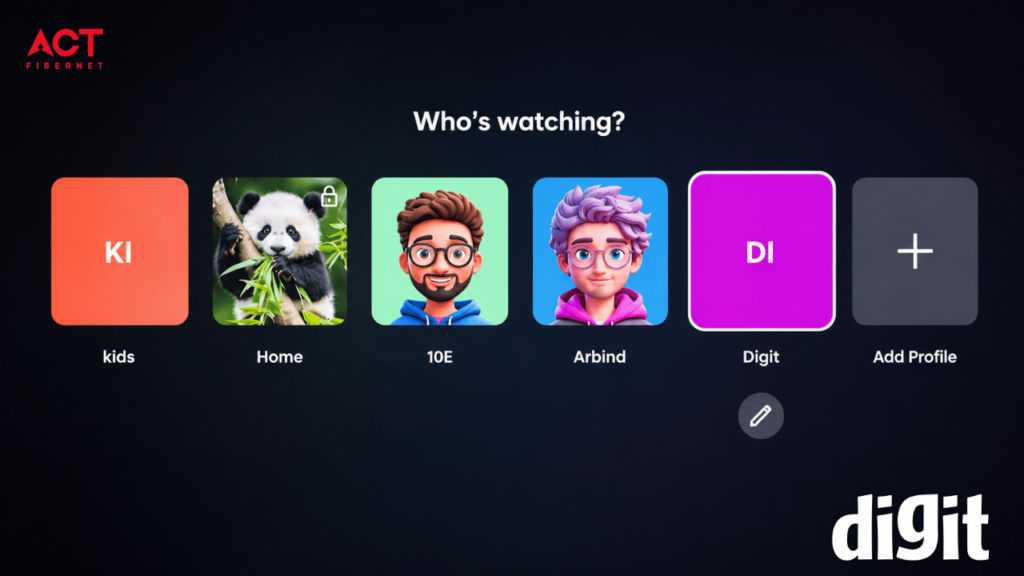
As the Stream TV 4K runs Android TV, you need to connect your Google ID with it to use it, and once I did that, Wi-Fi connected immediately, and within a few minutes, I was browsing through the interface. It is the kind of setup experience you almost forget, as mostly when you try to set up a new device, you face hiccups.
Set-top box vs remote: The build matters
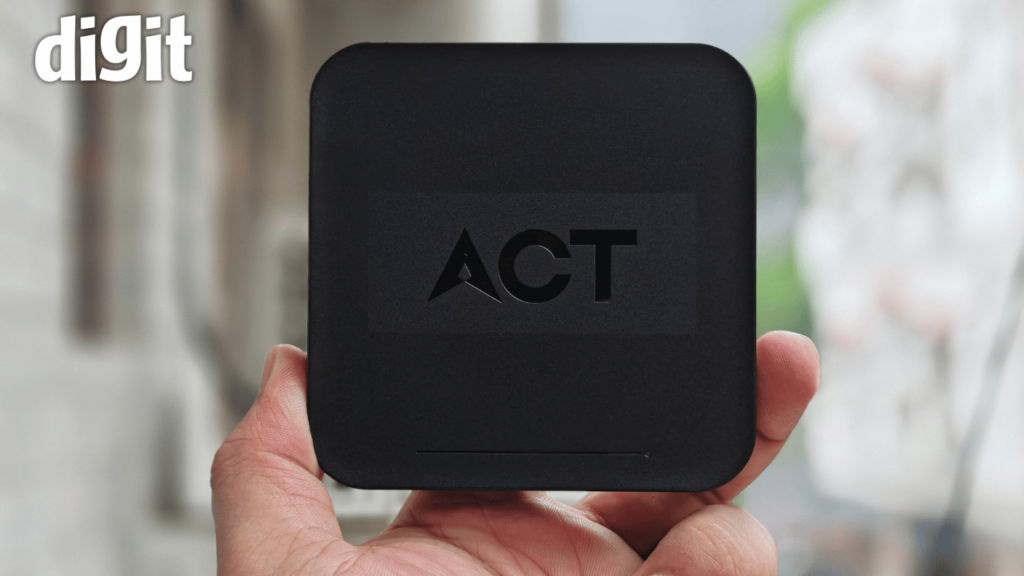
When you hold the hardware, it gives you a fairly premium first impression. Although the set-top box is made from plastic, it never feels flimsy. The construction is solid, the finish looks neat, and the overall quality is better than I initially expected.
Unlike compact streaming sticks that disappear behind your television, the Stream TV 4K is a proper set-top box, and it sits beside your TV just like a traditional cable or DTH receiver. Personally, I don’t see that as a disadvantage because it keeps the setup tidy and makes accessing ports much easier, and the all-black colour blends in with the aesthetics of your room.
Post setting up, I was happy with the Stream TV 4K set-top box, but the remote, that was a different experience. The first thing I noticed was its size. It is much bigger than most streaming remotes, which I’m used to dealing with. The reason becomes obvious once you look closely, as ACT has included a full numeric keypad. Remember the good old days?
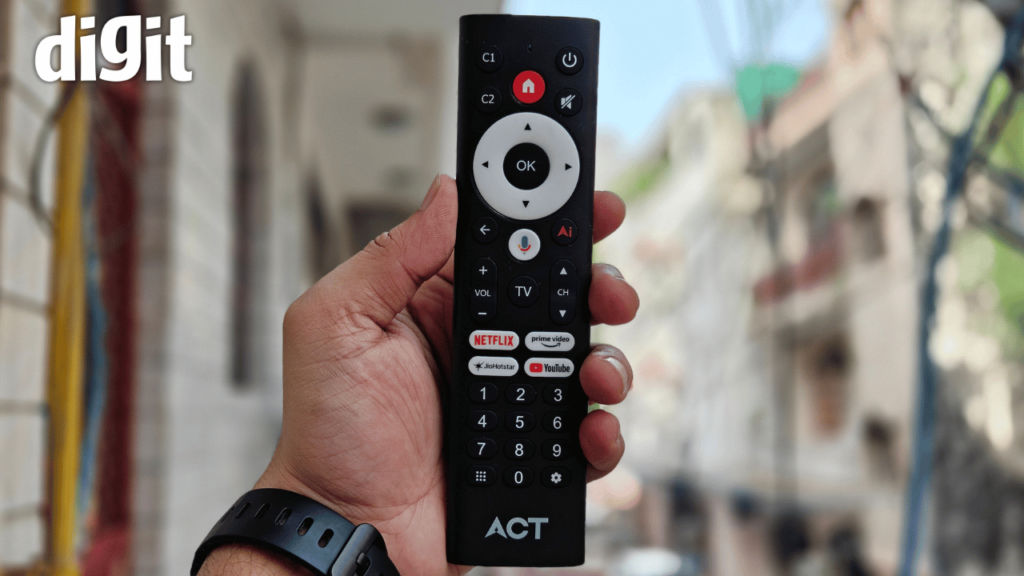
At first, I felt the number keypad was not needed, but after using the device to watch Live TV, I changed my mind. The button layout is practical, and entering channel numbers directly is much faster than scrolling through a long list of channels. People switching from a traditional DTH connection will find this very useful, especially the elders.
That said, the build quality could have been better. While the set-top box feels premium, the remote feels quite basic. The plastic does not feel as good, the edges are a little sharp, and the buttons do not give the solid, satisfying click you get on better-quality remotes. If you have used an older MacBook with a butterfly keyboard, you may find the button feel on this remote somewhat similar. The buttons work, but they don’t provide much feedback when pressed.
To be honest, none of these issues affects functionality. Every button responded correctly throughout my testing, shortcut keys worked as intended, and I never experienced missed inputs.
ACT Stream TV 4K: Software experience
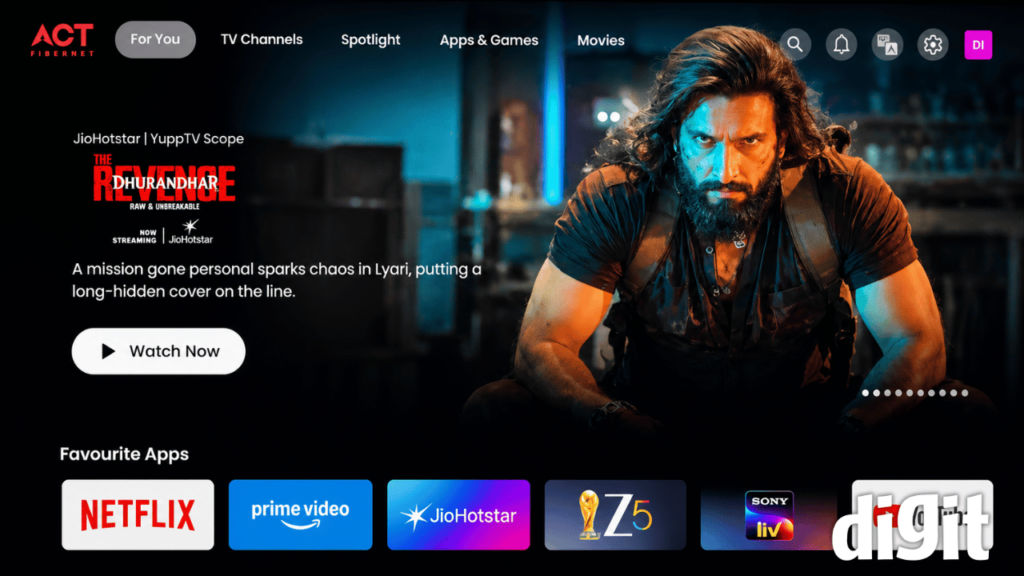
On the software front, there were no issues at all regarding lag or glitches. Yes, opening an OTT app on this device versus opening it on a phone does take a couple of seconds longer, but it was never slow enough to become frustrating. Plus, once an app was loaded, everything from switching between different tabs to starting up the videos and other tasks went without a hitch.
I also noticed that the Stream TV 4K manages heat quite well. During the testing time, I used it continuously for prolonged periods, at times even for about seven to eight hours in a single go. Even after that, the set-top box was only slightly warm to the touch. Considering the hot and humid weather in North India, this is completely normal and not something to worry about.
ACT Stream TV 4K: One bug I noticed
Of course, no product is perfect, and the Stream TV 4K is no exception. Surprisingly, the problem I ran into had nothing to do with streaming or picture quality. Instead, when I turned off the set-top box while leaving the TV on, and turned it back on after a while, it started acting strangely. Instead of loading the home screen, my user profile was logged out with no option to sign back in. In simple words, the interface just froze.
Now, the only fix was to power off the Stream TV 4K set-top box for about 30 seconds and restart it. After that, everything worked fine again.
Also, this wasn’t just a one-time glitch, as it happened several times during my testing. To me, it appears like a software issue rather than a hardware problem. I already discussed it with the ACT team, and they confirmed they are looking into it and will fix it as soon as possible.
ACT Stream TV 4K: Live TV
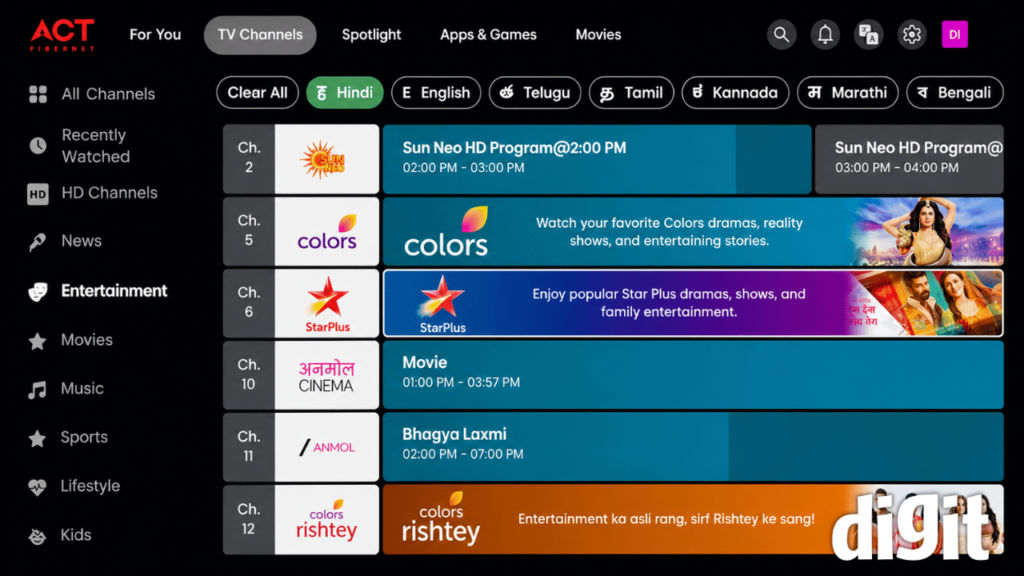
If you have spent years using a traditional DTH or cable connection, the ACT Stream TV 4K set-top box will take a little getting used to. The biggest difference appears the moment you switch channels. Unlike a conventional DTH set-top box, where channels appear almost instantly, the ACT Stream TV 4K takes a few seconds before the selected channel starts playing. It is not a long wait, but it is noticeable, especially during the first few days of use.
Personally, I stopped noticing it after some time because the delay was always the same and didn’t change randomly. However, if you often switch between channels, you should know about this issue in advance.
Speaking of which, the numeric keypad on the remote proved to be more useful than I had expected. The channel selection itself was reliable. Every time I entered a channel number, the correct channel opened without any errors. Sure, the loading time remained, but the navigation felt familiar for anyone moving from a traditional television setup.
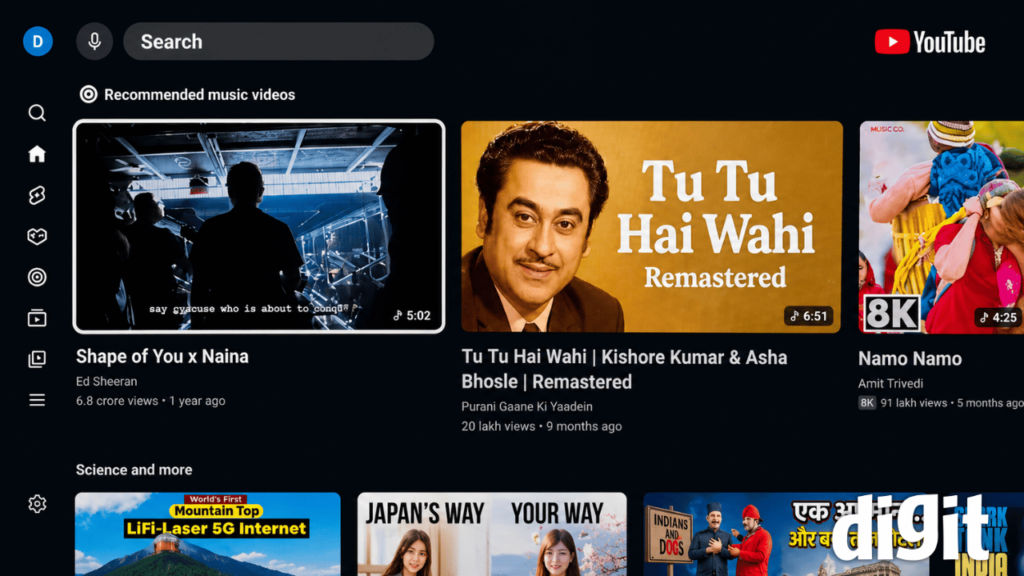
Another interesting detail is that not every channel plays directly inside the Live TV interface. However, some of the channels redirect you to an OTT app. It may seem odd initially, but it is also in line with how broadcasters are distributing their content via several platforms nowadays.
Most importantly, I did not encounter any buffering during my Live TV viewing experience. Once a channel started playing, the experience remained smooth throughout.
ACT Stream TV 4K: Video, audio, voice assistant and AI
What really stood out to me is how smooth the audio and video quality is. If you’ve used regular DTH connections, you know that annoying lag between what you see and hear. The Stream TV 4K doesn’t have that problem. Everything here felt in sync and clear.
The voice assistant on the set-top box also surprised me. It picked up on what I was saying right away, and I rarely had to repeat myself. Whether I was looking for a specific app, a movie, or just some general info, it understood what I meant without much fuss. Honestly, it responded fast enough that I found myself talking to it more than typing, which isn’t something I expected.
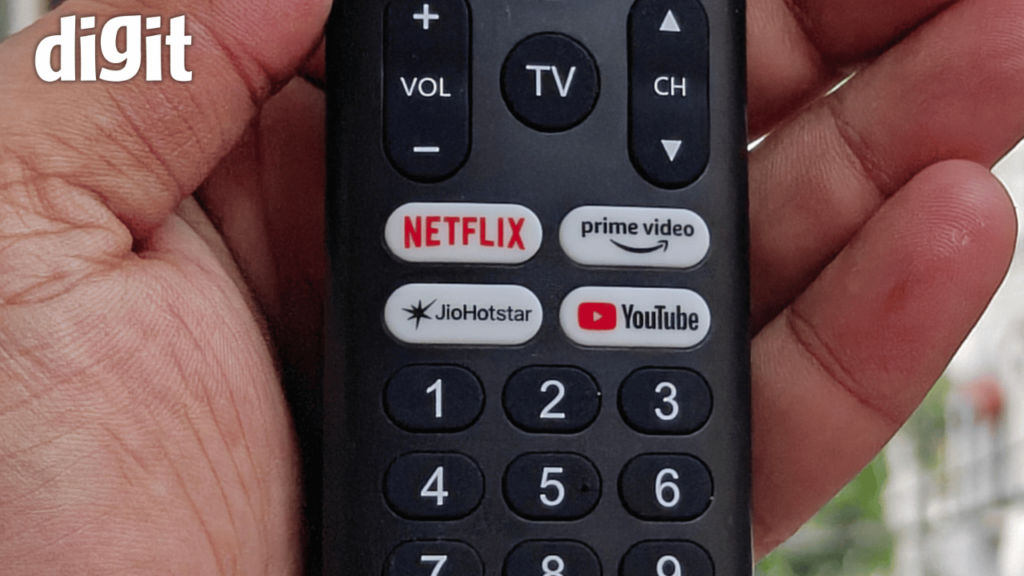
The remote also deserves a mention. It has shortcut buttons that let me jump straight into the apps I use most, so I’m not stuck digging through menus every time. Sounds like a tiny thing, saving a few seconds, but when you’re using it every day, the small details add up.
There’s also an AI button on the remote that’s genuinely handy for finding stuff to watch. I tried it out by asking for comedy movies under two hours, and the suggestions it gave me were spot on.
ACT Stream TV 4K: Final Verdict
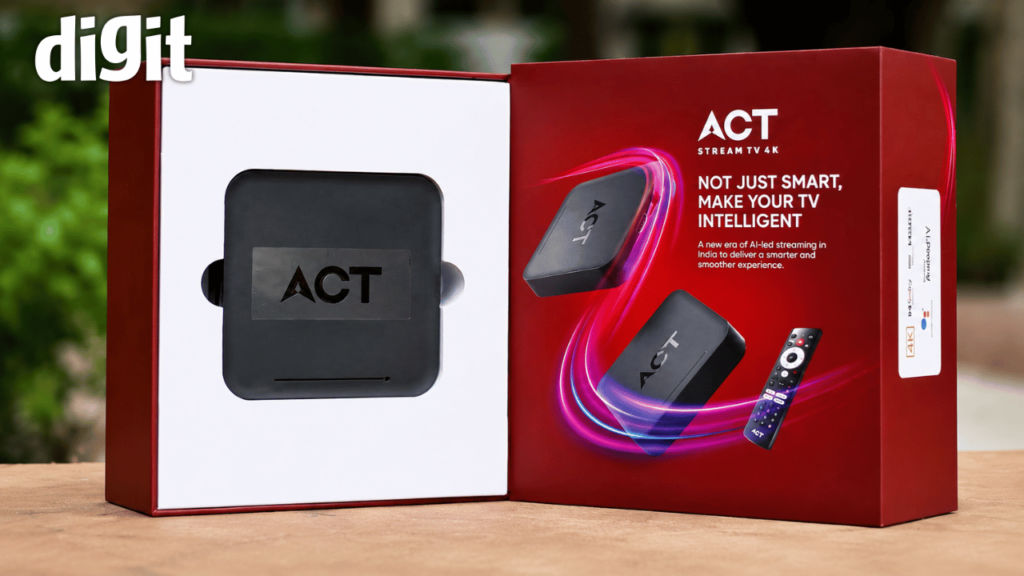
After spending several days with the ACT Stream TV 4K, I came away with a largely positive impression. But, should you buy the device? That answer depends less on the product itself and more on the internet connection inside your home. As I already mentioned, if you have an ACT Fibe internet connection, the ACT Stream TV 4K is an easy recommendation.
What impressed me the most was not one standout feature. It was the overall balance. The Stream TV 4K set-top box does not try to overwhelm you with gimmicks. Instead, it focuses on making everyday entertainment simple. Live TV and OTT services work together comfortably. The interface stays smooth and the picture quality remaining consistently good.
The ACT Stream TV 4K also avoids one of the biggest problems many affordable Android TV devices suffer from, which is overheating. Even after several hours of continuous use, the set-top box remained only slightly warm.
That said, there is still room for improvement. The remote could benefit from a more premium build, and the app launch times could be faster. Additionally, the software bug I encountered should be addressed through a future update.
However, considering everything that’s on offer at an asking price of Rs 4,499, the ACT Stream TV 4K is definitely a value-for-money device.


