
This One UI 9 anti theft feature can permanently lock your Galaxy device: Here is how to stay safe
 Follow Us
One UI 9 locks phones after repeated wrong unlock attempts.
It improves security but may lock out genuine users.
Back up your data and keep your PIN safe.
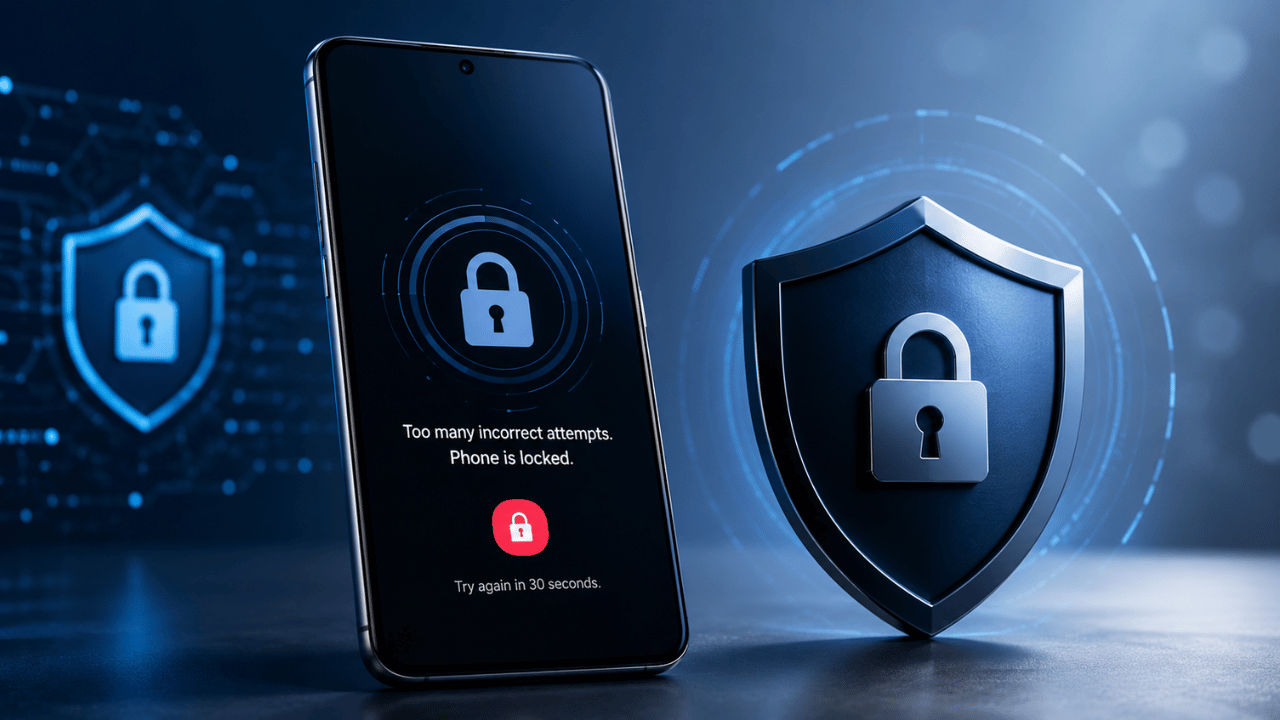

Samsung has recently introduced the Galaxy Z Flip 8, Galaxy Z Fold 8, and Galaxy Z Fold 8 Pro at the Galaxy Unpacked Event 2026 held earlier this month. Along with the new devices debuted the One UI 9, which is a skin based on the latest Android 17. While the new operating system brings many changes, one of the most interesting features is the new security feature that permanently locks a Samsung Galaxy device after multiple incorrect PIN attempts, helping protect sensitive data from unauthorised access. Currently, One UI 9 is available only on the new Galaxy Z Fold 8 and Galaxy Z Flip 8 lineups, as well as the Samsung Galaxy S26 series, with a wider rollout expected later.
 Survey
Samsung One UI 9: New protection feature
One UI 9 offers a new security feature, which is intended to protect your Galaxy phone if it gets stolen. Nonetheless, it might cause some difficulties in case you forget the password for your phone. The security measure automatically locks the phone after entering an incorrect PIN, password, or pattern 13 times.
After reaching this limit, it becomes impossible to unlock the phone using the current credentials. The only thing one can do at this point is to restore the phone to its factory settings, which means that all data will be lost if it was not previously backed up.
Also read: Sam Altman calls AI authoritarianism a bigger risk than AI itself
Why Galaxy users should be careful
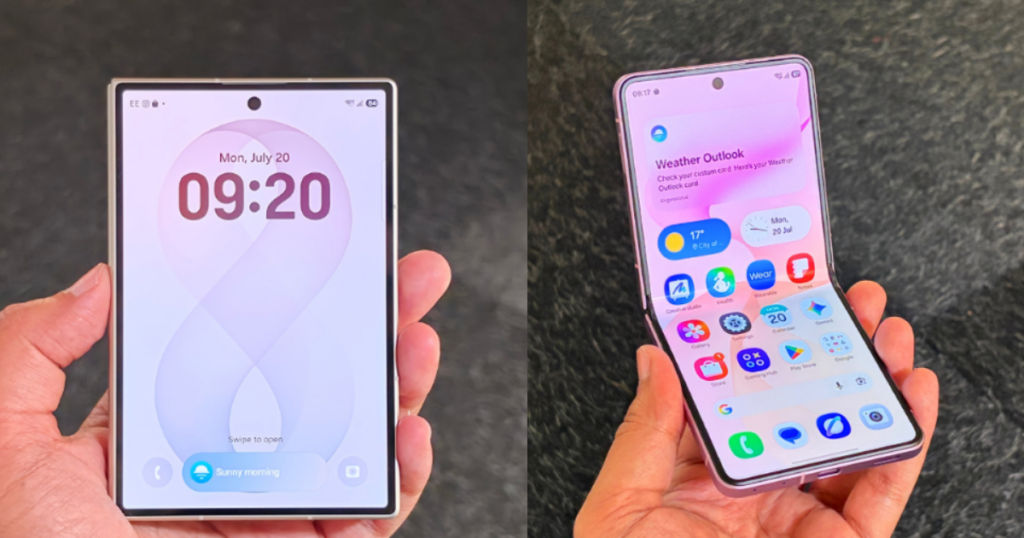
While the feature offers better protection against theft, it also creates a risk for genuine users. Let’s say that your child is playing with your device and he or she accidentally enters the wrong PIN several times, triggering the permanent lock. Then the only option that will be left with you would be to reset your device, losing all your data.
Aside from that, the users who mostly depend on Face Unlock or the fingerprint scanner also need to be careful, as in certain situations, like after a restart or after multiple failed unlock attempts, Samsung requires the original PIN, password, or pattern, and if you forget your PIN, password, or pattern, then you will be left high and dry.
Also read: Microsoft introduces MAI Cyber 1 Flash AI model, says it beats Mythos 5 on important benchmark
How to stay safe
At the time of writing, it is still uncertain whether you can turn off this feature. Therefore, we recommend regularly backing up your photos, documents, and other important files using Samsung Cloud or another trusted backup service. We also advise you to write down your current PIN, password, or pattern and keep it in a safe place so you can refer to it if you ever forget it.


