
Happy Ram Navami 2026 WhatsApp status video: Download short video to share on Instagram, Facebook and more
 Follow Us
Ram Navami is celebrated on March 26–27 with prayers and devotion.
Users can post the videos below as WhatsApp status or as wishes on other social media platforms.
AI tools help make and download simple festive videos quickly.
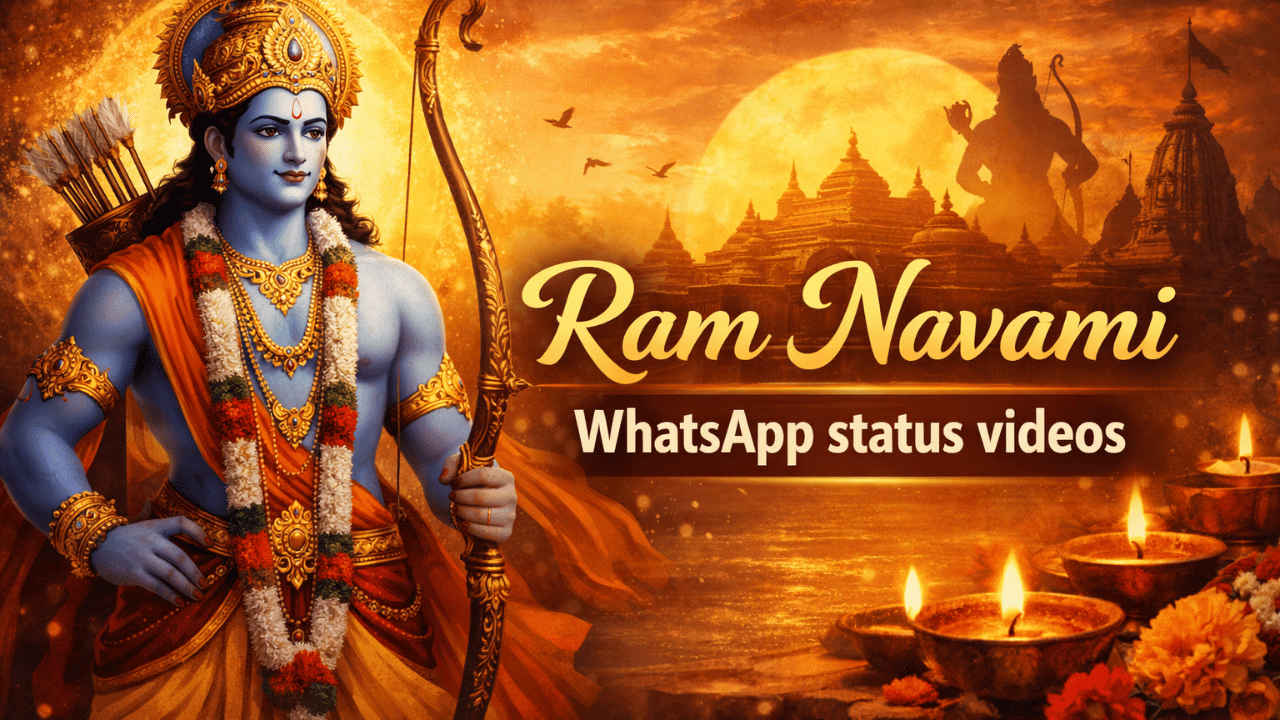

Ram Navami is a festival that holds great value in Hindu mythology. The festival celebrates the birth of Lord Rama, the king of Ayodhya. He has been known for his values of righteousness, bravery, and kindness. The festival is observed on the ninth day of the Chaitra month with great devotion and prayers. People also observe the day with fasting and the beautiful decoration of their homes and temples. People have also been using social media platforms to connect with their loved ones by sharing festive wishes and messages on WhatsApp statuses, Instagram, and Facebook.
 Survey
Ram Navami 2026 date
According to the Hindu lunar calendar, the Navami tithi is marked during Shukla Paksha in the month of Chaitra. This year the Ram Navami tithi begins at 11:48 AM on March 26 and ends at 10:06 AM on March 27, 2026.
WhatsApp status videos for Ram Navami
On Ram Navami, people like to share short, meaningful videos. These videos often have devotional songs, pictures of Lord Rama, temples, diyas, and holiday greetings. You can also make your own video by adding voice notes, photos, and personal messages to make it more unique.
Also read: Instagram may soon allow you to watch Reels without internet, here is how
How to make Ram Navami videos using AI
You can easily create a Ram Navami video to share as your WhatsApp status using Google Gemini. Follow the easy steps below to do so:
1. Open an AI video creation tool such as Gemini or similar platforms.
2. Enter a clear prompt describing the theme, visuals, and background music you want.
3. Submit your request and wait for the video to be generated.
4. Once ready, download the video to your device.
Also read: Apple can use Gemini to train smaller AI models for on-device Siri, here is how
How to post your Ram Navami video as a WhatsApp status
To post the Ram Navami status videos as your WhatsApp status, you need to open WhatsApp > navigate to the Updates section > tap plus sign > select video > upload it. Do note that you can also adjust who can view your status.
Also read: Meta to lay off hundreds of employees across departments amid AI push: Report
Happy Ram Navami 2026!
I hope this holy day brings you and your family peace, happiness, and success. Be devoted to your celebration and spread happiness and good vibes to everyone around you. The video we shared above has been sourced from open-source platforms like Canva, Pexels, and more.


