
Google’s Wear OS Clock app is now Pixel-exclusive, but existing users can still use it
 Follow Us
Google’s Clock app for Wear OS is now exclusive to the Pixel Watch.
Existing users on other Wear OS watches can still use the app but won’t get updates.
Non-Pixel watches now have to rely on their default or third-party clock apps.
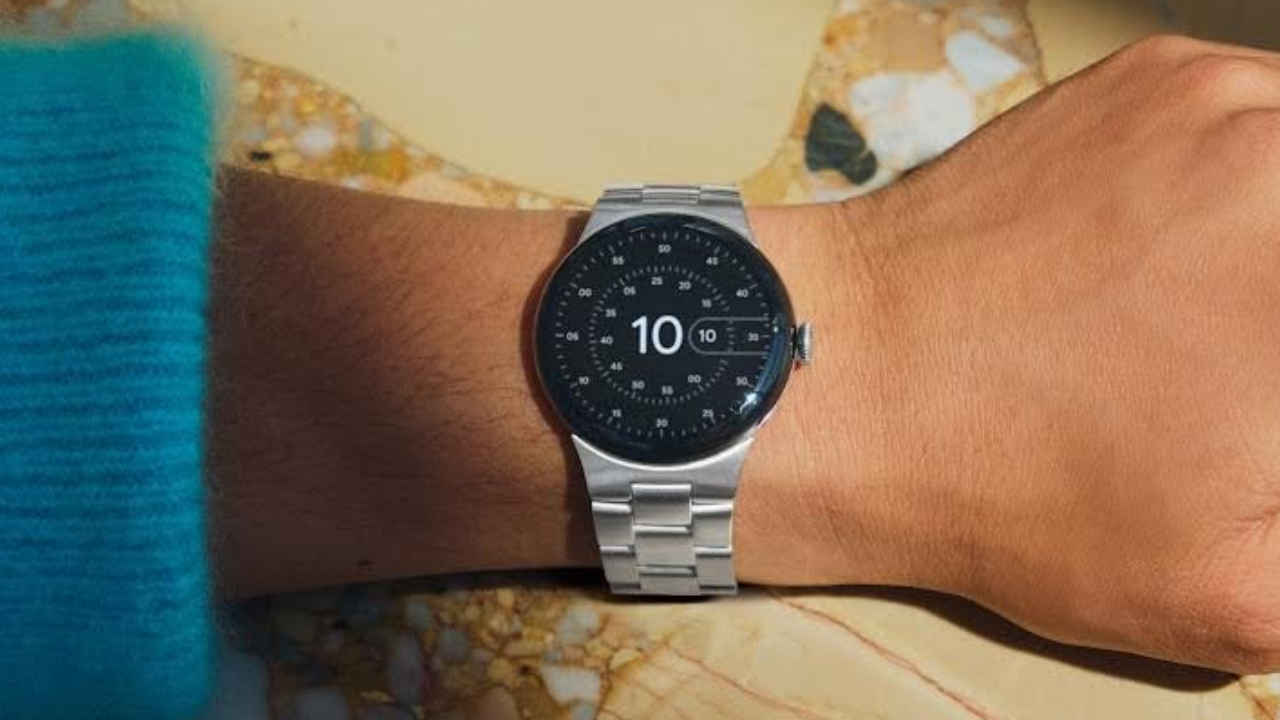

Google is making a change to its Wear OS platform that affects one of its most commonly used apps, the Clock app. The company has confirmed that the Google Clock app, which includes features like alarms, timers and a stopwatch, will no longer be available for download on most Wear OS smartwatches. From now on, it will be exclusive to Google’s own Pixel Watch.
 Survey
According to Google, many smartwatch brands that run on Wear OS now include their own built-in clock apps. Because of this, the company has decided to limit the availability of its Clock app to the Pixel Watch lineup. “With your favorite watch brands offering their own default clock apps on Wear OS, Google’s Clock app (alarm, timer, and stopwatch) is no longer available for download on Wear OS smartwatches – except for pre-installed on the Pixel Watch,” the company stated in a support page.
Also read: Apple iPhone 16 Plus price drops by over Rs 17,400 on Amazon: Check all deal details here
If you own a Pixel Watch, there’s nothing you need to do- your watch already comes with the Google Clock app pre-installed and it will keep receiving updates.
However, if you use another Wear OS smartwatch, there are a few things to note. If your watch already has Google’s Clock app installed, you’ll still be able to use it without any issues. The app will continue to work as usual, but it will no longer get new updates from the Play Store.
Also read: Oppo Reno 13 price drops by over Rs 11,700 on Amazon: How to grab this deal
For users who do not already have Google’s Clock app installed, it is no longer available to download from the Play Store. Instead, you’ll need to use your watch’s default clock app or explore other options available on the Play Store from different developers.Also read: Realme GT 8 Pro India launch soon: Price, camera, display, processor and other details we know


