E-Magazine
OnePlus 15, Realme GT 8 Pro and more to get the ColorOS 17 update: Check full list and how to download
ColorOS 17 closed beta is now available for select OnePlus and Realme devices.
The update brings a refreshed design, new features, and Android 17 improvements.
Users can apply through the Beta Program, but should back up data before installing.

Oppo has finally rolled out the closed beta of the upcoming ColorOS 17 for OnePlus and Realme devices, as both brands' software is merging into ColorOS. As we previously reported, the company is planning to retire OxygenOS and Realme UI, since maintaining three different operating systems is difficult and costly. The all-new ColorOS 17 is a skin based on Android 17 and will bring new design and visual changes, along with better performance and new features. Follow along with the article to learn more about how to install the latest ColorOS 17 on your OnePlus or Realme device, which smartphones are eligible, and other important details.
ColorOS 17: Eligible OnePlus and Realme devices
Here is the list of devices that are expected to receive the ColorOS 17 update:
OnePlus
- OnePlus 15 series: OnePlus 15, 15R, 15T
- OnePlus 13 series: OnePlus 13, 13R, 13s
- OnePlus 12 series: OnePlus 12, 12R
- OnePlus 11 series: OnePlus 11
- OnePlus Open series: OnePlus Open
- OnePlus Nord 6 series: OnePlus Nord 6, Nord CE6
- OnePlus N6 series: OnePlus N6, N6x
Note: OnePlus Nord 3, Nord CE 4, and Nord CE 4 Lite are excluded.
Realme
- Realme GT 8 series: GT 8 Pro, GT 8 Pro Aston Martin F1 Edition
- Realme GT 7 series: Realme GT 7, GT 7T, GT 7 Dream Edition
- Realme GT 6 series: GT 6, GT 6T
- Realme 16 series: Realme 16, 16 Pro, 16 Pro+
- Realme 15 series: Realme 15, 15 Pro, 15T, 15x, 15 Lite
- Realme P4 series: P4 Power, P4R
How to install the ColorOS 17 closed beta
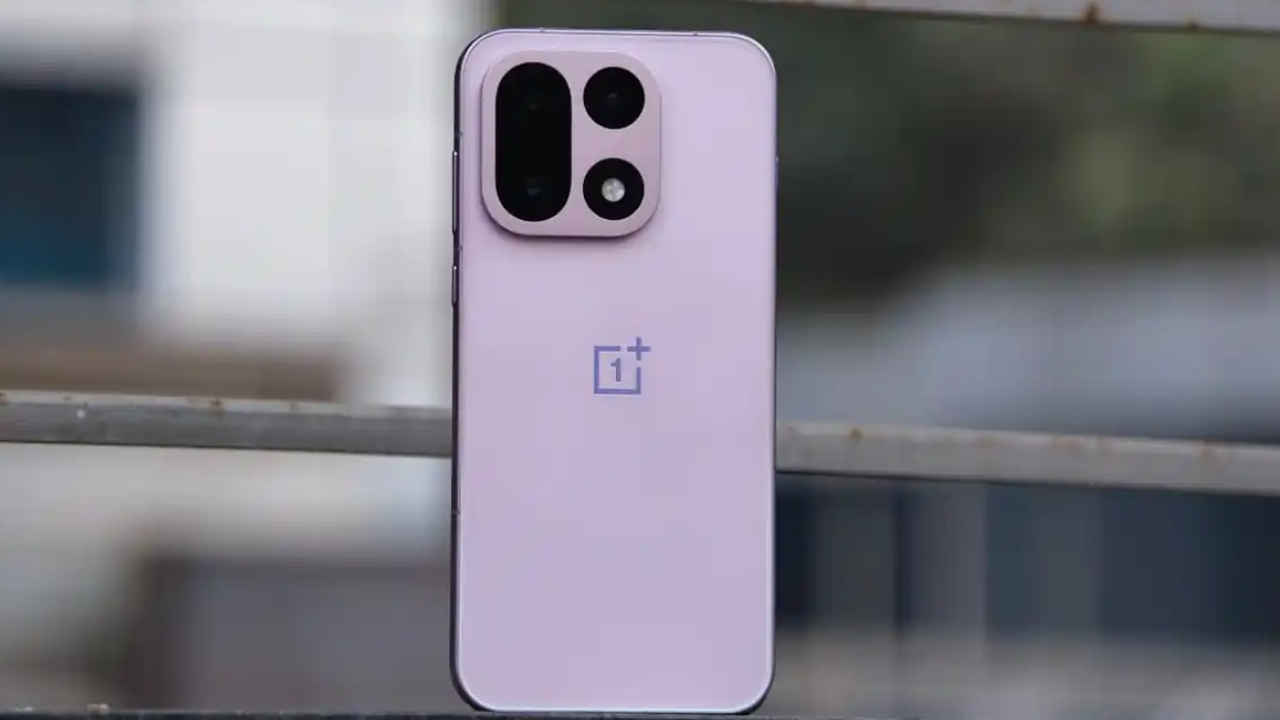
If you’ve a OnePlus 15, 15R or Realme GT 8 Pro, then you can install the latest closed beta for ColorOS 17 via the Settings app. Simply go to System & Updates and tap Software Update.
Now look for the three-dot menu below the battery icon and press it. Choose Beta Program from the list, head to the Closed Beta section and select Apply.
Sign in using your Google account or phone number. Complete the required quiz and submit your application.
If your application is approved, then the beta update will be delivered to your device through the software update section.
Things to know before installing ColorOS 17
Before installing the beta software, keep in mind the below-mentioned points:
- The software is currently in development and may contain bugs, performance issues or features that are not yet finalised.
- Users planning to install the beta should back up important data before applying.
ColorOS 17: Release timeline (Expected)
There is no official announcement regarding when the stable version of ColorOS 17 will be rolled out for the OnePlus and Realme devices. However, the closed beta has been launched for certain devices and reports suggest that more devices can join the beta programme in the coming months.