
Apple iOS 27 beta 5 update is here: What is new, how to download and supported devices
 Follow Us
Apple has released iOS 27 beta 5 for developers.
iOS 27 beta 5 is available for the iPhone 11 series and newer models.
Back up your iPhone before installing the beta update.
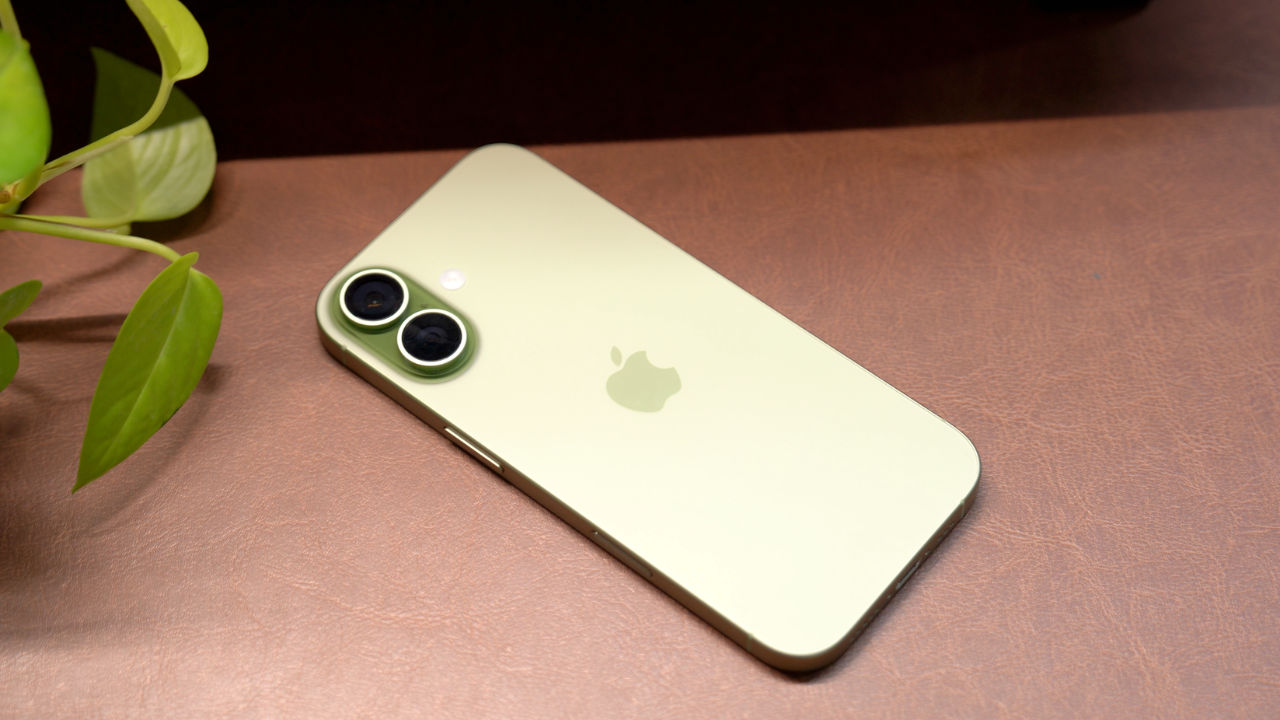

Apple has released iOS 27 beta 5 for developers. The latest beta version brings several changes ahead of the public release of iOS 27. With the latest update, the tech giant has refreshed some app icons and made more changes to Liquid Glass. Since this is a developer beta, it may still have bugs or other issues. So, it is advised to back up important data before installing the update. Here is everything you need to know about iOS 27 beta 5, including what is new, how to install it and supported devices.
 Survey
Apple iOS 27 beta 5: What’s new
iOS 27 beta 5 brings updated Liquid Glass icons for apps including Safari, Siri, Settings, Remote, App Store and Preview. According to MacRumors, some icons have been completely redesigned. Apple has also made the clearest Liquid Glass setting more transparent than before.
Siri AI gets more voice controls. Users can adjust the pace and expressivity of all seven American and four British voices. These changes happen on the device and are limited to the iPhone 17 Pro, iPhone 17 Pro Max and iPhone Air.
Also read: Apple on track to launch all-glass iPhone, glassy Pro models coming next year: Report
Search has received a few useful changes. Its interface now appears more smoothly and includes a Search the Web option. Users can also choose whether apps appear in search results and select how many apps are shown. Also, the Contacts app can now show a person’s company below their name in the contact list and search results.
Other changes include a setting for Personalise Smart Replies in Mail and a thicker font for Alarms and Timers in the Clock app. The Battery settings can now warn users when a weak cellular connection is increasing battery use. The About page also shows when the latest software update was installed.
Also read: OpenAI launches GPT 5.6 Cyber AI model, expands cybersecurity initiative Daybreak
Apple iOS 27 beta 5: Supported iPhones
iOS 27 beta 5 is available for the iPhone 11 series and newer models. This includes the iPhone 12, iPhone 13, iPhone 14, iPhone 15, iPhone 16 and iPhone 17 lineups. The iPhone SE (2nd generation) and newer models are also supported.
Note that some Siri AI and Apple Intelligence features require newer hardware and will not work on every supported iPhone.
Apple iOS 27 beta 5: How to download
Back up your iPhone before installing the beta update. Then sign in to the Apple Developer Program using your Apple ID.
Then, open Settings > General > Software Update > Beta Updates and select iOS 27 Developer Beta. Now, go back to the Software Update page, and tap Download and Install when the update appears.


