
3 NotebookLM prompts every student should use to study smarter
 Follow Us
NotebookLM helps students revise smarter using uploaded notes and study material.
AI-generated questions and course maps make exam prep more focused.
Feynman Technique prompts can improve understanding through interactive learning.
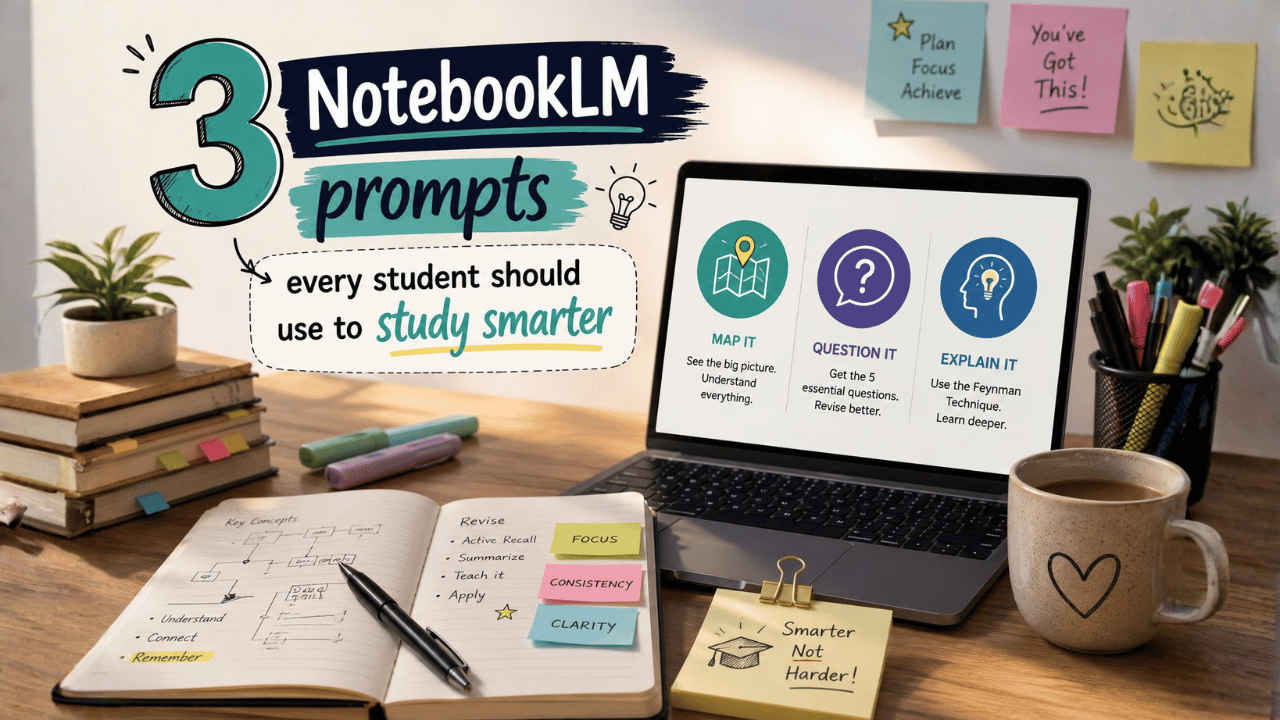

With exams closing in and sleep becoming an optional subject for the students, they are leaning on the AI tools to survive late-night study sessions. However, instead of using the chatbots for quick answers or scrolling endlessly through tutorial videos, many are now choosing a smarter and more focused approach using the NotebookLM. The tool works differently from the traditional AI assistants because it responds only using the material uploaded by the user. Moreover, the lecture slides, class notes, textbooks, research papers, and transcripts can become the foundation of every explanation provided by the AI tool. Here are three NotebookLM prompts you should use as a student that can help you study better.
 Survey
1. Course map prompt
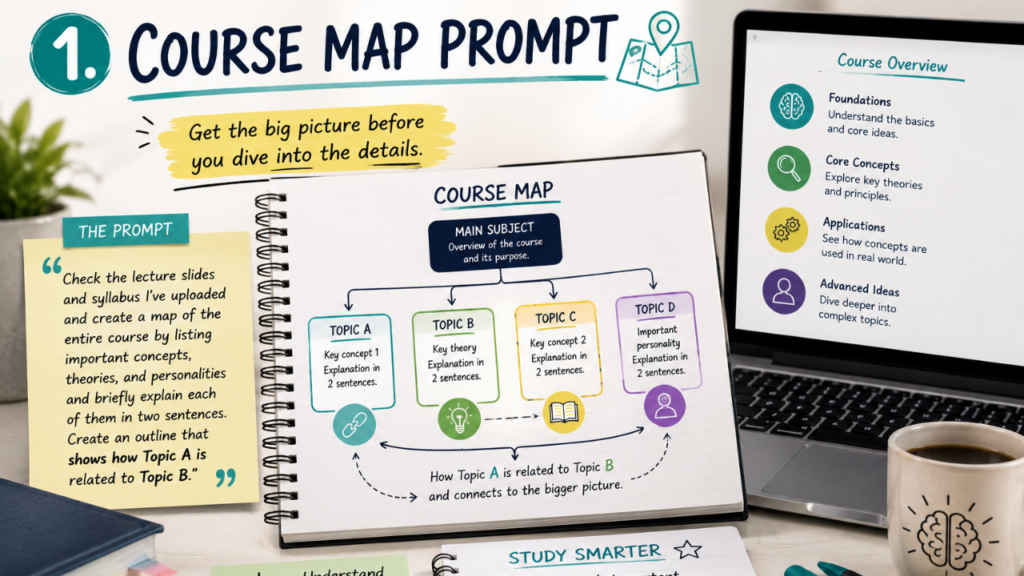
What makes NotebookLM stand out is not just the summaries it creates but also the way students are learning to use prompts to study smarter. One popular method is asking the tool for a quick map of an entire course before starting revision. Students upload lecture slides, reading material, and course outlines, then ask for every major concept and theory in short explanations. This does not imply that everything should be memorised immediately; instead, one needs to visualise the course curriculum before going deep into the complex topics.
Prompt:
Check the lecture slides and syllabus I’ve uploaded and create a map of the entire course by listing things one by one, especially the important concepts, theories, and personalities mentioned in the course, and briefly explain each of them using two sentences. Create an outline that will show how Topic A is related to Topic B.
Also read: Anthropic’s Claude Mythos can trigger cybersecurity risks, IMF warns
2. Five essential questions prompt
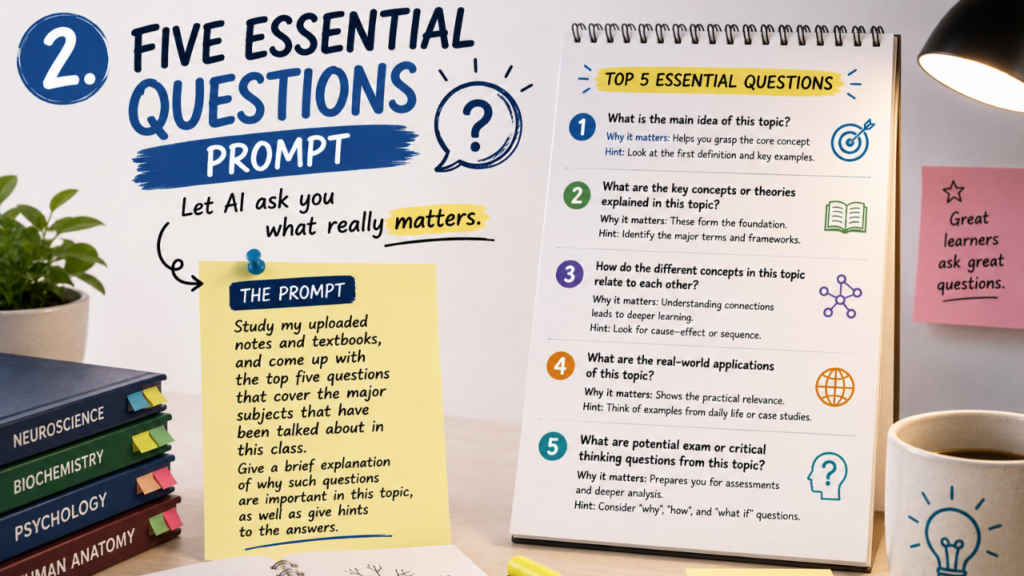
Another emerging prompt that has gained prominence is the five essential questions technique. Rather than prompting students with questions from the AI program, the system prompts the students with questions. The NotebookLM tool looks at the uploaded content and creates five important questions. These questions cover the main ideas, definitions, and uses explained in the course.
Prompt:
Study my uploaded notes and textbooks, and come up with the top five questions that cover the major subjects that have been talked about in this class. Give a brief explanation of why such questions are important in this topic, as well as give hints to the answers.
Also read: Want a software job at Google? AI could soon help you during interviews, here is how
3. Feynman technique prompt
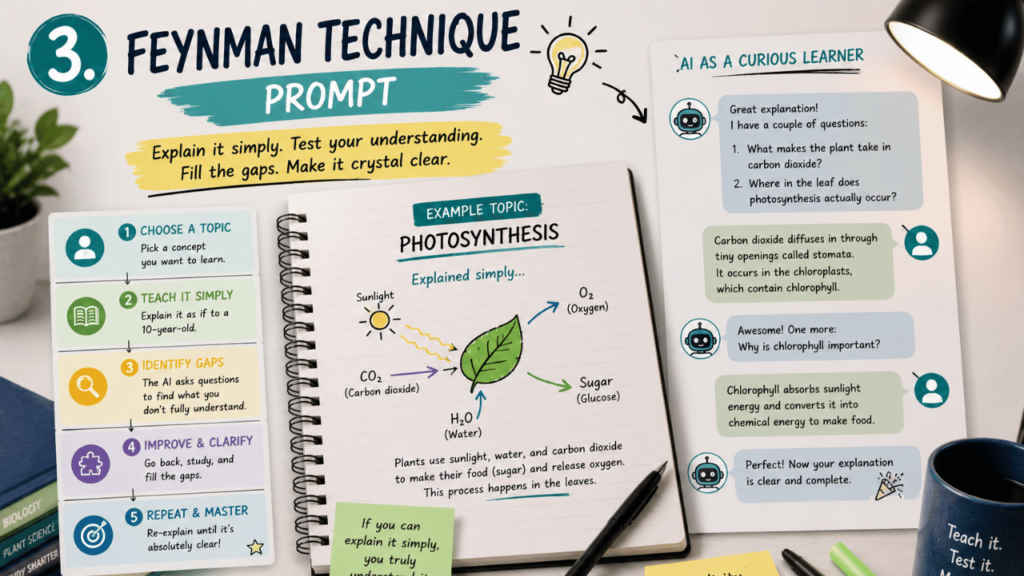
Many users are also adapting the well-known Feynman Technique for AI-based study sessions. NotebookLM allows users to set custom roles, so students can turn the tool into a curious beginner, a sharp learner, or even a sceptical professor. They then explain topics aloud while the AI asks follow-up questions. This method helps students arrange their ideas and find out what they do not understand clearly.
Prompt:
I am going to practise the Feynman Technique. Imagine yourself as a very curious 10-year-old student who knows nothing about the subject. I will give an explanation. At the end of the explanation, you will put forward to me two questions related to any logical inconsistencies or technical terms used but not explained properly in my explanation. Continue till your explanation becomes absolutely clear.


