
6 new tools coming to YouTube Shorts: Auto layout, Add yours sticker and more
 Follow Us
YouTube has introduced six new tools for YouTube Shorts.
Soon, you'll be able to use Auto layout on Android, which automatically tracks the main subject in your video as you're turning it into a Short.
Creators can now include an “Add yours” sticker to their Shorts to inspire their audience with their own related content.

YouTube Shorts is about to get even more exciting! YouTube has introduced six new tools for YouTube Shorts to make creating and sharing content easier and more fun. These tools aim to give users more creative freedom.
 Survey
Whether you’re a content creator looking to spice up your videos or just someone who loves scrolling through Shorts, these updates are sure to bring fresh and engaging ways to connect and express yourself. Let’s dive into what each of these new tools has to offer!
Auto layout
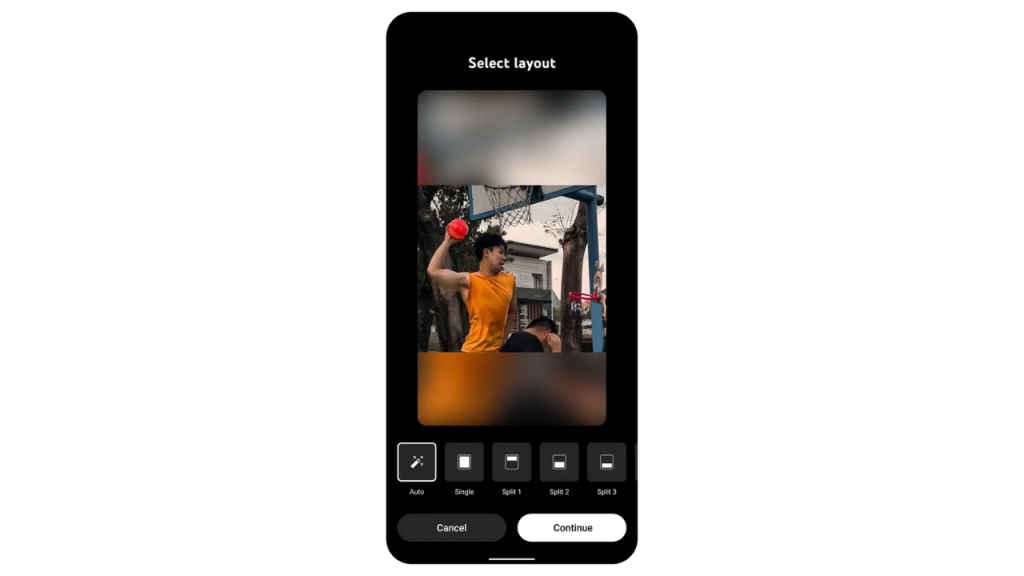
Last year, YouTube launched tools to help you turn your regular videos into Shorts. Now, the company is making them even better.
Soon, you’ll be able to use Auto layout on Android, which automatically tracks the main subject in your video as you’re turning it into a Short. This means when you’re remixing long form videos into Shorts, the Auto layout tool will automatically and dynamically pan, zoom, and crop to make sure your Shorts look great.
Also read: YouTube debuts new playback controls, You tab, animated subscribe button & more
Narrate your text
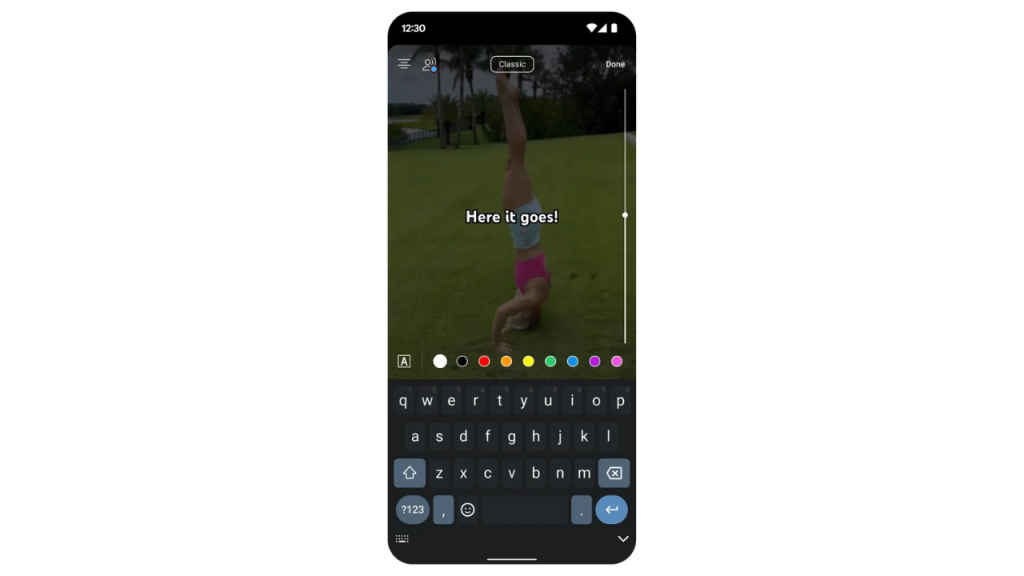
With Text to Speech, creators will have additional ways to express themselves in Shorts. After recording a Short, simply add your text and tap the “Add voice” icon in the top left corner, where you can select from four different voices to narrate or speak your text aloud.
Add yours sticker
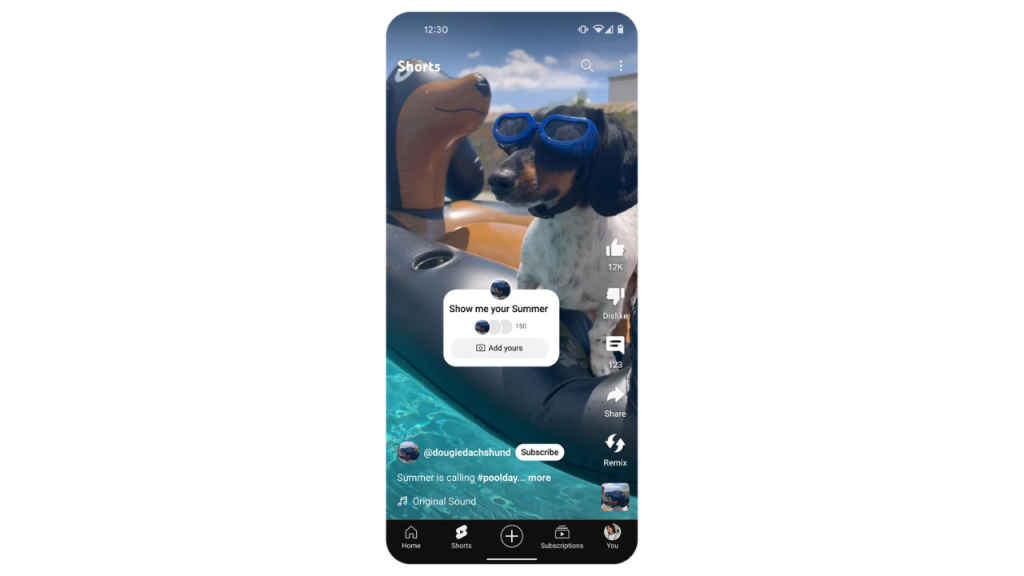
Creators can now include an “Add yours” sticker to their Shorts to inspire their audience with their own related content, sparking a chain reaction of adorable content! This feature is rolling out gradually over the next few weeks.
Also read: YouTube creators can now share exclusive Shorts with their paying viewers: Here’s how
New Minecraft effects
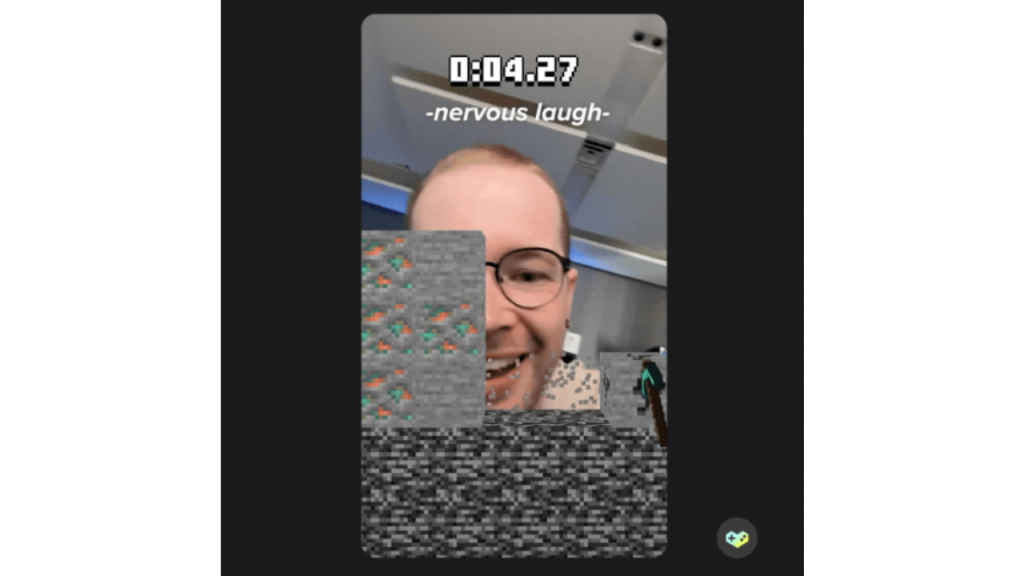
To help celebrate Minecraft’s 15th anniversary, YouTube has launched two new effects in Shorts: Minecraft Spring and Minecraft Rush.
Minecraft Spring transports you right into the world of Minecraft, and Minecraft Rush is a new mini game you can play right in the Shorts player.
Add and edit captions
You will soon be able to add auto-generated captions directly on your content to help your Shorts be more fun, engaging, accessible and helpful for people watching on mute. You’ll be able to edit, customise, and style your captions with different fonts and colours.
Remix a Remix (a Remix)
YouTube has launched the option to remix a remix. Remixing a remix lets you join in on the fun with other creators while putting your own spin on remixed content.


