
Digit.in
  • News
  • Reviews
  • Top 10s
    • Best Phones Under 10000
    • Best Phones Under 20000
    • Best Phones Under 30000
  • Features
  • How To
  • AI
  • Digit Binge
  • Mobile Recharge Plans
  • Web Stories
  • DIGIT ZERO1 AWARDS
  • Digit Shop
  • English
  • Hindi
  • Tamil
  • Kannada
  • Telugu
  • Malayalam
  • Bangla
  • Marathi
Login / Register is disabled Login
  • Mobiles
    • Latest
      • realme P4R 5G
      • Motorola Edge 70 Pro+
      • Xiaomi 17T
      • Oppo F33 Pro
    • Popular
      • Apple iPhone 17 Pro
      • OnePlus 15 5G
      • iQOO 15
      • Oppo Find X9 Pro
    • News
      • OnePlus 15R price drops to under Rs 50000 on Flipkart: Should you buy
      • Facing storage problems after installing Android 17? You are not alone
      • Apple iPhone Air 2 may launch sooner than expected: here is what we know
      • Will your next iPhone cost more? Here is what Tim Cook has to say about it
    • Reviews
      • Xiaomi 17 Ultra long-term review: This is what ultra should mean
      • Realme P4R review: The most practical phone under Rs 20000?
      • Oppo F33 Pro review: Big on style, mixed on substance
      • Xiaomi 17T Review: The return of fan-favourite formula
  • Laptops
    • Latest
      • IdeaPad Slim 5 Gen 10 (AMD Ryzen 5 7535HS, Windows 11 Home)
      • ThinkPad X13 Gen 5 (Intel Core Ultra 7, 16 GB RAM, 1TB SSD, Win 11 Pro)
      • Lenovo Ideapad Slim 3 Gen 8 (AMD R7, 512 GB SSD)
      • Lenovo IdeaPad Slim 3i Gen 11 (83UR009QIN)
    • Popular
      • Asus Zenbook 14
      • MacBook Air 13 inch (M5 chip / 512 GB SSD / 16 GB memory)
      • Dell XPS 14 Laptop (2026)
      • Lenovo LOQ 15IRX9 83DV007JIN Gaming Laptop (13th Gen Core i5/ 16GB/ 512GB SSD/ Win11/ 6GB Graph)
    • Best
      • Best MacBook alternatives from ASUS
      • Best MacBook alternatives from MSI
      • The Best AI (Artificial Intelligence) Laptops for Programmers in 2025
      • Best MacBook alternatives from HP
    • News
      • MacBook Neo can be yours for under Rs 40,000: Here is how to get it
      • Computex 2026: Microsoft Surface Laptop Ultra launched, check specs and features
      • Asus ROG Zephyrus Duo to launch in India soon? Here is what we know
      • You can get the MacBook Neo for under Rs 50,000: How the deal works
    • Reviews
      • Asus ExpertBook Ultra review: Built for business, not attention
      • HP Omnibook 5 review: Light as a feather, lasts like a brick
      • Lenovo IdeaPad Slim 3i Gen 11 review: Debuting with Intel Pather Lake
      • Lenovo LOQ 15IRX10 review: The end of the budget gaming laptop?
  • Home Appliances
  • Phone Finder
  • Apps
  • Mobiles
  • SKOAR!
  • Magazine
  • DIGIT ZERO1 AWARDS
  • Amazon Center
  • Digit Shop
Home » How To » General » How to enable UPI biometric payments using fingerprint or Face ID without a PIN

How to enable UPI biometric payments using fingerprint or Face ID without a PIN

By Bhaskar Sharma | Updated on 09-Mar-2026
Add DIGIT as a preferred source
Follow Us on Google News Follow Us
HIGHLIGHTS

UPI biometric payments allow users to approve transactions using fingerprint or Face ID instead of entering a PIN.

The feature requires a phone with biometric support and an updated UPI app linked to a bank account.

Transactions are limited to Rs 5,000 and the feature may require PIN verification again in some cases.
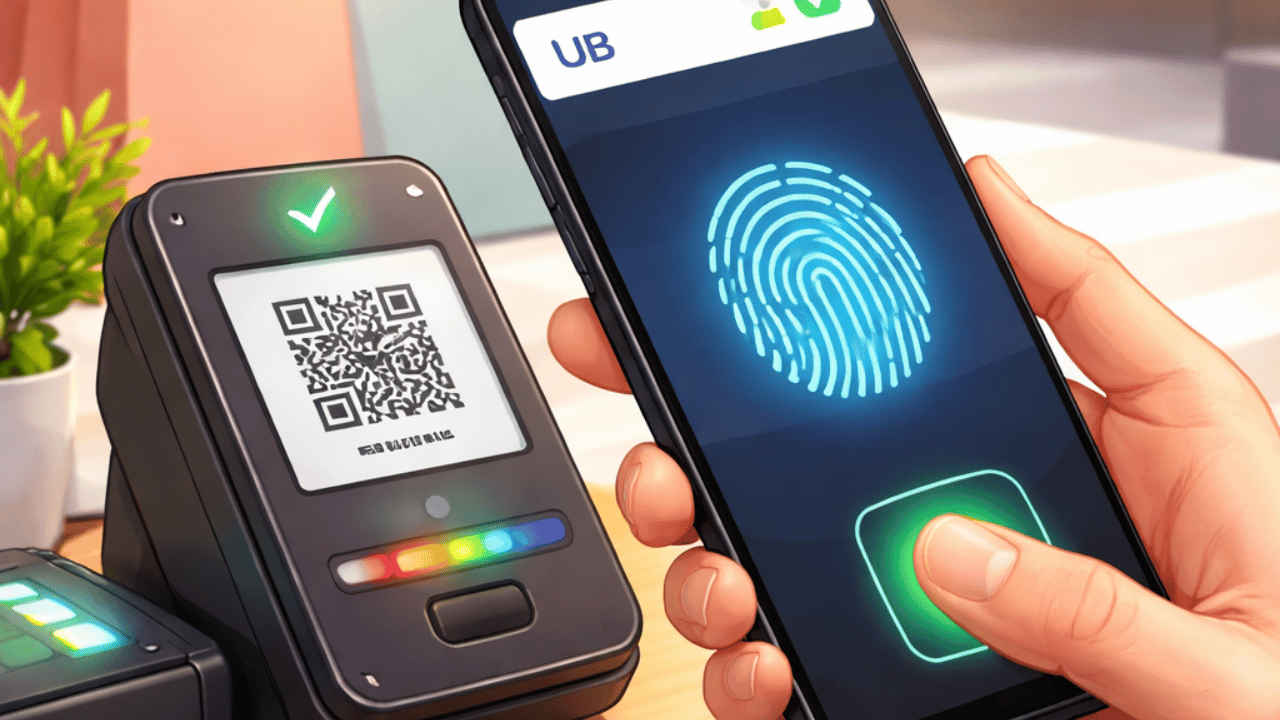
How to enable UPI biometric payments using fingerprint or Face ID without a PIN
Bhaskar Sharma Bhaskar Sharma
09-Mar-2026

Entering your UPI PIN for every transaction can be slow and frustrating. On top of that, you need to be careful about people around you while typing your PIN. Biometric payments solve this problem by allowing you to authorise transactions instantly using your fingerprint or Face ID. The method not only keeps your account safe but also eliminates the need for the repeated hassle of entering a PIN. Although it may seem complicated at first, setting it up is simple. Here is a detailed guide on how to enable UPI biometric payments using your fingerprint or Face ID.

Digit.in Survey
✅ Thank you for completing the survey!

Things to know

Before you proceed to learn how to enable UPI biometric payments using fingerprint or Face ID without a PIN, check out the following points:

  • Initially the transfer is capped at Rs 5,000 per transaction for security reasons.
  • If the feature is not used for 90 days, you must re-verify with a PIN.
  • Biometrics are automatically disabled if you reset your UPI PIN or change your phone’s system lock.

Also read: Two Surat women found dead after alleged suicide searches on ChatGPT, Elon Musk reacts

Prerequisites for UPI activation

Here are some of the things you need to ensure prior to setting up your UPI biometric payments:

  • Your smartphone must have a functional fingerprint scanner or facial recognition hardware.
  • Make sure that your device is not an Android device that is rooted or an iPhone that is jailbroken.
  • The UPI app you want to use for the biometric-based payments should be up-to-date.
  • Your bank account must be linked to your Aadhaar, as the system often leverages Aadhaar-based biometric data for the initial backend verification. 

Also read: How to block, unblock and check status of your lost or stolen device on Sanchar Saathi

How to set up UPI biometric payments using fingerprint or Face ID without a PIN

Here are the general steps using which you can set up the UPI biometric payments on your app:

Note: The exact steps may vary depending on the UPI app you’re using.

1. Launch your UPI app and head to the Profile section.

2. Open Settings and look for UPI and Payments Settings.

3. Tap Biometric Authentication and enable the feature.

4. Follow the on-screen instructions to register your fingerprint or face.

5. Activate the feature by entering your current UPI PIN.

Congratulations! You’ve successfully enabled the UPI biometric payments.

Some users have reported a recurring issue where the UPI app displays ‘Biometric verification failed’. This is often caused by dirty sensors or excessive lighting when using face recognition. 

Also read: How to make professional presentations using ChatGPT and Claude in few minutes: Full guide with prompts

List of banks supporting UPI biometric payments

Not all banks currently support the UPI biometric-based payments. Here is the list of banks that supports the UPI biometric payments at the time of writing:

  • Public Sector: State Bank of India (SBI), Bank of Baroda (BoB), Punjab National Bank (PNB), Union Bank of India, Canara Bank.
  • Private Sector: HDFC Bank, ICICI Bank, Axis Bank, Kotak Mahindra Bank, IndusInd Bank, Federal Bank and Yes Bank.
  • Small Finance Banks: AU Small Finance Bank, Equitas Small Finance Bank.
  • Payment Banks: Paytm Payments Bank and Airtel Payments Bank.

Bhaskar Sharma

Bhaskar Sharma

Bhaskar is a senior copy editor at Digit India, where he simplifies complex tech topics across iOS, Android, macOS, Windows, and emerging consumer tech. His work has appeared in iGeeksBlog, GuidingTech, and other publications, and he previously served as an assistant editor at TechBloat and TechReloaded. A B.Tech graduate and full-time tech writer, he is known for clear, practical guides and explainers. View Full Profile

Latest Article
Samsung Galaxy Z Flip 8 may launch next month: Date, India price, camera, battery and all other leaks Samsung Galaxy Z Flip 8 may launch next month: Date, India price, camera, battery and all other leaks
What is Abhigyan app? Here is what it does and who can use it What is Abhigyan app? Here is what it does and who can use it
Apple iPhone Air price drops to its lowest on Amazon: Should you buy Apple iPhone Air price drops to its lowest on Amazon: Should you buy
Bleach: Thousand-Year Blood War The Calamity OTT release timeline, platform, storyline, cast and more Bleach: Thousand-Year Blood War The Calamity OTT release timeline, platform, storyline, cast and more
Samsung Galaxy M47 5G India launch teased: Here is when it may debut Samsung Galaxy M47 5G India launch teased: Here is when it may debut
Most Searched Mobile Phones
  • Best Phones Under 10000
  • Best Phones Under 20000
  • Best Phones Under 30000
  • Upcoming Phones in 2026
  • Latest Mobile Phones
Latest Phones
  • Motorola Edge 70 Pro+
  • Xiaomi 17T
  • Oppo F33 Pro
  • Oppo Find X9 Ultra
  • Motorola Razr Fold
Mobile Recharge Plans
  • Airtel Recharge Plans
  • BSNL Recharge Plans
  • Reliance JIO Recharge Plans
  • VI Recharge Plans
Most Searched Laptops
  • Best Laptops Under 30000
  • Best Laptops Under 40000
  • Best Laptops Under 50000
Trending Movies
  • Bharat Bhhagya Viddhaata
  • Governor
  • Main Vaapas Aaunga
  • Welcome to the Jungle
Movies & Web Series
  • Best Movies
  • Latest Movies
  • Upcoming Movies
  • Best TV Shows & Web Series
  • Latest TV Shows & Web Series
  • Upcoming TV Shows & Web Series
Trending Web Series
  • Thukra Ke Mera Pyaar Season 2
  • Made In India: A Titan Story
  • Gullak Season 5
  • Raakh
OTT Providers
  • Netflix
  • ZEE5
  • JioHotstar
  • SonyLiv
  • icon
  • icon
  • icon
  • icon
SUBSCRIBE Subscribe for the industry's biggest tech news
Enter your email to get notified about our new solutions
By submitting your email, you agree to our
Terms and Privacy Notice.
CONNECT WITH US
  • icon Times Center, FC-6, 1st Floor, Sector 16A, Film City, Noida - 201301
  • icon (+91-120-6776999)
    (1800 121 0005)
  • icon Suggestion: editor@digit.in
    Business: business@digit.in
    Website: sales@digit.in
© 2026 Digit.in, All rights reserved
  • icon
  • icon
  • icon
  • icon
icon
  • About Us
  • Contact Us
  • Advertise with us
  • Regulatory
  • Terms & Conditions
  • Privacy Policy
  • Disclaimer
© 2026 Digit.in, All rights reserved
Digit.in
Logo
Digit.in
Logo
