
How to access ChatGPT from Mac’s menu bar using MacGPT
 Follow Us
MacGPT is free.
You can use ChatGPT from Mac’s menu bar thanks to it.
Here’s how to download, install and use MacGPT.
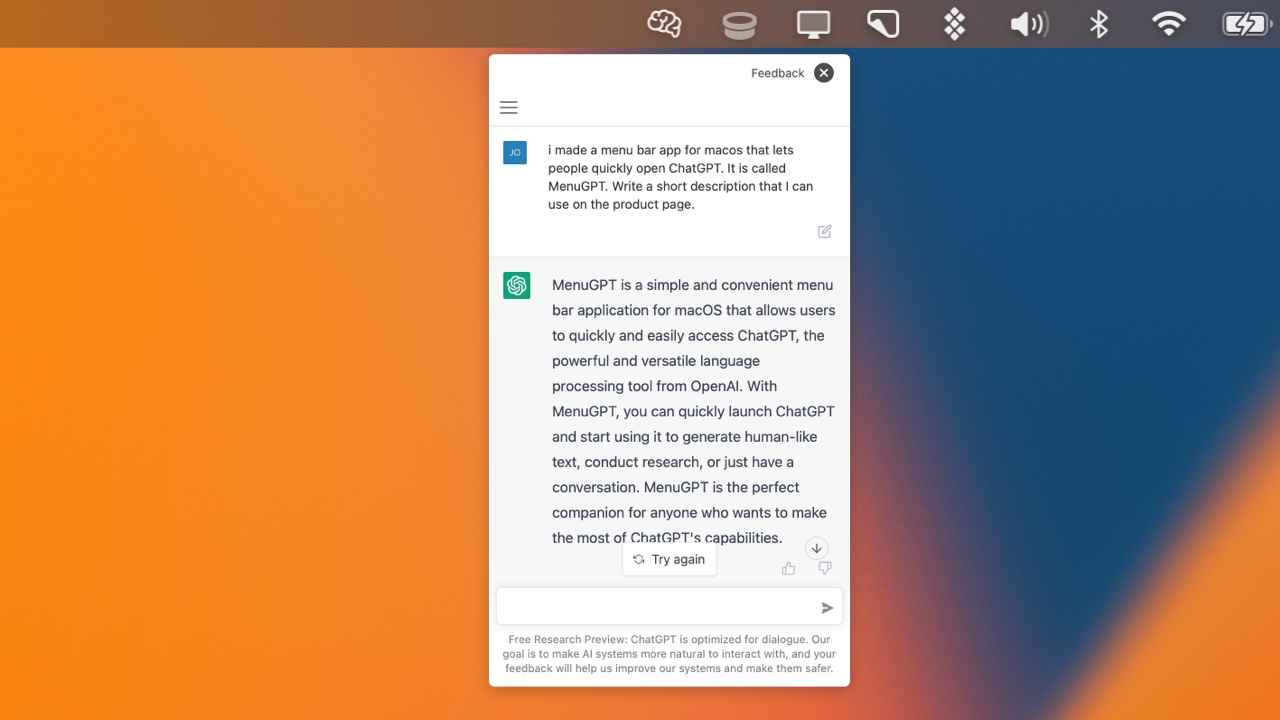

ChatGPT is the hottest thing right now in the world of tech. You may have used it on the web but that involves opening a browser and visiting chat.openai.com. But, that takes some time before you can interact with the bot. To speed up this process, we now have a nifty tool called MacGPT. It lets you access ChatGPT from Mac’s menu bar.
 Survey
Download MacGPT
You can grab the MacGPT.app file from Gumoad.com. It will be downloaded as a zip file.
Install MacGPT
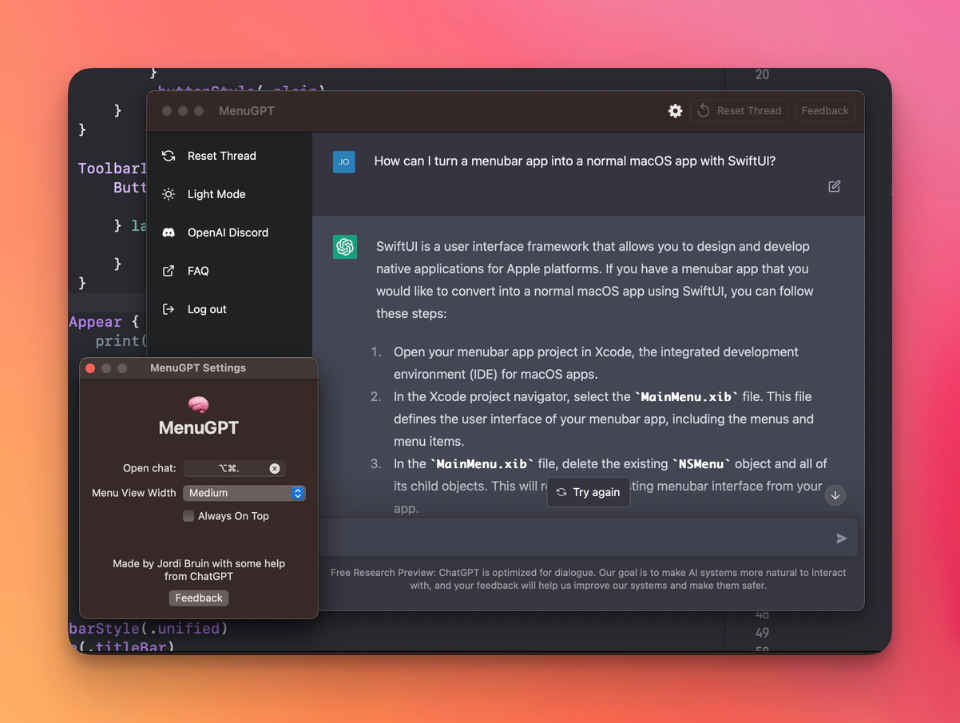
1. Double-click and decompress the Zip file to get the APP file. Double-click on it to open the app.
You should also be able to search for MacGPT on Spotlight.
2. You can either access ChatGPT’s web interface within the MacGPT window or use it as a native app. For the latter, you need to give the app your ChatGPT account’s API key.
If you aren’t registered or logged in to ChatGPT already, do that, and then go to this OpenAI Account Settings page to get the API key.
3. Click on Create New API Key and copy the newly generated API Key.

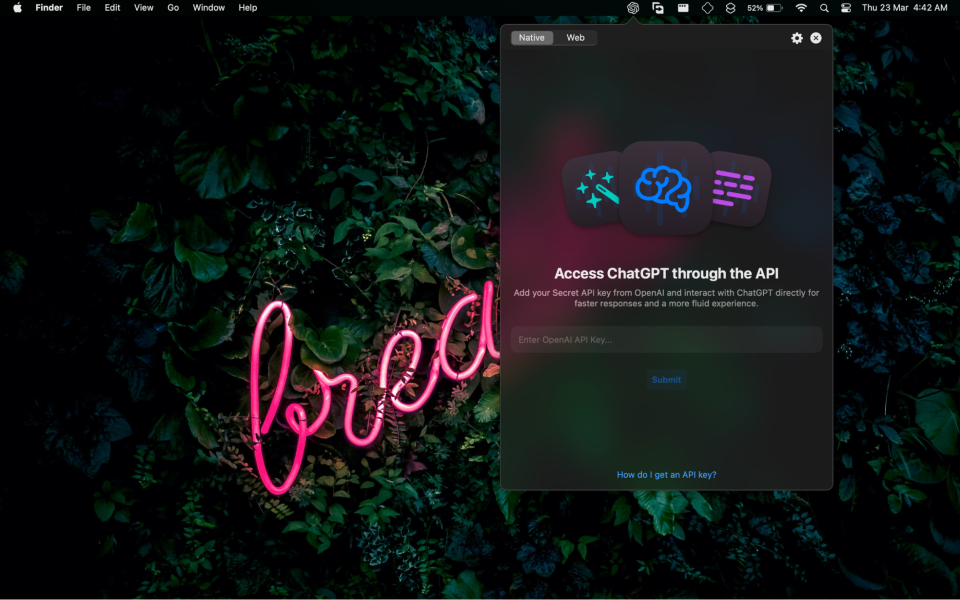
4. Enter the same inside the designated box within MacGPT.
5. Once you do that, you should be able to prompt ChatGPT with any of your questions or task request.
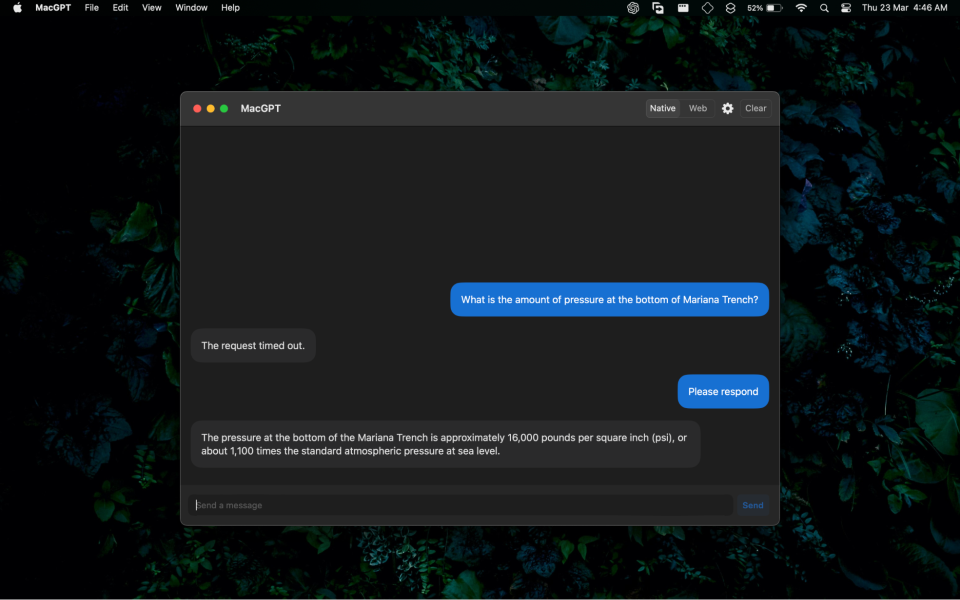
Although it doesn’t always respond on time and you may get a “request timed out” message. However, if you ask or request it again, it may respond.
That’s it. You can click on the ChatGPT logo on the Mac menu bar to quickly access ChatGPT. Handy, isn’t it?


