
This HP keyboard doubles as a mini PC and I tried it
 Follow Us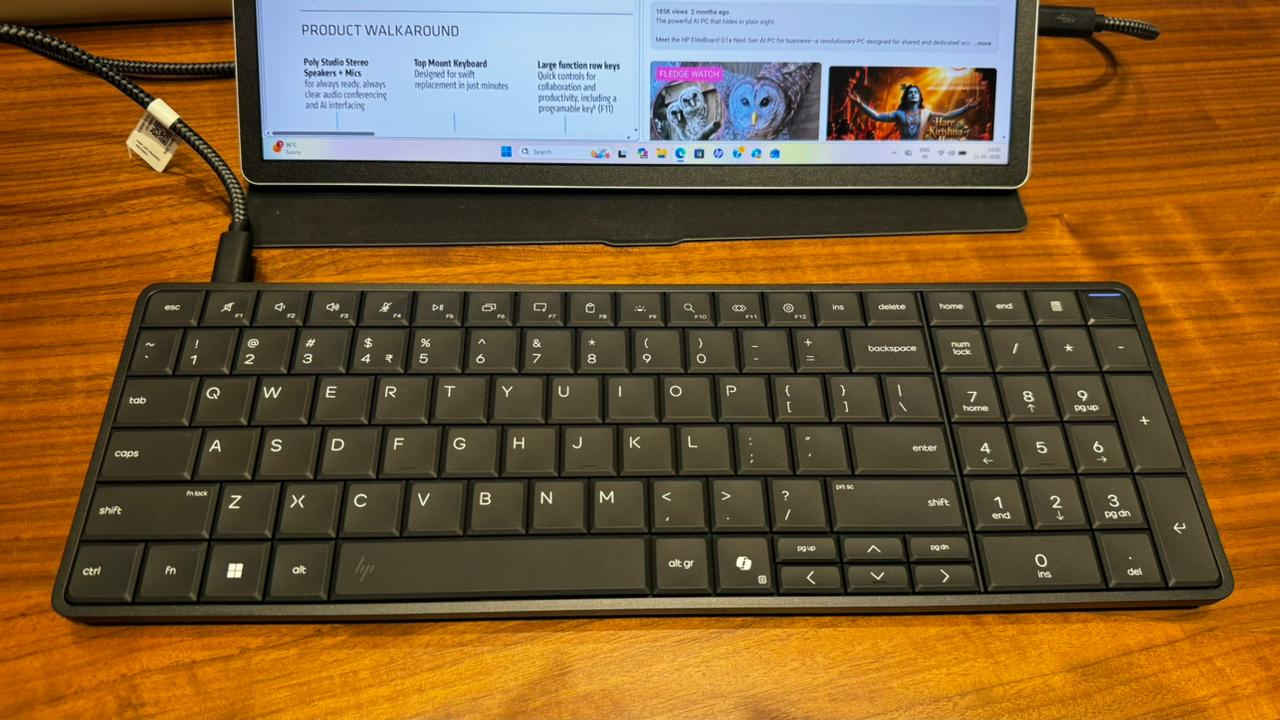

On May 11, HP invited journalists to its Gurugram office and showcased a couple of AI-powered products. The day began with a couple of presentations by spokespersons, the usual product preview videos, and so on. But the moment an HP spokesperson held what seemed like a regular keyboard and said it was actually a PC, the energy in the room felt very different. Now, HP has already unveiled this product earlier this year during CES, which is why it may not be as surprising for some of you. But for those of you who haven’t heard about it yet, behold and prepare to be wowed.
 Survey
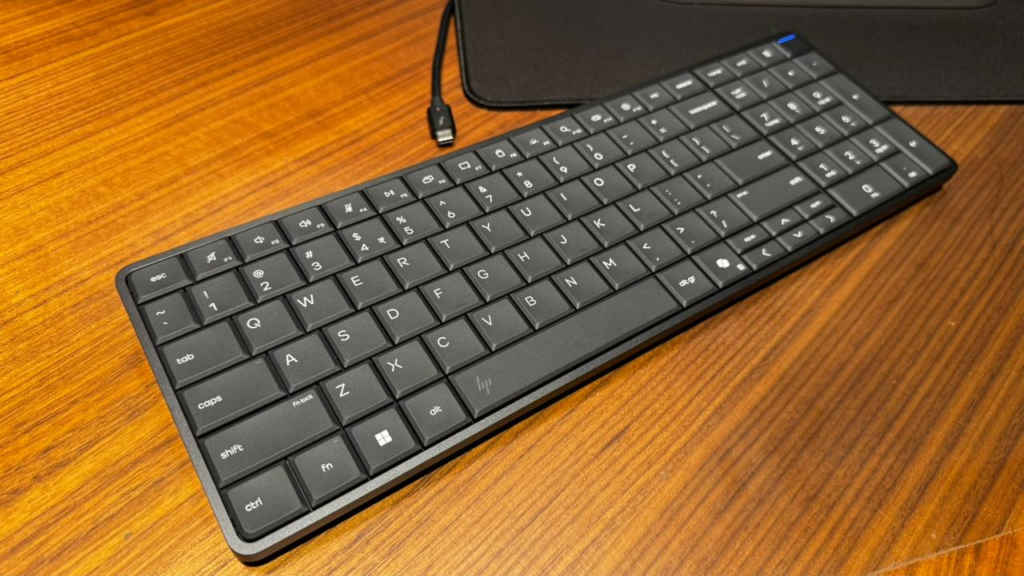
The product is called the HP EliteBoard G1a, and at first glance, it looks like a regular office keyboard. In fact, if you walk past it casually, you probably won’t even realise that there is more than what meets the eye. This is actually a full Windows PC squeezed into a keyboard chassis.
After briefly trying out the EliteBoard G1a at the event, I walked away both impressed and slightly confused. Impressed because the concept works far better than I expected, and confused because now I cannot stop wondering why this hasn’t been tried before.
HP Eliteboard G1 a: First impressions
Companies have time and again experimented with unusual form factors. But many times, the final product becomes more ‘interesting’ than practical. Now thankfully, that is not the case here.
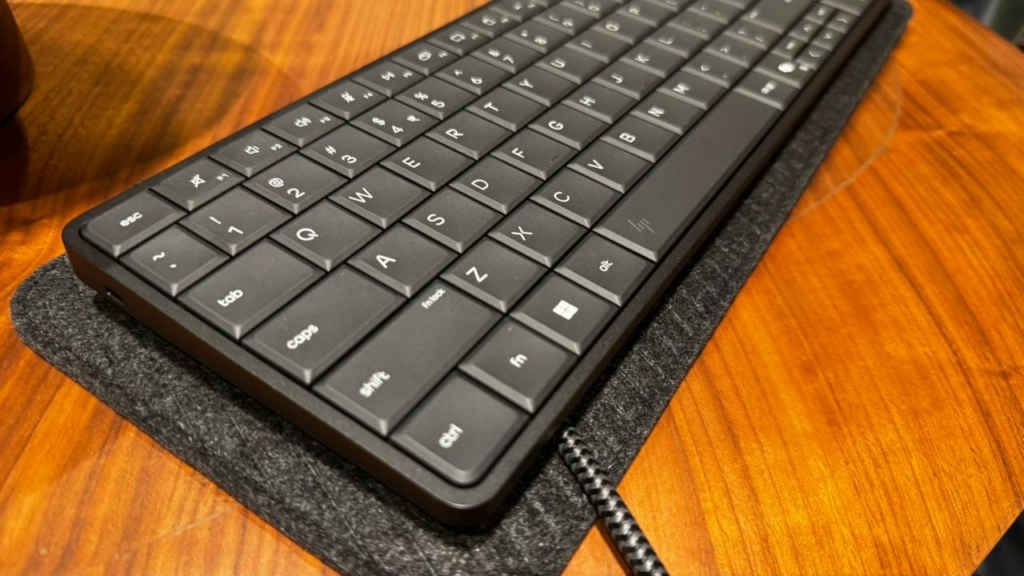
The HP EliteBoard G1a actually feels like a good keyboard that you can just type on for hours. The keys have a tactile and clicky feel to them, there is decent travel, the layout feels familiar instantly, and it does not feel cramped despite all the hardware being packed underneath.
Also, the keyboard feels quite sturdy when you hold it in one hand. At 700 grams, it isn’t very heavy either and can be carried around just like other keyboards.
And then comes the fun part. You suddenly remember that the keyboard itself is the computer.
The HP Eliteboard G1a is powered by an AMD Ryzen AI processor and comes with up to 64GB RAM. There is also an SSD for your storage needs, multiple Type-C ports, cooling fans, and even a dedicated NPU for AI tasks. HP said during the event that this ‘machine’ can handle productivity tasks, Microsoft Copilot features, video calls, document work, and office workflows without issues.
And from the demo I saw, it really did perform like a normal desktop PC. Honestly, if you use the setup without context, you probably would not realise you were using a computer built into a keyboard.
The problem that may have been solved
One thing about work these days that HP MD Ipsita Dasgupta mentioned during the event, and I agree with, is that it doesn’t happen at one place anymore. Gone are the days when we were working out of our offices only. We are now working at home, during commutes, from remote locations, and whatnot. And you cannot take your PCs everywhere. But you definitely can take a keyboard. All you need is a monitor, a mouse and some power source.
To be clear here, HP isn’t aiming to replace laptops or tablets here. All it is trying to do is give you the option of carrying your mini PC in the form of a keyboard. While some people may get confused here about the product’s usage, I can absolutely see the appeal.
As someone who regularly moves between home and office setup during a week, I know how annoying PC transitions can get. Half the time, I am emailing some important files to myself just because I will have to work from my office PC the next day. So for me, a product like Eliteboard G1a makes so much sense.
That said, there is one thing that immediately stood out to me during the demo. The EliteBoard G1a is not wireless.
Now, to be fair, HP never claims that it is. But when you first hear the phrase ‘keyboard PC,’ your brain almost automatically imagines a clean wireless setup.
Instead, you still need a cable to connect it to a monitor. Does that ruin the concept? Not really.
But it does slightly limit the futuristic appeal of the device. Yes.
A fully wireless version paired with wireless display technology would have made this thing feel genuinely sci-fi. Imagine walking into a room, placing the keyboard on a desk, and instantly connecting to a monitor wirelessly.
That would have been wild.
But right now, the EliteBoard G1a feels more like an extremely practical workplace device rather than a futuristic computing revolution. And that’s good to begin with.
So… who exactly is this for?
Now the question is: who exactly is the HP Eliteboard G1a for? We know that this is not trying to replace high-performance workstations. And it is definitely not replacing laptops for people who constantly work on the go without external displays.
That said, it does feel like a product designed specifically for those who move between their setups frequently and want a desktop-style experience without carrying an actual desktop.
Also, the starting price of the device is a whopping Rs 89,990, which makes it costlier than several Windows laptops and even Apple’s MacBook Neo. But if you want to carry around your PC in a bag without hassles and don’t mind the premium price, this might appeal to you.
Also read: HP launches OmniPad 12, new Omnibook and Elitebook laptops in India: All you need to know


