
Best Gaming PC under Rs 70,000 in April 2026
 Follow Us

Somewhere between budget and mid-range, ₹70,000 has become one of the most awkward price points to build in. You are spending enough to expect solid performance, but not quite enough to avoid compromises that feel… unnecessary. Still, if you pick your parts carefully, you can put together a system that handles modern gaming without constantly reminding you of what you could not afford.
 Survey
This build is all about getting the fundamentals right, even if a few corners had to be cut a little too sharply.
CPU: Intel Core i5-14400F – ₹16,000
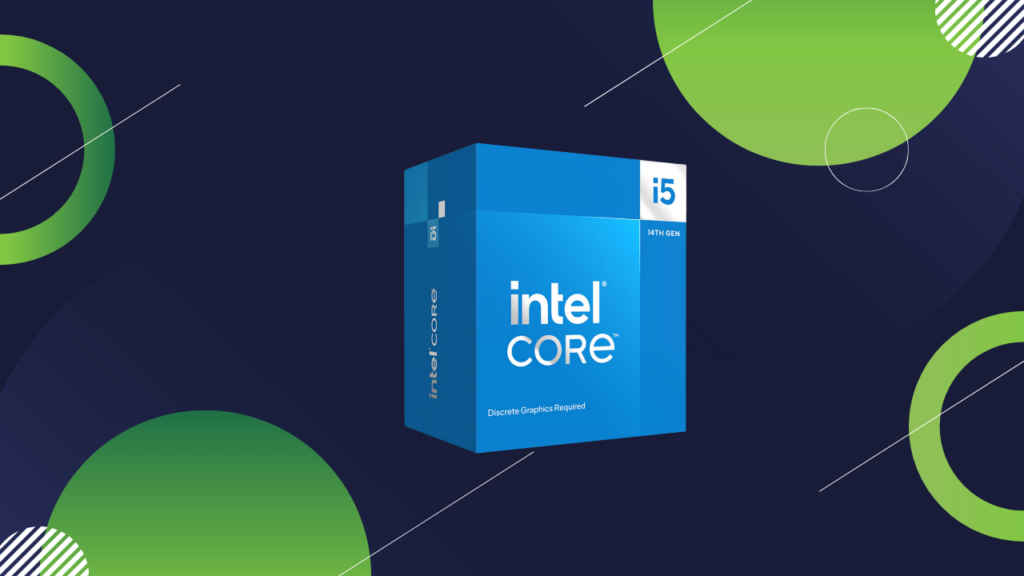
This is where the build makes a strong first impression. The i5-14400F is a very capable mid-range processor with a mix of performance and efficiency cores. It handles modern games comfortably and has enough headroom for multitasking. For ₹16,000, this is one of the best value picks in the entire configuration.
GPU: Asus Dual RX 7600 OC Edition 8GB – ₹25,000
The RX 7600 is a proper 1080p gaming card and even dips into 1440p with some settings adjustments. The 8GB VRAM is acceptable for now, though you may need to tweak settings in more demanding titles going forward. Asus’ Dual OC variant offers reliable cooling and stable performance without overcomplicating things.
Motherboard: Asus Prime H610M-CS DDR4 – ₹6,000
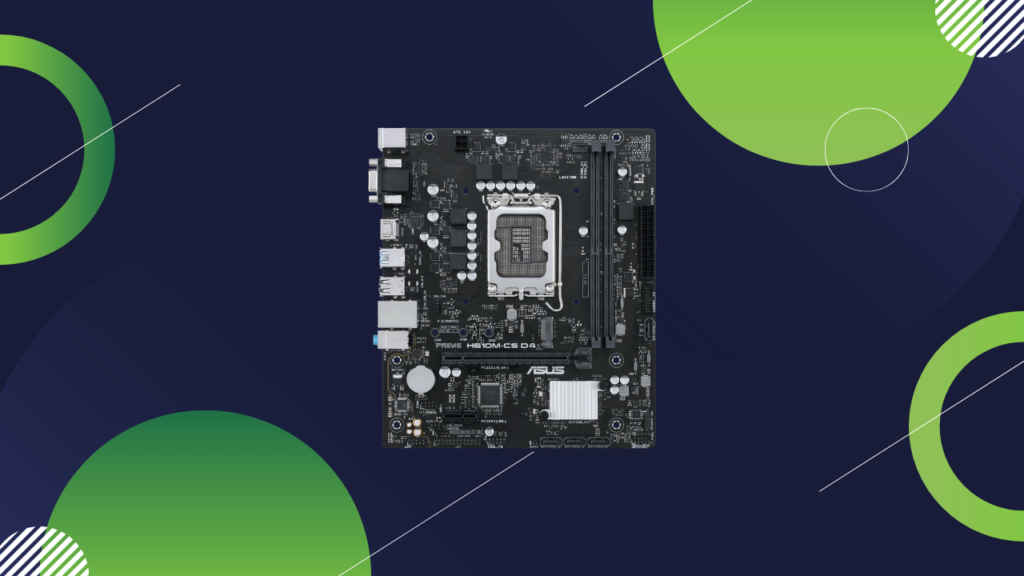
This is as basic as it gets. The H610 chipset keeps costs low but comes with limitations like fewer features and minimal upgrade flexibility. It works for this build, but it is not something you choose for long-term expansion.
RAM: TeamGroup T-Force Vulcan Z 8GB 3200MHz DDR4 – ₹12,000
This is easily the weakest link here. 8GB RAM in 2026 is just not enough for many modern games. It will run, but you will feel the constraints, especially with background apps. The only upside is that it gives you a clear and immediate upgrade path to 16GB.
Storage: EVM 512GB M.2 SATA SSD – ₹7,000
It gets the job done, but just barely. SATA speeds are noticeably slower than NVMe, and 512GB fills up fast with today’s game sizes. Expect to manage storage actively or upgrade sooner rather than later.
PSU: DeepCool PL550D Bronze 550W – ₹3,000
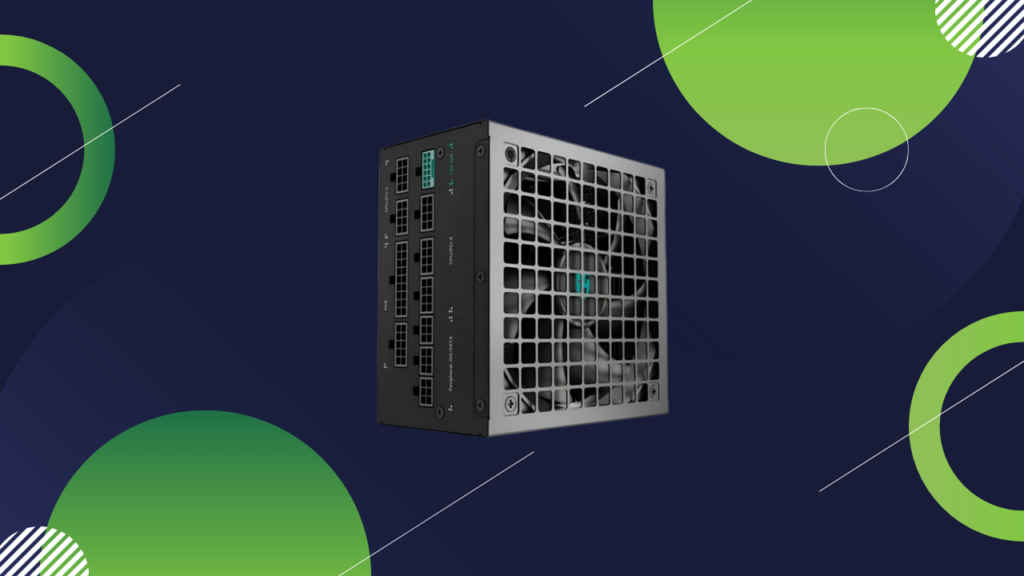
A solid budget PSU with enough wattage for this setup. It provides stable power and a bit of headroom, making it a sensible choice at this price point.
Case: ZEBRONICS ZIUM Mid-Tower Gaming Cabinet – ₹1,700
No surprises here. A basic cabinet that does what it needs to without adding unnecessary cost. Airflow is decent enough, and it keeps the build within budget.
Full build summary
| Component | Model/Specification | Price (₹) |
| CPU | Intel Core I5-14400F | 16,000 |
| GPU | Asus Dual RX 7600 OC Edition 8GB | 25,000 |
| Motherboard | Asus Prime H610M-CS DDR4 | 6,000 |
| RAM | TeamGroup T-Force Vulcan Z 8GB 3200MHz DDR4 | 12,000 |
| Storage | EVM 512GB M.2 SATA SSD | 7,000 |
| PSU | DeepCool PL550D Bronze 550W | 3,000 |
| Case | ZEBRONICS ZIUM Mid-Tower Gaming Cabinet | 1,700 |
| Total | 70,700 |
Performance Summary: What to Expect
This build is aimed squarely at 1080p gaming. You can expect high settings in esports titles with very smooth performance, and medium to high settings in most AAA games. The RX 7600 does the heavy lifting here, while the i5-14400F ensures there is no major CPU bottleneck.
That said, the experience will be held back by the 8GB RAM. In some newer titles, you may notice stuttering or longer load times. Upgrading to 16GB (ideally dual-channel) should be your first move, and it will make a noticeable difference immediately.
Storage is the next obvious upgrade. Moving to a 1TB NVMe SSD will not just give you more space, but also improve overall responsiveness.
Long term, the GPU will eventually be the limiting factor, but for now, it strikes a good balance for the budget. The CPU is strong enough to support a future GPU upgrade, though the motherboard may limit how far you can take that path.


