

Stepping out in Delhi? Here’s how your smartphone can keep you safe
 Follow Us
Live location sharing and Emergency SOS on Android and iPhone can quickly alert trusted contacts and authorities if you’re in trouble.
Always book rides through verified cab apps, check driver and vehicle details, and share your trip status with family or friends.
Installing the 112 India app or carrying a small tracking device can provide additional support during emergencies.
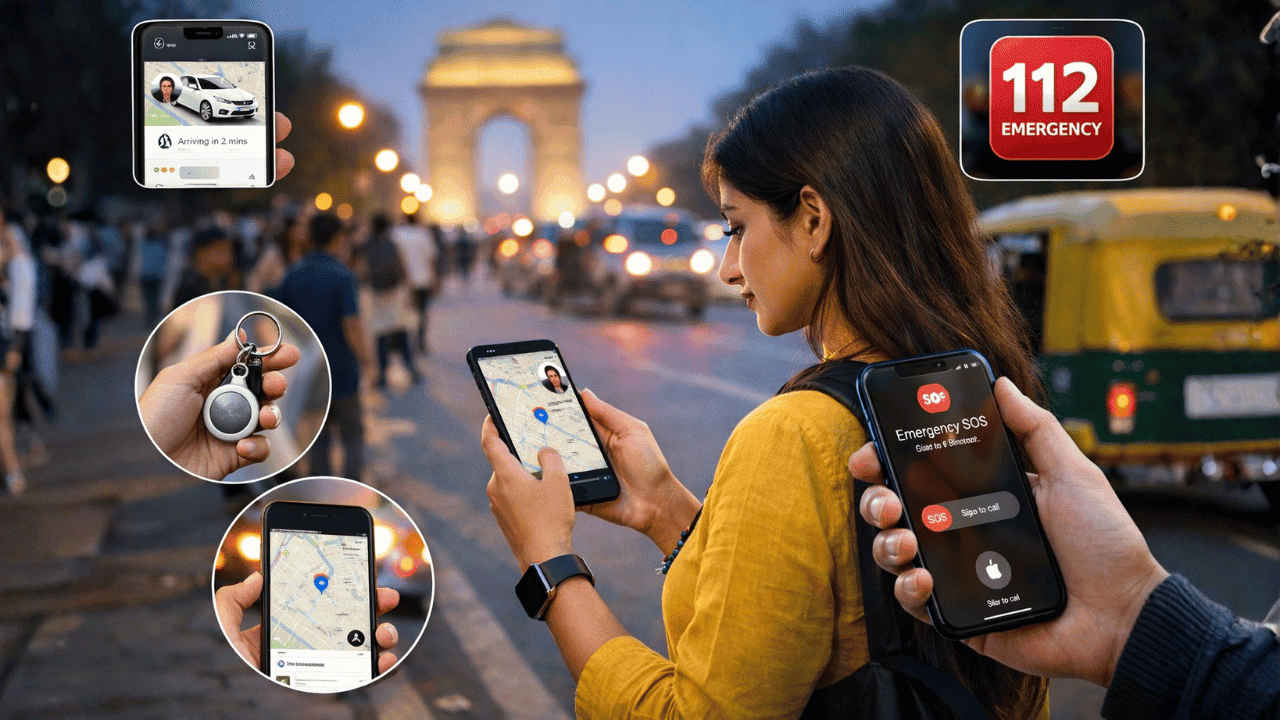

More than 800 people were reported missing in India’s national capital in the first half of January. According to a PTI report based on Delhi Police data, 807 people went missing between January 1 and 15, which is about 54 cases every day. The report said nearly two-thirds of those missing were women and girls, totalling 509. It also stated that 191 minors were reported missing, with teenage girls forming the largest group. These numbers have raised serious concerns about safety in the city. Authorities are urging citizens to stay alert. Here are some smartphone tips you can follow to be safe while travelling out.
 Survey
1. Live location sharing on smartphone
The very first step you can take is sharing your location with your loved ones to let them know where you are. Here are some of the easy ways to share your locations:
Google Maps: Open Google Maps > tap your profile icon > select Location Sharing > choose contacts to share your location with > adjust the timeframe they can track you for.
Find My (on iPhone): Launch the Find My app > head to the People section > tap Start Sharing Location > select the contacts you want to share your location with > press the tick button on the top right corner of the screen > select the time you want to share your location for > press the tick button to start sharing the location.
Other than that, you can also use social media tools like WhatsApp, Instagram, Snapchat and more for additional live location sharing within chats.
Also read: Vivo V70 Elite and V70 India launch date confirmed: Check expected price and specs
2. Emergency SOS features
Along with sharing your location, if you ever feel that you’re in danger, don’t hesitate to use the SOS feature on your device. Whether you’re using an Android device or an iPhone, you can connect with the Emergency SOS by pressing the power button 3-5 times quickly.
When triggered, this feature automatically calls local authorities, shares your location with emergency contacts and sends alerts without needing to make a call. Ensure that you’ve added the emergency contacts in the settings.
3. 112 India app
Lastly, make sure that you’ve installed the 112 India app on your smartphone. If not, you can follow the steps below:
1. Launch the Play Store or App Store on your device.
2. Search for the 112 India app and download it on your Android or iOS device.
3. Set up your details and emergency contacts.
4. Press the SOS button in emergencies to alert police, ambulances, or women’s helplines.
Also read: Samsung Galaxy S26 Ultra leaks: 5 upgrades that we may get this year
4. Use verified ride services
If you’re using a taxi for your commute, then make sure you use verified apps like Uber, Ola, or Rapido on your smartphone. Make sure to verify the vehicle number and driver details before boarding. Furthermore, the apps now also provide the option to share your trip status within the app with trusted contacts.
You can also use the recently launched Bharat Taxi app. The drivers in Bharat Taxi undergo police verification before they receive access to the app and can carry rides.
5. Carry tagging device
If the abovementioned feels like too much for you, then you can also go ahead and carry a small tagging device with you. These tools easily connect with your Android and iOS devices and constantly share your location. The best part is you can carry them in your purse, bag or even in your pockets. Some of the most widely used tagging devices are Apple’s AirTag and JioTag Air.


