
Soon, you will be able to turn your phone’s camera into a webcam for Windows 11 PC
 Follow Us
Microsoft is testing the ability to use your Android phone in any video application on your Windows 11 PC.
With this feature, you will be able to wirelessly enjoy the high quality of your phone's camera on your PC.
Some of the abilities include being able to switch between front and back cameras.
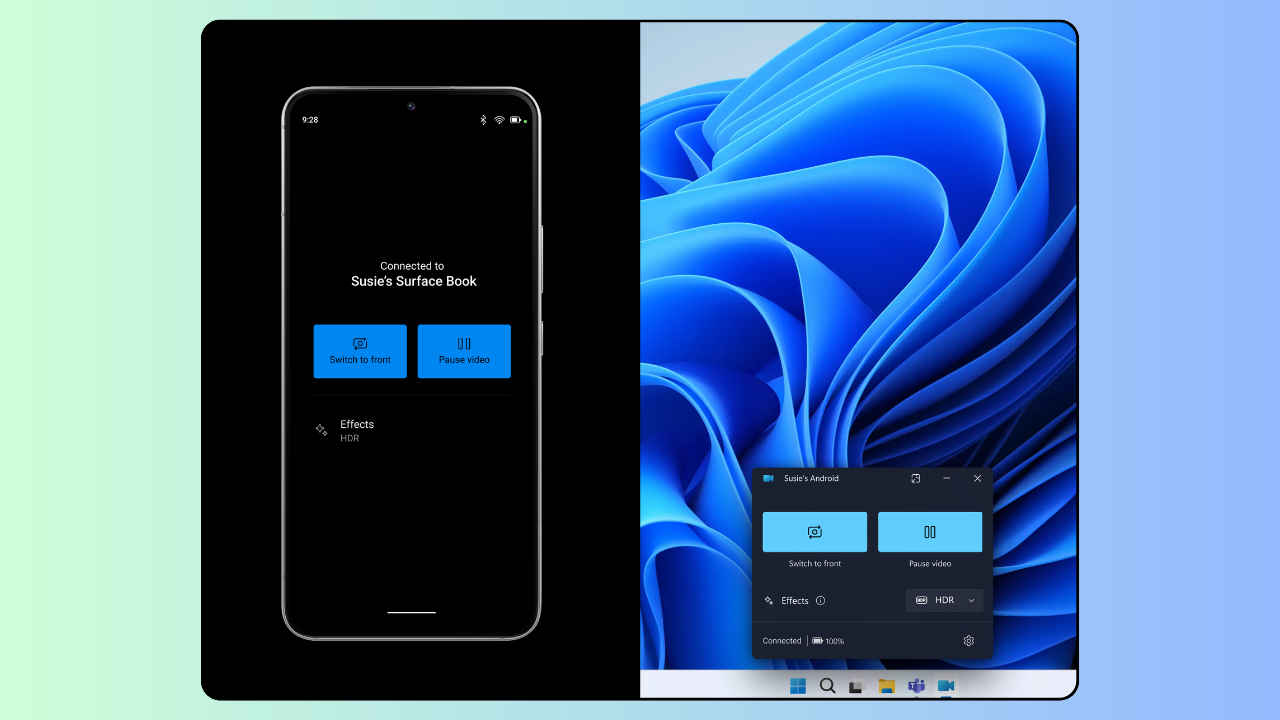

Imagine being able to turn your trusty smartphone into a high-quality webcam for your Windows 11 PC. Yes, you heard it right! Soon, this dream could become a reality as Microsoft has started testing this feature and is rolling it out to Windows Insiders.
 Survey
“We are gradually rolling out the ability to use your Android phone or tablet camera in any video application on your Windows 11 PC to Windows Insiders across all Insider Channels,” Microsoft announced in a Windows Insider blogpost.
Also read: Windows 11’s new Settings homepage offers personalised experience: Here’s how
With this feature, you will be able to wirelessly enjoy the high quality of your mobile device’s camera on your PC with flexibility and ease.
Also read: Windows 11 will let you copy text from screenshots: Here’s how
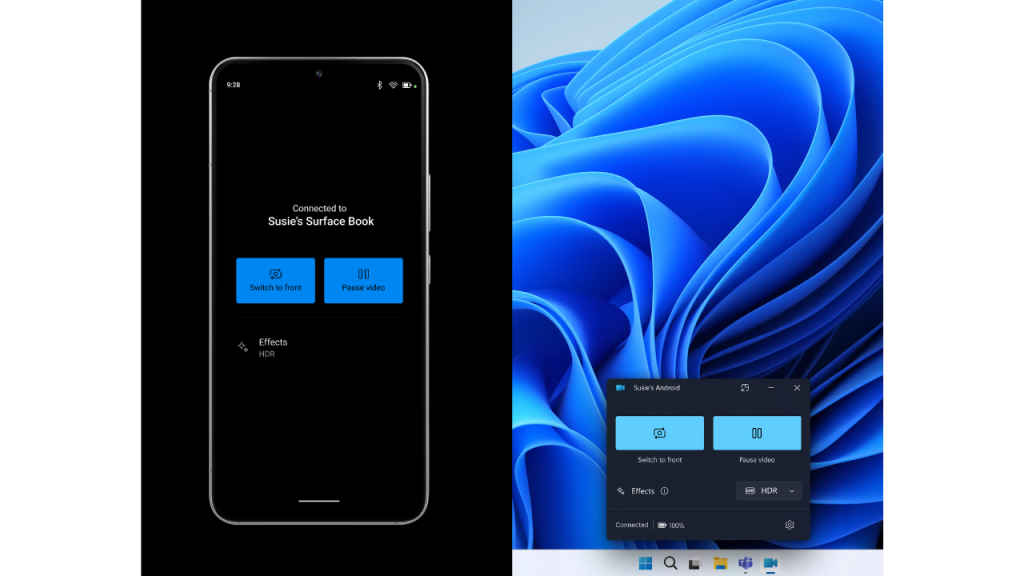
Some of the abilities include being able to switch between front and back cameras, pausing the stream during interruptions, and enjoying effects provided by your smartphone model.
“Please ensure that your mobile device has Android 9.0+ and that your version of the Link to Windows phone application is 1.24012* or greater,” Microsoft said.
To enable this feature, you will need to navigate to Settings > Bluetooth & devices > Mobile devices and choose “Manage devices” and allow your PC to access your Android phone. Your PC will get a Cross Device Experience Host update in the Microsoft Store that is required for this feature to work.
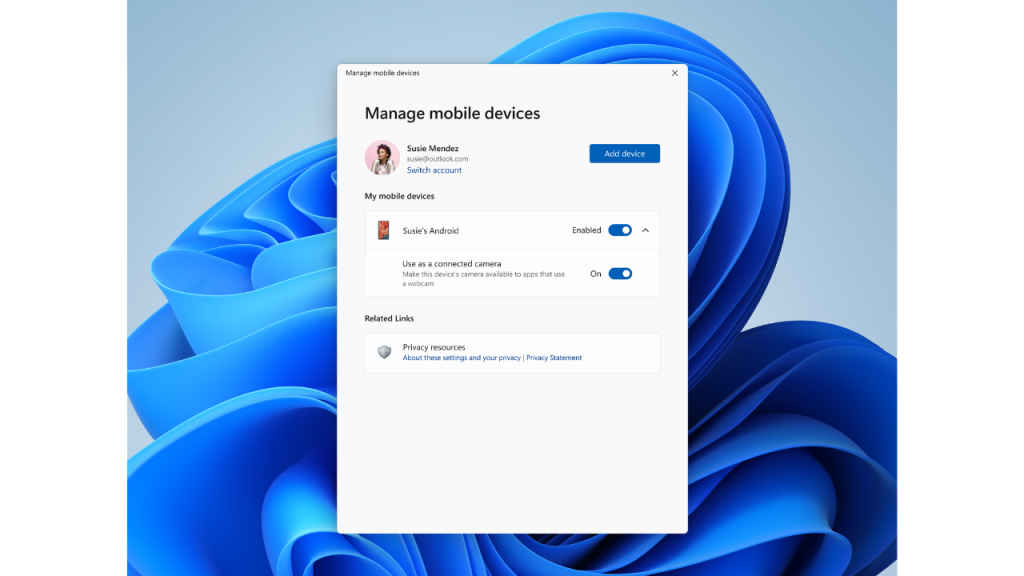
In my opinion, the ability to turn your smartphone’s camera into a webcam for your Windows 11 PC will bring several benefits. By using your phone’s camera as a webcam, you will be able to enjoy high-quality video for video conferencing, streaming or online meetings. Instead of spending money on a separate webcam, you will be able to use the camera you already have on your smartphone.
Moreover, the ability to wirelessly connect your smartphone’s camera to your PC will eliminate the need for physical cables, reducing clutter.


