
Claude can now work inside Photoshop, Blender and Ableton, here is how
 Follow Us
Anthropic brings Claude to tools like Adobe Creative Cloud, Blender, and Ableton for faster creative work.
MCP lets Claude control apps, use files, and automate tasks through simple commands.
Claude Opus 4.7 improves workflows while keeping human creativity in focus.

Anthropic has collaborated with popular creative tools as a part of improving chatbot services. As per the company executives, this will enable individuals to perform digital jobs conveniently and quickly. In addition to launching Canva integration recently, which includes the new ‘Claude Design’ feature for importing AI-generated layouts as editable files, the company has managed to integrate Claude with such platforms as Adobe Creative Cloud, Blender, Ableton, Affinity, Splice, Resolume, and Autodesk. These integrations are powered by the Model Context Protocol (MCP), a new open-source standard that allows Claude to securely interact with local data and software APIs.
 Survey
Users may be able to control the AI assistant, upload files, and do a wide variety of other actions through the app interface in order to facilitate and accelerate job performance as a result of this collaboration. With all that said, Anthropic aims to create an AI assistant that would be helpful for artists and creators of different industries.
Connectors are designed to assist in performing certain tasks via the application that is being used. Therefore, using the Adobe connector will allow the user to control the application, automate batch production tasks, and work on creating various designs within it. Similarly, the Splice connector enables users to search for and surface royalty-free samples directly through the Claude interface.
Also read: Apple iOS 27, iPadOS 27 details leak ahead of WWDC 2026: AI photo editing tools and new Siri coming
The Ableton connector will help Claude answer queries with the use of official guides related to music production. As a result, any issues or problems can be solved more easily or new functionalities explored. The Blender connector allows controlling the software through natural language rather than programming by exposing Blender’s Python API to the model. Thus, the creation and editing of 3D models become easier, and Claude can even perform real-time scene analysis to debug technical errors.
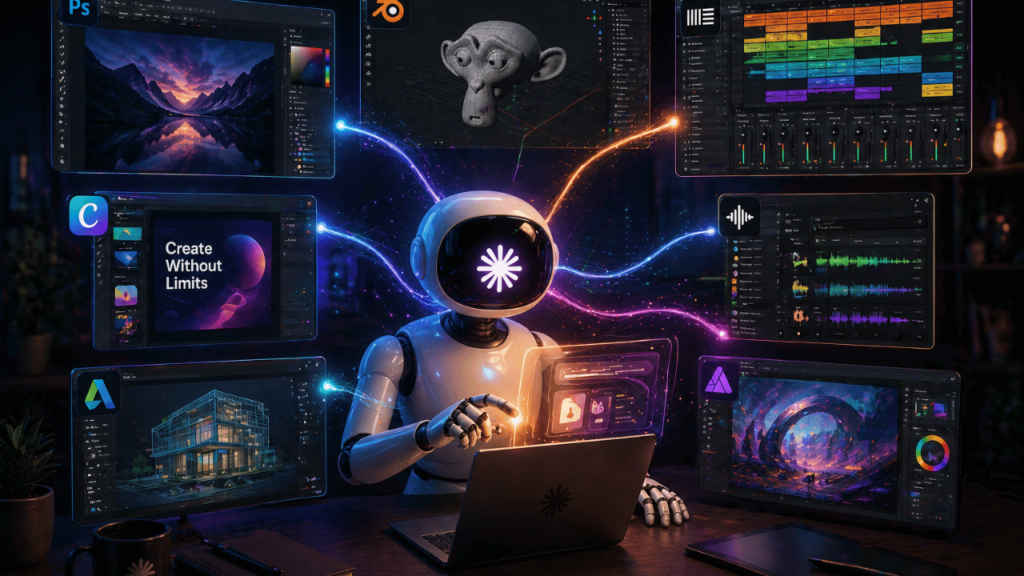
According to Anthropic, the purpose of such developments is not the replacement of creative processes with artificial intelligence but their assistance. Indeed, according to the representatives of the company, AI can automate routine operations, decrease the time spent manually working on projects, and provide users with the possibility to concentrate on more important aspects of work. This rollout was launched alongside Claude Opus 4.7, which features enhanced visual reasoning specifically tuned for these creative workflows.
Also read: OpenAI vs Elon Musk trial begins: What happened so far, explained in 7 key points
Alongside the product launch, Anthropic has also joined the Blender Development Fund as a corporate patron. This puts it alongside major supporters like Netflix, Epic Games, and Wacom. Under the agreement, Anthropic pledges to pay 2,40,000 euros annually towards the platform, with special emphasis on developing the Python API on Blender 5.1.
According to Blender, this monetary support will help Anthropic to develop some tools for artists without interfering with their freedom, and this is crucial not only for artists but also for all creatives.
Now, if you want to find out how to use Claude in these tools, what you should do is download the Claude desktop app and set up the Model Context Protocol (MCP) as the connector for your assistant. You will be giving Claude access to your files and APIs by doing so. Furthermore, it will enable Claude to perform some functions such as code writing in Blender, track control in Ableton, or even design automation in Adobe using only natural language.


