
How to complete LPG e-KYC using Aadhaar Face Authentication from home
 Follow Us
Consumers can complete LPG verification using Aadhaar Face Authentication on their smartphone.
Enter Aadhaar details and complete a simple face scan to finish e-KYC in minutes.
The process helps ensure LPG subsidies continue without interruption.
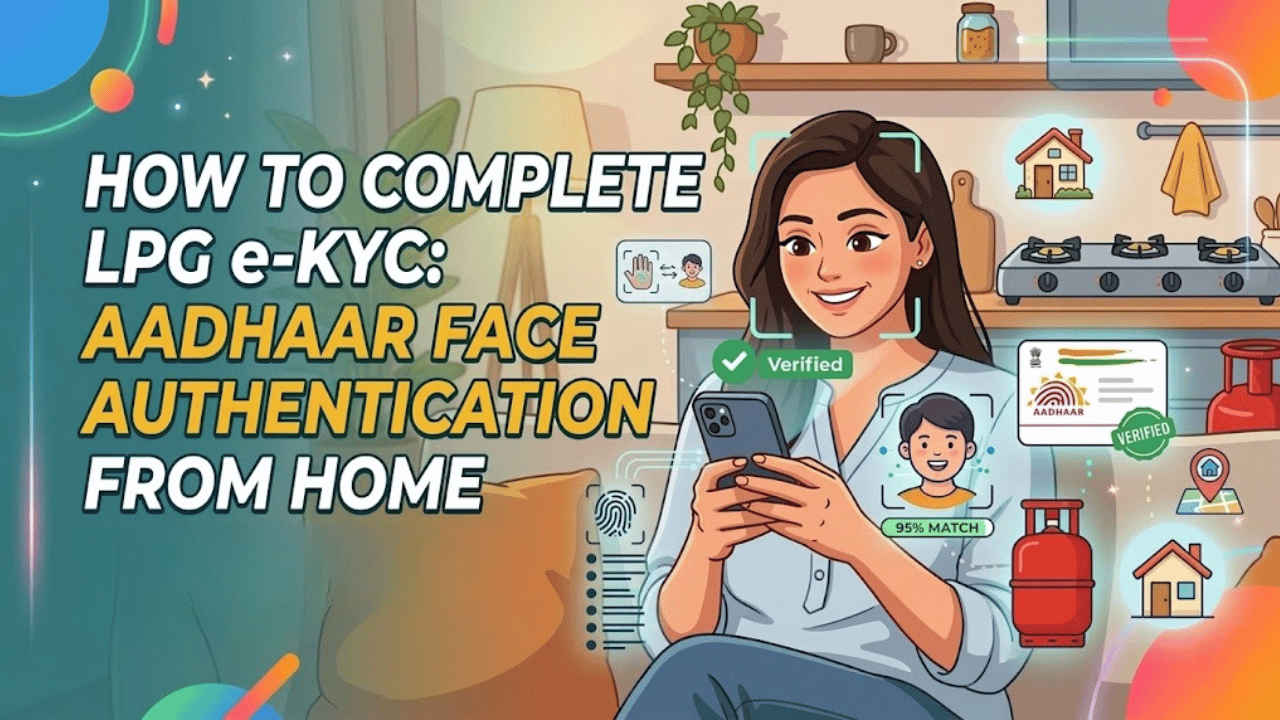

Many LPG consumers in India are now asked to complete e-KYC to keep their gas connection active and continue receiving subsidies. Earlier, people often had to visit a gas agency and submit documents physically. Now the process has become much easier because Aadhaar Face Authentication allows users to complete LPG e-KYC directly from home using a smartphone. This digital process also helps in saving time and avoids standing in lines at gas agencies. Through the use of Aadhaar verification and face scan, consumers can easily verify their identity. In this article, I will show you the easy steps to complete your LPG e-KYC using Aadhaar Face Authentication at home.
 Survey
Things to know
Keep in mind the below-mentioned before starting LPG e-KYC using Aadhaar Face Authentication from home:
- Make sure that your LPG connection is linked with your Aadhaar number.
- You should have a stable internet connection during this time.
- Also, make sure that your smartphone camera is working and clear.
- Ensure you have your Aadhaar-registered mobile number with you.
- Capture your face in a well-lit area to avoid rejections.
- Don’t wear spectacles while capturing the image for e-KYC.
Also read: Anthropic lets you use Claude AI with double limits: Check timings, eligibility and how it works
How to complete e-KYC for LPG from home online
Follow these steps to complete the LPG e-KYC process from home.
1. Open your web browser and head to Self (Face-based) Biometric Aadhaar Authentication (e-KYC).
2. Look for your LPG provider and download the app on your Android and iOS devices. Also download the Aadhaar FaceRD app.
3. Open the gas provider’s app and sign up or sign in using your registered mobile number and Consumer ID.
Also read: AI trading bot wakes trader at 3:47 AM, turns Rs 11 lakh into Rs 40 lakh overnight
4. Search for the LPG e-KYC or Aadhaar verification option and select it.
5. Enter your Aadhaar number and verify it.
6. The face authentication process will begin, and you will be taken to the Aadhaar FaceRD app.
7. Position the phone in front of your face and follow the instructions on the screen.
You will soon receive a confirmation message on the screen or via SMS after the verification is successful.
Also read: iOS 27 will not kill Apple’s liquid glass design, says report
Benefits of LPG e-KYC through Aadhaar Face Authentication
Here are some of the benefits of Aadhaar Face Authentication for the LPG e-KYC process:
- It saves time and effort, as the consumer can do the verification process from the comfort of his home without the need to visit a gas agency.
- Face authentication takes only a few minutes, simplifying the entire eKYC process.
- The face will be verified through the Aadhaar database, which will help to eliminate fraud and duplicate connections.
- No physical documents are required.
- The eKYC process ensures that the consumer gets the LPG subsidy benefits uninterrupted.


