
How to check the status of your LPG cylinder booking online and offline: A simple guide with steps
 Follow Us
LPG booking status can be checked online through websites, apps, or WhatsApp.
Users can also track it offline via call, SMS, or by visiting the gas agency.
The gap between two LPG bookings is now 25 days instead of 21 days.
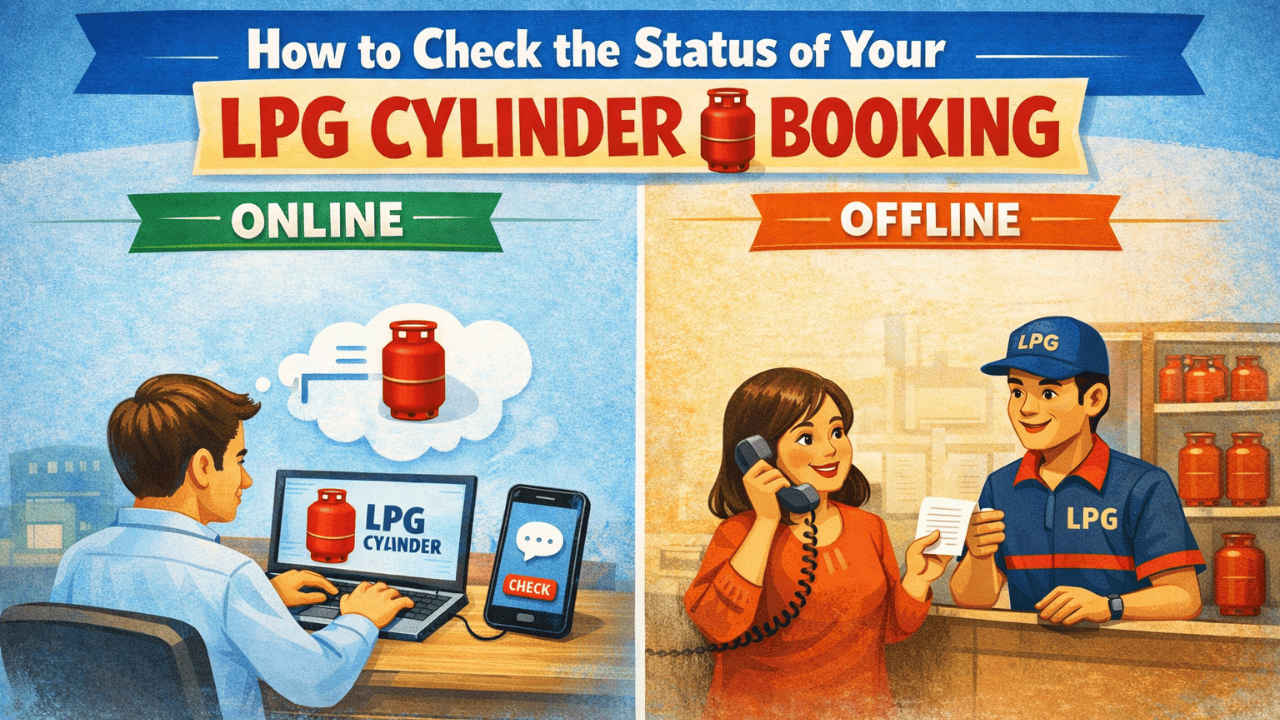

LPG cylinders are an important part of daily cooking in many Indian homes, and keeping track of your refill booking can help you save time and avoid problems at the last minute. It’s very easy to check the delivery status, whether you’ve already booked a refill or just want to make sure your request has been processed. Petrol companies now offer a number of easy ways for customers to check for updates in just a few steps. The government has also made the time between two LPG cylinder bookings longer, going from 21 days to 25 days. You can check the refill booking status of your LPG cylinder in a few simple and quick ways, both online and offline.
 Survey
How to check the status of your LPG cylinder booking online
Here are some simple ways to check the status of your LPG cylinder booking if you’re looking for one:
1. Using a website
To check the status of your LPG cylinder booking on the gas company’s website, follow these steps.
1. Open your web browser and go to the official site.
2. Use your login information to get in.
3. Find and click on Booking Status or Order Tracking.
4. Fill out the fields with the customer ID, reference number, or any other information that is required, and then click the submit button.
5. After that, you will see the status of your gas delivery. The status may look like one of the following, depending on where you are in the process:
- Pending: Your reservation has been received but is not yet being processed.
- In Transit: The cylinder has been sent out and is on its way to you.
- Delivered: You have successfully received the cylinder.
- Cancelled: The reservation has been cancelled.
2. Using the apps on your phone
Mobile apps are another simple way to keep track of the status of your LPG cylinder booking. You can get these apps on both Android and iOS devices. Here’s how you can do it:
1. Launch the App Store or Play Store on an iOS or Android device.
2. Look for your LPG provider and download it.
Note: The names of the most popular LPG providers’ mobile apps are IndianOil ONE, HP PAY, and Hello BPCL.
3. Use your registered mobile number (RMN) to log in.
4. Go to the LPG dashboard or the refill history section.
5. Enter the required information and click the Submit button.
6. You can now check the status of your LPG cylinder reservation.
3. Using WhatsApp
Follow the easy steps below to check the refill booking status on WhatsApp:
1. Open WhatsApp on your Android or iPhone device.
2. Initiate a chat with your LPG company. Here’s how you can find the WhatsApp number of the LPG company for the same purpose:
- Indane Gas: 7588888824
- Bharat Gas: 1800224344
- HP Gas: 9222201122
3. Send the company a ‘Hi’ message to initiate the chat.
4. Choose the language of your choice.
5. Choose the option for Order Tracking.
You will receive a message on WhatsApp with the status of your LPG cylinder booking.
Also read: Waiting for OLED MacBook Air? It could still be two years away
How to check the status of your LPG cylinder booking without the internet
It is possible to find the status of the refill booking of your LPG cylinder entirely offline with the help of the steps given below. It is useful if you are in an area where internet services are not good or do not want to use the internet.
1. Get in touch with the company
You can call your LPG service provider to find out the status of your refill booking. Do the following:
1. Start the Phone app on your phone.
2. Call your LPG provider’s number:
- Indane Gas: 7718955555
- Bharat Gas: 7715012345
- HP Gas: 8888823456
3. When asked, pick the language you want to use.
4. Now follow the instructions offered by the portal.
Also read: Iran-linked hackers claim cyberattack on medical giant Stryker, disrupt global systems
2. Check by SMS
Now, check your LPG refill status by sending SMS and then follow along with the steps below:
1. Launch the Messages app.
2. Type ‘STATUS’ in the message section.
3. Send it to your gas company’s number:
- Indane Gas: 7718955555
- Bharat Gas: 7715012345
- HP Gas: 8888823456
4. Once done, you will get an SMS with your refill booking status.
3. Visit the LPG provider office
You can also go to your gas service provider’s office and ask them about the status of your refill booking.


