
I set up three iPhone shortcuts, and now my phone feels like a true companion
 Follow Us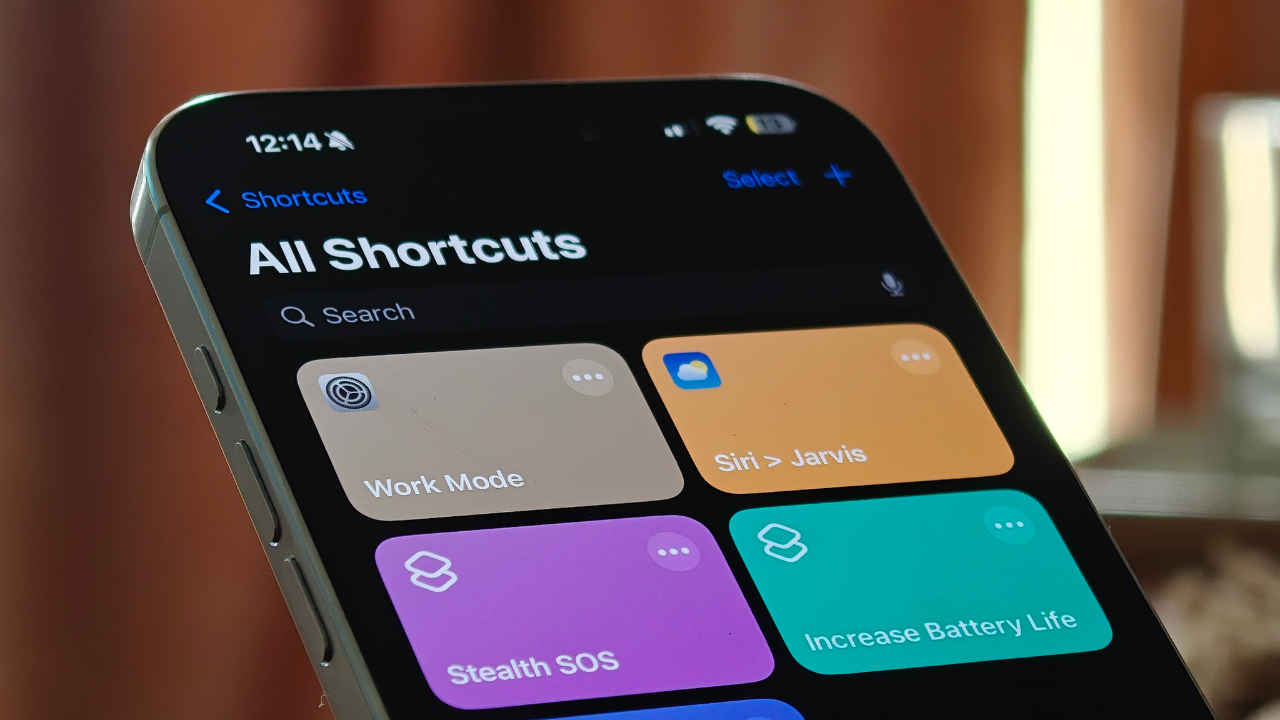

I have been using iPhones for a long time, and even now with the iPhone 16 Pro Max in my hand, I am pretty sure it can still do a bunch of cool things I haven’t even discovered yet. We all like to think we know our phones inside out, but if you’re an iPhone user, I hate to break it to you: you are probably missing out on some seriously cool features. And no, I’m not talking about those old iMessage tricks or Lock Screen widgets. I’m talking about the Shortcuts app, that weird-looking icon most of us never even open, but honestly, it is one of the most underrated features on the iPhone.
 Survey
This little app can turn your iPhone into something way more powerful and helpful. I have been playing around with it recently and found three simple things you can set up right now to actually get more out of your iPhone.
Hack to increase iPhone’s battery life
If you are some who is always stuck in the “low battery, where’s my charger?” phase of life, this one is for you.
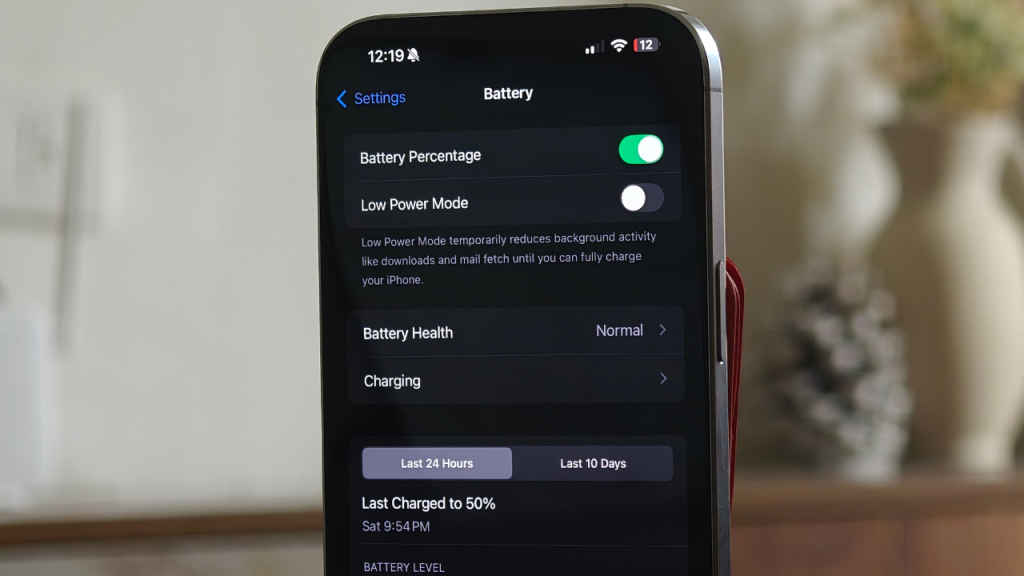
You can automate your iPhone to switch on Low Power Mode automatically the moment your battery drops below 30% by following these steps:
- Open the Shortcuts app
- Tap on Automation
- Create a new automation and choose Battery Level
- Set it to ‘Falls Below 30%’
- Add action: Set Low Power Mode > ON
- Make sure ‘Run Immediately’ is enabled
This will help your iPhone last longer than usual, but keep in mind that Low Power Mode might disable some features. For instance, on my iPhone, the display drops to 60Hz when Low Power Mode is enabled.
Siri > Jarvis?
Imagine this: You wake up, say “hey Siri, good morning”, and your iPhone reads out the weather, checks your calendar, reads your reminders, and even opens up the news for you. Sounds like Jarvis from Iron Man, no?
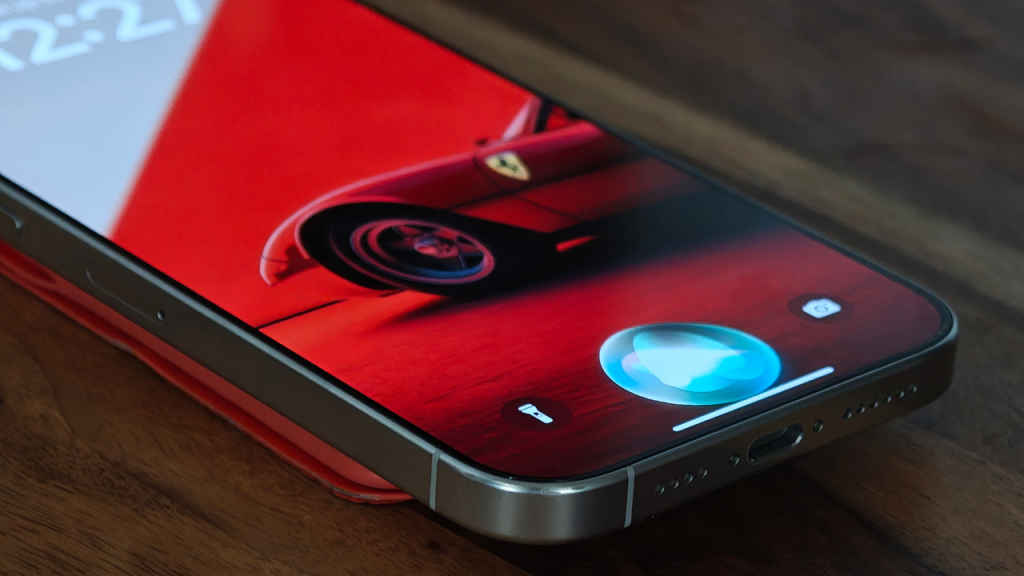
- Open the Shortcuts app and tap the ‘+’ icon
- Now, add the following actions:
- Get Current Weather
- Speak Text (for weather)
- Find Calendar Events
- Speak Text (event details)
- Find Reminders
- Speak Text (reminder details)
- (Optional) Open a news link like Google News
- Rename the shortcut as “Good Morning.”
Now, every morning, just say, ‘hey Siri, good morning,’ and you’ll get a complete rundown of your day.
It can do James Bond kind of stuff too!
This is something that is genuinely useful and maybe even life-saving. Have you ever been stuck in a sketchy situation, or just need an excuse to dip out of a boring meetup? Set up this shortcut that, when you triple-tap the back of your iPhone, sends a secret SOS text with your location to someone you trust.
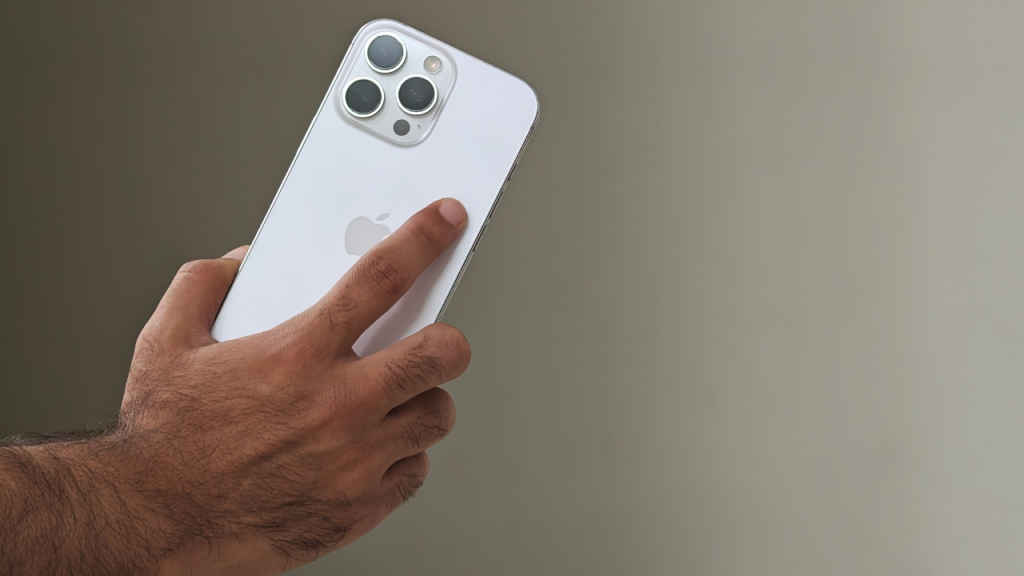
- Open the Shortcuts app and tap the ‘+’ icon to create a new shortcut.
- Tap Add Action > search for and select Send Message
- Enter a custom message like: “Call me. I need to get out of here.”
- Choose the recipient (trusted contact).
- Tap + Add Action again and search for Get Current Location
- Tap + Add Action and search for Send Message again
- Add a second message with your location (use the Magic Variable from “Get Current Location”).
- Tap Done and give this shortcut a name like “Stealth SOS”.
How to activate back tap on iPhones:
To set up back tap on iPhones, go to Settings > Accessibility > tap Touch > scroll down to Back Tap > choose Triple Tap > from the list, select your “Stealth SOS” shortcut.
Now, whenever you triple-tap the back of your iPhone, it will quietly send an SOS message along with your current location to a trusted contact.


