
I used the Primebook 2 Max for a month: Here’s what it’s actually like
 Follow Us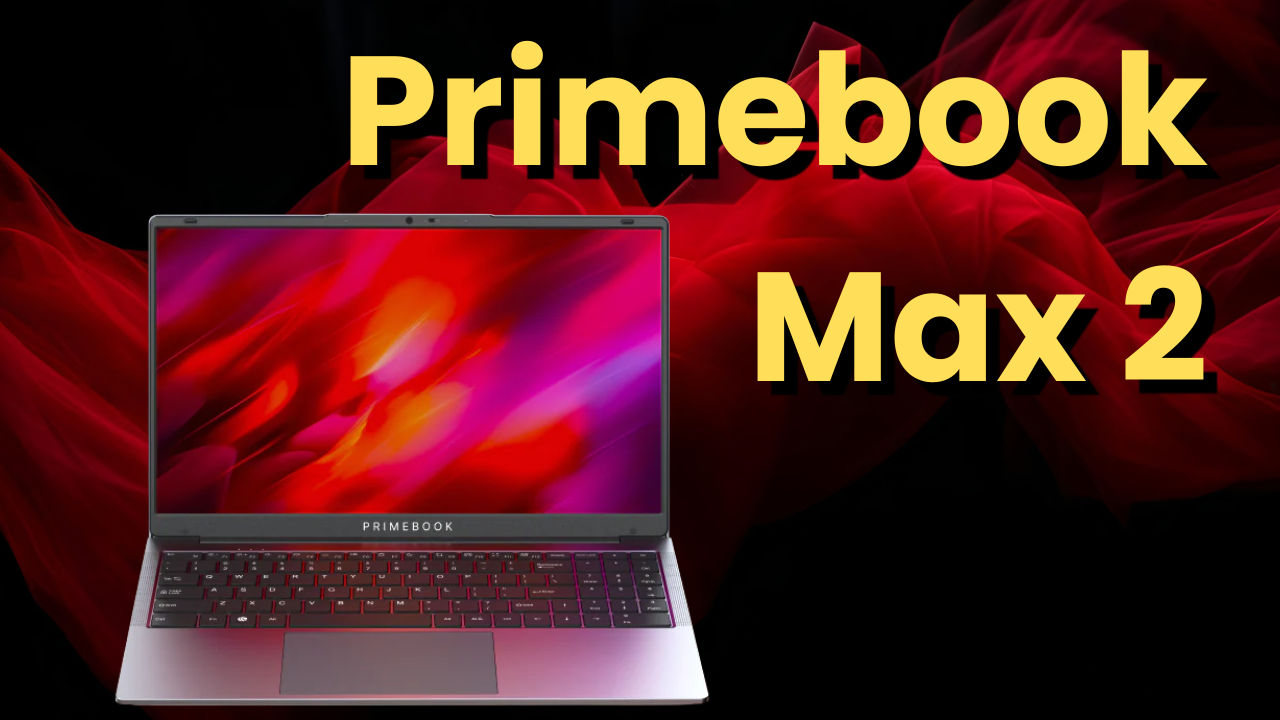

The spec sheet for the Primebook 2 Max looks almost too good to be true for its price. A 15.6-inch Full HD display, MediaTek Helio G99, 8GB RAM, 256GB storage, a backlit keyboard, and an Android 15-based OS – all for ₹32,000. But specs are one thing. Living with a machine day in and day out is another story entirely. So I did exactly that for a month, using it the way most of its target buyers would: light work, some AI tools, a lot of browsing, and yes, WhatsApp. Here’s what that actually looks like.
 Survey
Also read: Computex 2026: 5 major announcements you should not miss
It doesn’t look like a budget laptop
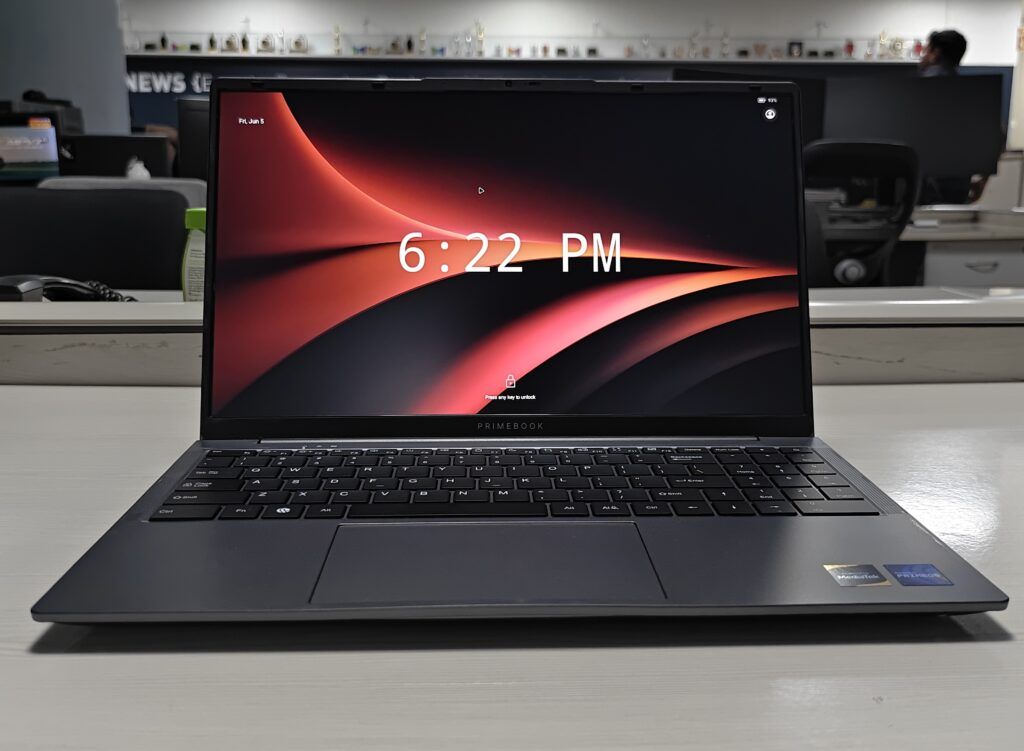
First impressions are important, and the Primebook 2 Max deserves some credit there as well. The Chill Grey colouring is subtle and good-looking. The machine certainly won’t look bad to be pulled out at the coffee shop or school class. Evidently, the construction has been redesigned compared to earlier iterations of the Primebook. There’s no doubt about the quality of the hinge or body flex issues; also, the 1.6 kg weight is not bad considering the size of the device (it features 15.6 inches). It will not pass for an expensive ultrabook, but it definitely is not cheap either. So, if your child needs a laptop that will be presentable enough, the Primebook 2 Max is a safe choice.
What concerns the screen, it does its job well enough. The Full HD IPS panel protected with an anti-glare coating suits well for daily usage purposes – whether working with documents, watching videos, or having a chat via Zoom. Accuracy of colours is not the main advantage here.
The android laptop question
There is one thought that will always cross the mind of any potential buyer: Is it nothing more than just a bigger phone? In the course of a month I’d say that no, PrimeOS 3.0 does an impressive job of transforming Android into a desktop operating system. One gets more of the laptop than the tablet with the attached keyboard feeling.
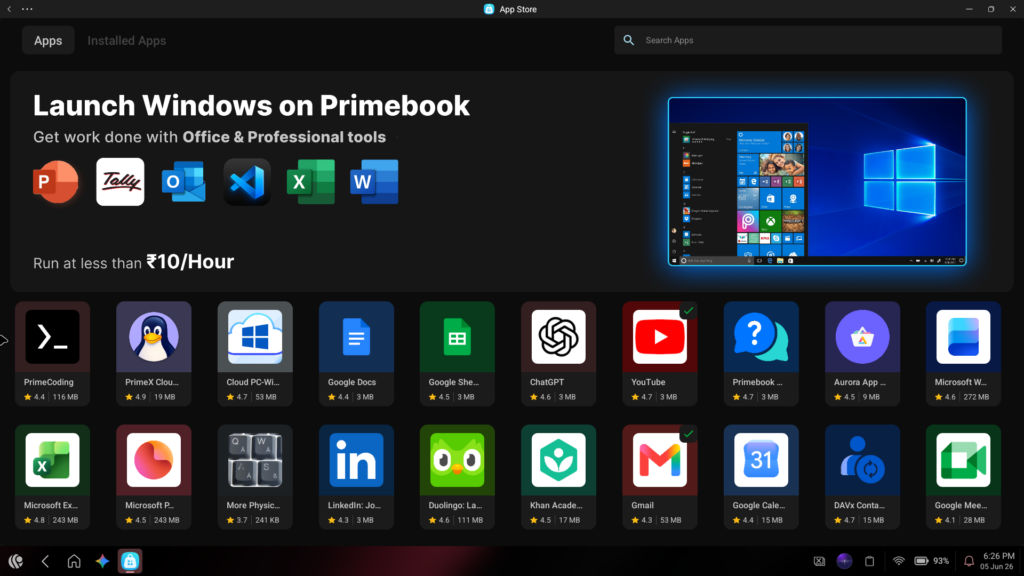
It all works smoothly. If you are a student who works on homework, creates presentations, and edits collaborative papers, you won’t struggle with the OS. Browsing is smooth, working with AI technologies goes smoothly, and switching between applications does not take time. Once you get used to everything, you will forget that you are using an Android-based device.
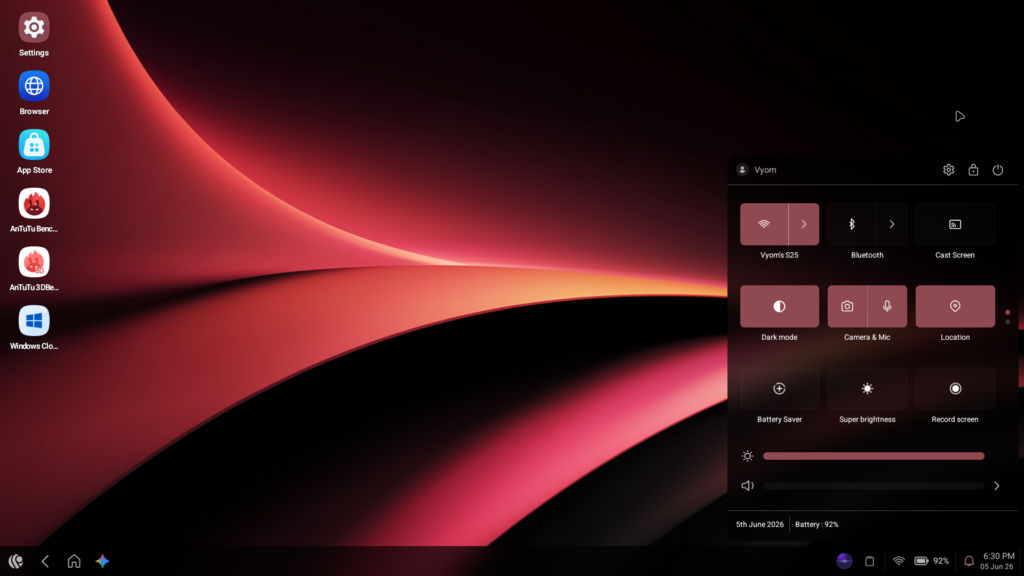
There is only one application that amazed me. In Windows, the desktop version of WhatsApp tends to hang from time to time. It is a small annoyance that may turn out to be quite bothersome. On the Primebook 2 Max, WhatsApp behaves the same way as on Android, which makes it work faster and better than its version on Windows does. Again, this is a minor issue, but it might be important to those who use the service constantly.
The trackpad and WiFi
And here is where I have to admit something that really impacted the daily experience. The trackpad of the Primebook 2 Max isn’t very nice. It wouldn’t respond the way I wanted it to, wasn’t very consistent when I made gestures, and even felt like something you wouldn’t want to use it with. Two weeks after purchasing, I started to work with the trackpad connected with an external mouse and found a great improvement.
Also read: Top 5 Windows laptops under Rs 50,000 in 2026
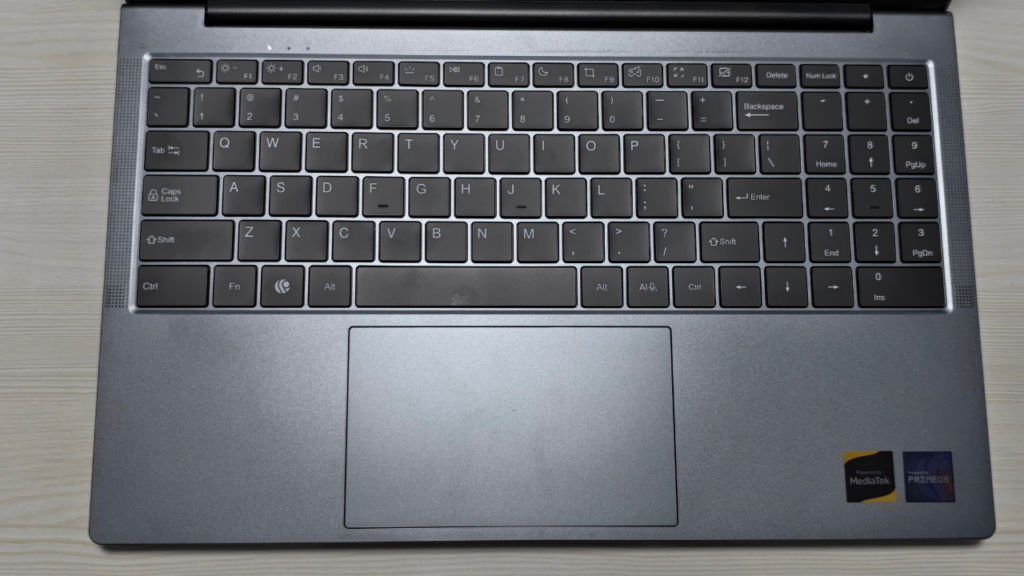
Considering how little the device costs, you can’t possibly hope for a trackpad like a MacBook. But one thing I could say about this particular trackpad is that you need to purchase an external mouse to improve your user experience. And this should be accounted for if you consider getting this device.
One more thing worth flagging for students specifically: if your college or school uses a certificate-based WiFi login 00 the kind where your phone asks you to ‘trust on first use’ – the Primebook may not cooperate. I ran into this with my office network; the option to trust the certificate simply wasn’t there, and the laptop couldn’t connect. It’s not a dealbreaker for most, but if your institution uses this kind of network setup, it’s worth checking before you buy.
Cloud PC
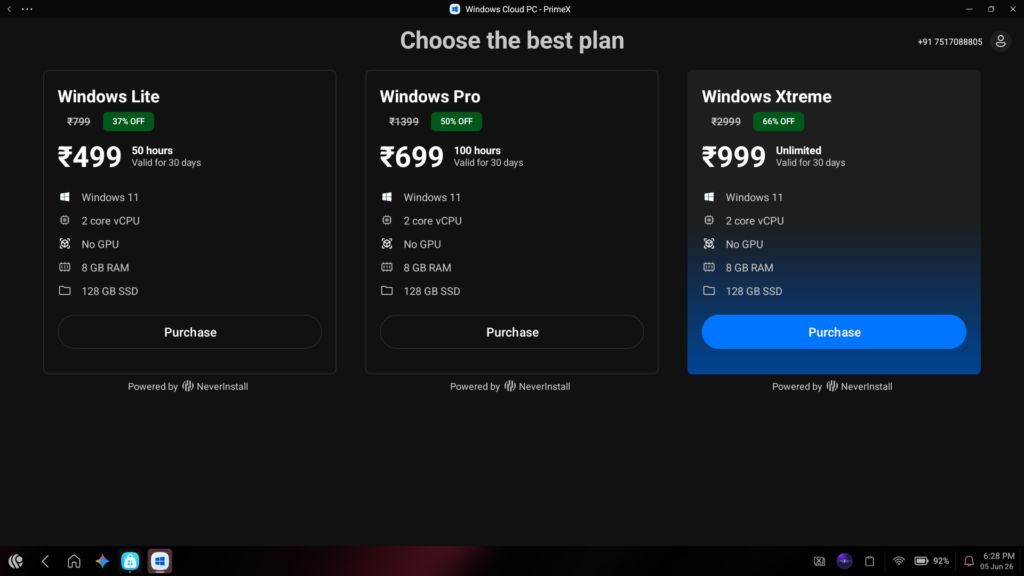
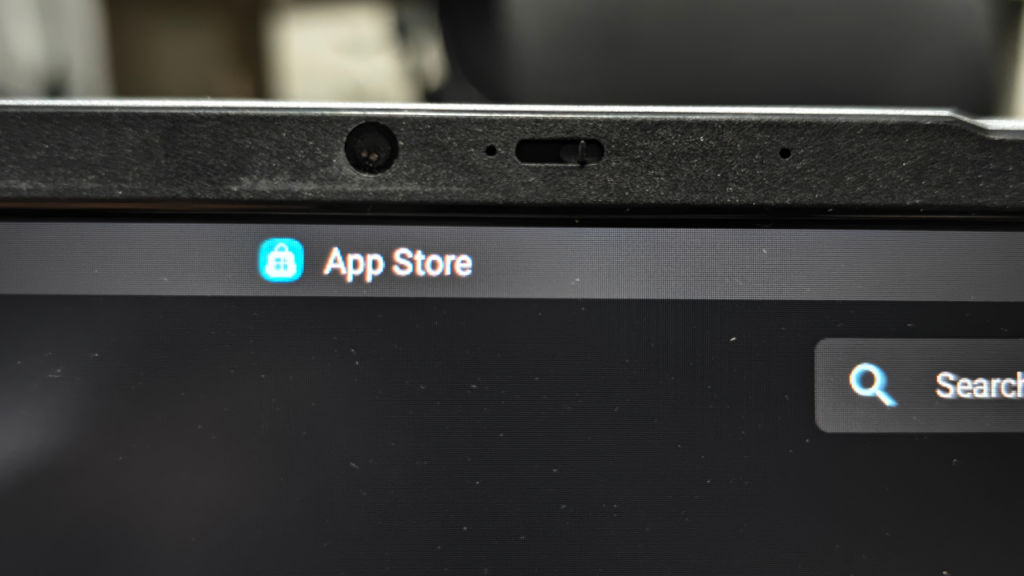
The Primebook 2 Max ships with Cloud PC, which lets you access a Linux environment (and eventually Windows) through the cloud for heavier tasks. The concept is clever and it adds meaningful headroom to what is otherwise a light-use machine. But let’s be clear about what it is: a complement, not a replacement for a powerful laptop. For heavy video editing, running intensive software, or anything that demands serious local compute, Cloud PC is not the answer. For occasional tasks that go slightly beyond what Android handles natively, it’s a useful escape hatch.
Who should buy this?
Students only. If you’re looking for a computer that will handle your coursework without any hassles, whether it’s homework, research, presenting, video conferencing, online streaming, and staying connected, the Primebook 2 Max delivers on all fronts without breaking your wallet open and gives you the option for some light gaming. It’s also a good choice for people who are mostly into the Android and Google universe and don’t have any use for Windows software applications.
Keep your expectations in check. This isn’t going to replace Windows-based computers for advanced computer users. The trackpad will be difficult to use unless you purchase a mouse. Also, the operating system, although very smooth and easy, may give you hints at some moments about the mobile apps from which they are derived.
However, for its price range and target audience, this laptop is an impressive one. In the budget segment, most computers feel cheap and compromise on quality. However, Primebook has managed to make a name for itself in this space.
Also read: Computex 2026: Asus unveils Pro Art laptops powered by Nvidia RTX Spark chip


