
Gemini Personal Intelligence explained: How it connects your Gmail, Photos, Drive and Youtube
 Follow Us
Gemini Personal Intelligence links Gmail, Drive, Photos, YouTube into one AI assistant
Google’s Gemini connects your emails, files, photos, videos with smarter AI
Gemini Personal Intelligence turns personal Google data into context-aware AI assistant
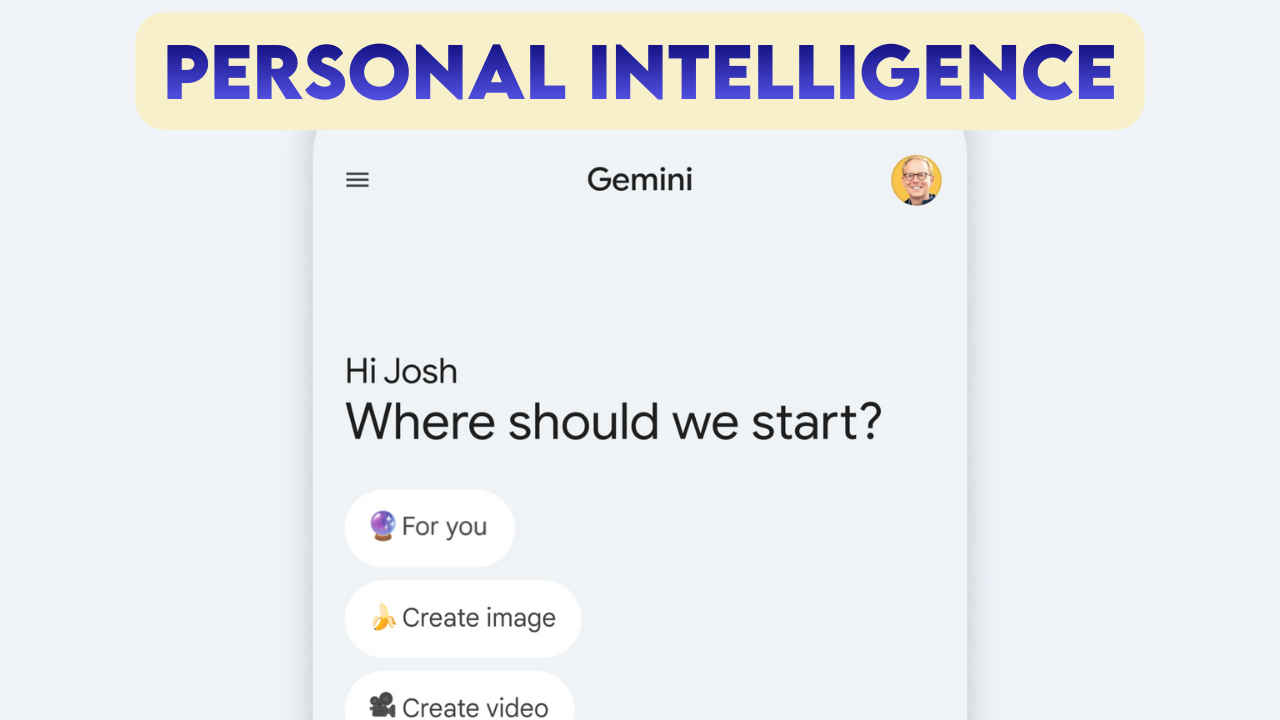

For years, our digital lives have been fragmented. You have flight tickets in your email, vacation memories in your photos, project drafts in your drive, and that one tutorial you watched last week buried in your YouTube history. Until now, connecting these dots required you to be the bridge – copying, pasting, and manually searching across apps.
 Survey
With the rollout of “Personal Intelligence,” a major update to the Gemini ecosystem launched this week, Google is attempting to dissolve those walls. This new layer of capability allows Gemini to do more than just “read” your files; it allows the AI to reason across them simultaneously, creating a truly personalized assistant that understands the context of your life.
Also read: GLM-Image explained: Huawei-powered AI that seriously challenges Nvidia, here’s how
The concept: Reasoning across your data
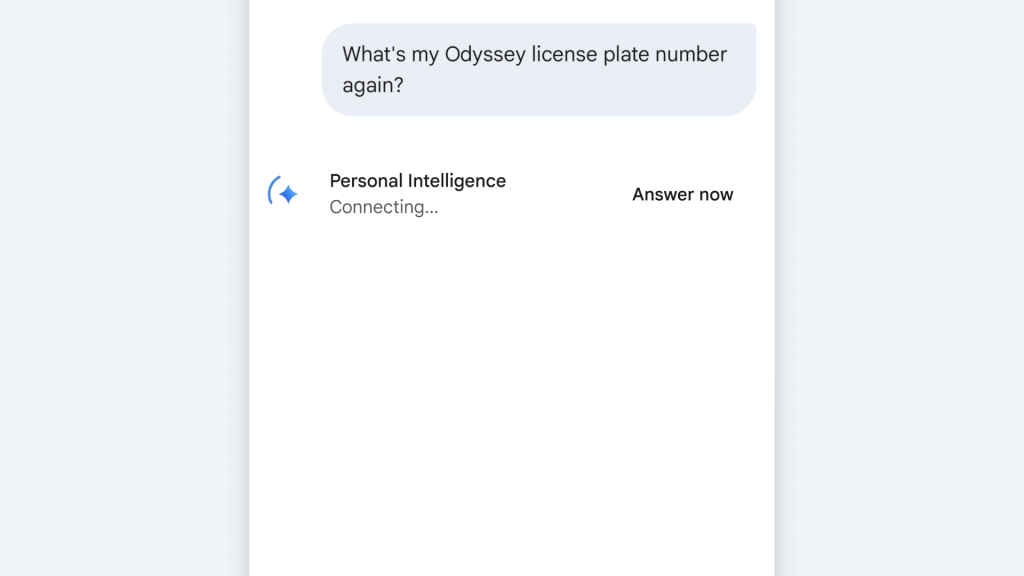
Unlike standard chatbot extensions that might query one app at a time, like asking for a summary of a single document, Personal Intelligence is designed to synthesize information from multiple sources at once. It creates a “knowledge graph” of your personal data, enabling Gemini to answer questions that previously would have stumped an AI.
For example, you might ask, “Can I afford the trip we talked about?” With Personal Intelligence enabled, Gemini can check your Gmail for the travel dates discussed with your partner, cross-reference flight prices from Google Search, and potentially even look at a budget spreadsheet in Drive or receipts in your Photos to give a grounded answer.
How it connects your apps
The feature leverages the deep integration of the Google Workspace ecosystem:
- Gmail & Drive: It goes beyond simple summarization. Gemini can now hunt for specific details buried in threads, like invoice numbers or project deadlines, and correlate them with files in Drive. If you ask, “What’s the status of the Project Alpha launch?”, it can pull the latest email updates and the most recent roadmap slide from Drive.
- Google Photos: This is perhaps the most impressive leap. Using multimodal capabilities, Gemini can “see” your photos. You can ask, “What was the license plate of the rental car we had in Italy?” or “Find the photo of the tire specs I took last month.” It retrieves the image and extracts the data you need instantly.
- YouTube: By accessing your watch history (with permission), Gemini can answer questions like, “Show me the pasta recipe video I watched last Tuesday,” saving you from doom-scrolling through your history.
Also read: MedGemma 1.5 & MedASR explained: High-dimensional imaging and medical speech-to-text
Privacy: The “off by default” promise
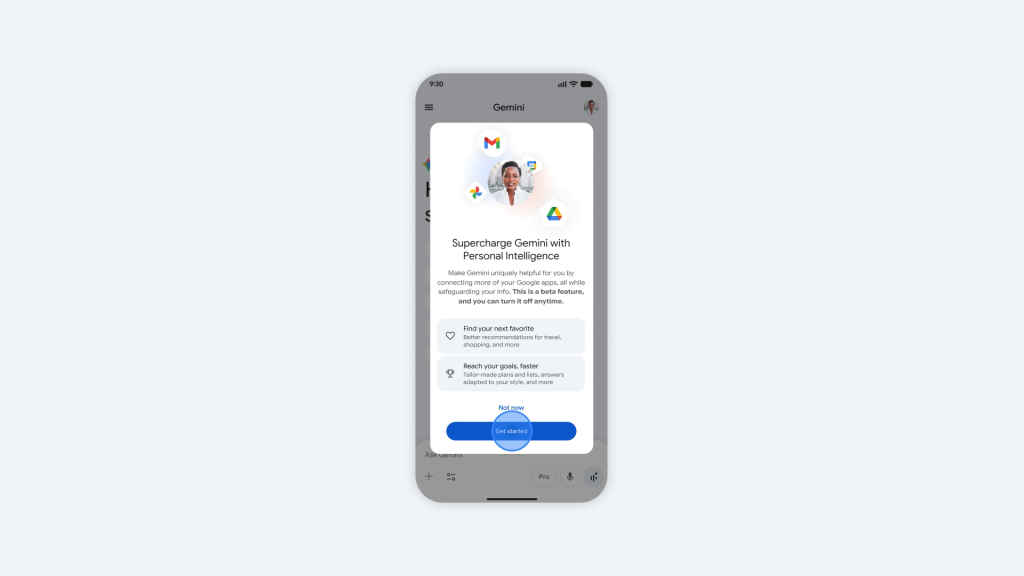
Naturally, granting an AI access to your private photos and emails raises immediate red flags. Google has built Personal Intelligence as an opt-in feature, it is off by default.
Crucially, Google states that your personal data is not used to train the public Gemini models. The reasoning happens within your secure cloud instance. The system effectively “reads” your data to answer your specific prompt and then discards that short-term context. You also retain full control to disconnect specific apps; if you want Gemini to read your emails but stay out of your photos, you can toggle that setting individually.
Personal Intelligence represents the shift from “AI as a chatbot” to “AI as an agent.” It is currently rolling out to Gemini Advanced (AI Premium) subscribers, marking the first time a major AI model has offered such deep, cross-platform fluidity for personal data. While it requires a high degree of trust in Google’s privacy guardrails, the convenience of having an assistant that finally “knows” you might just be worth the trade-off.
Also read: Apple Creator Studio vs. Adobe Creative Cloud: Which creative bundle is best for you?


