
When the phone is your life, your storage needs a Plan B
 Follow Us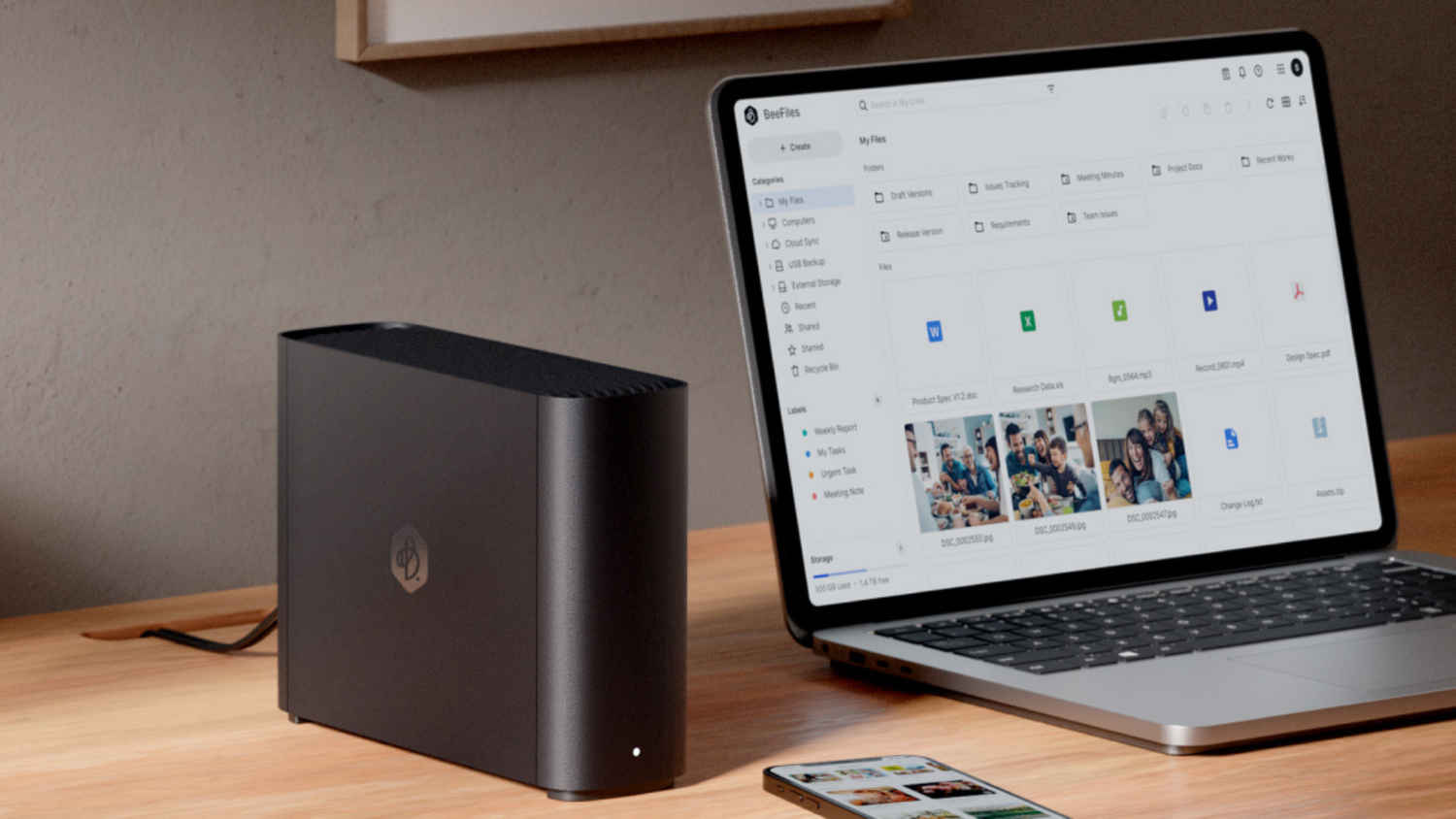

In India, the smartphone is not just the most-used screen, it’s the default computer. Photos, WhatsApp chats, bank alerts, Aadhaar scans, travel tickets, and work files all end up in one place: the phone. The convenience is obvious. The risk is less visible. Most people assume their data is safe because it syncs to the cloud, but that assumption breaks quickly when access to the phone or account disappears.
 Survey
Why many Indian users default to cloud storage
Most Indian users drift into cloud storage, not because they consciously choose an archival strategy, but because modern phones nudge them there. Auto-upload for photos. Backup prompts for WhatsApp. “Free up space” notifications. A sign-in that quietly ties everything to one Google or Apple ID.



Cloud storage is genuinely useful, until it becomes the only copy that matters. Here’s where cloud-only storage tends to creak in the real world. For starters, you can lose access without losing data. If you are locked out of your primary email, miss a recovery prompt, change numbers, or get caught in a verification loop while travelling, the files may still exist, but they might as well be on Mars.
You can lose data without realising it. Accidental deletion is common because phones optimise for speed, not ceremony. Clean-up tools, “select all” mistakes, and overzealous storage managers can wipe out more than you intended.
You can get squeezed by quotas at the worst time. WhatsApp’s Android backups now count towards your Google account storage, which means chat history and media can start competing with photos, Gmail, and Drive files for the same space. When storage fills up, backups fail quietly, right when you assumed you were protected.
And then there’s the simple fact that outages happen. Apps break. Services slow down. Internet connectivity drops. In those moments, “it’s in the cloud” can turn into “I can’t reach it”.
Risk scenarios Indian users actually recognise
The usual advice is “back up your phone”. In practice, the problem is that most people believe they already are, because the phone says it is syncing. But the situations that hurt are rarely neat.
Think of a stolen phone on the commute. The handset is gone, the SIM is blocked, and now you need OTPs to sign in. But the OTPs are going to the SIM that no longer exists. Or you could end up with a cracked display, water damage, or motherboard failure. The device is “technically” repairable, but data recovery is expensive, uncertain, and sometimes impossible.
There’s always the case of forgotten credentials for the account you set up years ago. Many people have multiple Google IDs, a couple of “backup” emails, and a half-remembered password pattern. One day, a device reset turns that messy reality into a hard stop. And we’re all familiar with the family situation wherein a parent’s phone fails, and nobody knows their Apple ID password, recovery key, or which email was used. The photos are emotionally priceless, but procedurally locked away. Let’s not forget accidental deletions. A child playing with the phone. A rushed clean-up before a trip. A “free up space” tap that deletes local copies you did not mean to lose.
This is why “more cloud” is not always the answer. What people actually need is a simpler, more dependable layer that sits closer to home, while still being easy enough to use like cloud.
There’s a simpler storage solution
What many people actually need is not more cloud storage, but a second layer of storage that they control, one that still feels as simple as using the cloud. Then introduce: This is the idea behind Synology BeeStation Plus. Synology’s BeeStation Plus is designed around a straightforward promise: bring your photos and files into one place you control, then access them anywhere, with the kind of simplicity most people associate with consumer cloud services. Synology positions it as a private storage hub for home and small teams, with 8 TB of built-in storage.

The “Plus” in BeeStation Plus is not just about capacity. It is also about making the device fast and practical for mixed households where multiple people are uploading, syncing, and searching at the same time. Synology claims improvements versus the original BeeStation for mobile photo backup, web uploads, and desktop sync in its materials.
Setup is intentionally light-touch and all you need to do is plug in power, connect Ethernet to your router, and complete onboarding. (It is Ethernet-only, no built-in Wi-Fi, which is a useful expectation to set before buying.)
From there, BeeStation Plus behaves like the storage centre your phone and laptop have been pretending to be. Photos can be backed up from mobile, files can be pulled in from computers and external drives, and cloud accounts can be consolidated so you are not juggling three different “truths” for where your data lives.
You get control, access, and fewer points of failure
A sensible storage plan is not “cloud vs local”. It is “how many ways can I lose access in one bad afternoon?” BeeStation Plus tackles this with a few user-friendly ideas.
First, it brings data under your roof. Your core library can live on the device, not scattered across phone storage, old external drives, and whichever cloud service you happened to use that year. Second, it is built for sharing in a controlled way. Synology says you can invite up to 8 people, giving each person their own space, which fits the typical Indian household dynamic where storage needs are shared but privacy still matters. Third, it is designed around recovery, not just storage. BeeStation includes snapshot-powered restore points to help roll back data if something goes wrong, including ransomware-style scenarios and accidental changes.
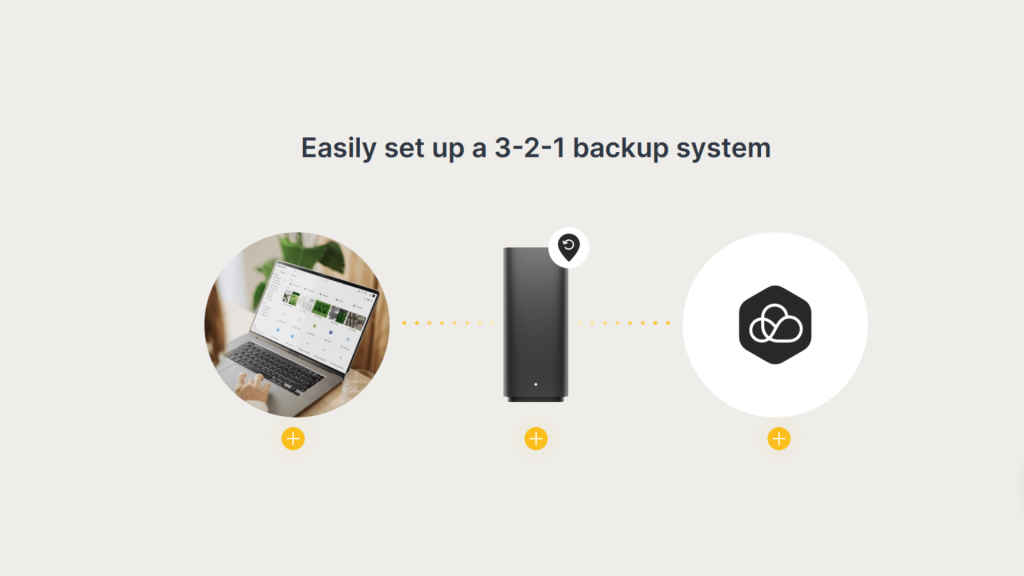
Fourth, it makes “backing up the backup” less painful. Synology offers BeeProtect, a cloud protection option for BeeStation, and the BeeStation Plus product page highlights a trial window as part of the proposition. This is the part people skip when they try to DIY their own setup, and then regret later.
Finally, it is meant to stay usable when the internet is being temperamental. Synology notes you can enable local access after initial setup and sign in via the device’s private IP address during ISP outages (with some limitations around app sign-in). That matters in India, where connectivity is often excellent, until it suddenly isn’t.
A more realistic storage endgame
For Indian users, storage is a practical need wrapped around photos, documents, and conversations that are hard to recreate. BeeStation Plus is best understood as a reset button for the modern habit of letting a phone and a cloud account carry the weight of your entire digital life. Instead of hoping that sync is enough, it lets you build a proper home for your data, without turning storage management into a weekend project.
Want to see how BeeStation Plus can simplify your digital storage?
Explore the product here: https://sy.to/q8is6
Need help deciding if it’s the right fit for your setup?
Speak with a Synology expert: https://sy.to/s26zk
Or if you’re ready to get started, you can purchase BeeStation Plus here: https://sy.to/kbher


