
From Grok to Gemini: Best AI image-to-video generator tools
 Follow Us
Gemini Nano Banana AI turns photos/text into lifelike 3D figurines and digital collectibles.
Free tools like Grok AI and Kling AI let users animate models into engaging videos.
Alternatives like Pollo.ai, Midjourney, and OpenAI’s Sora expand options from casual fun to pro-grade film creation.
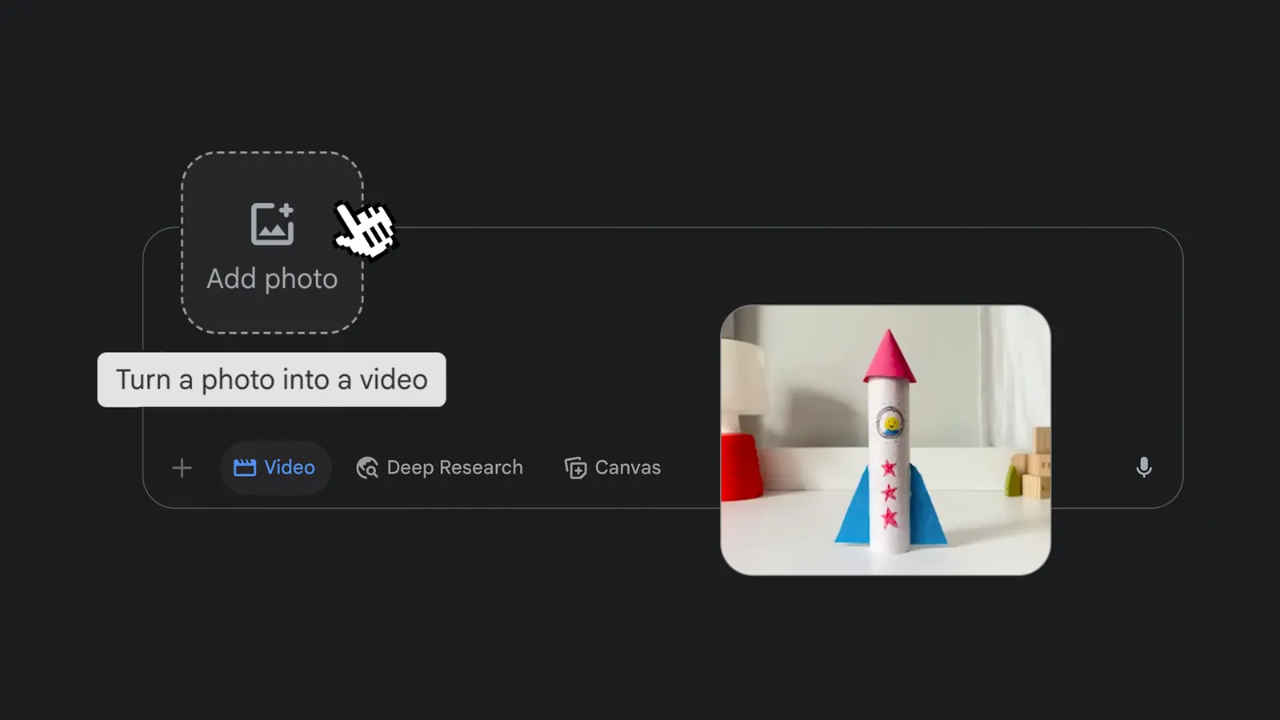

Google’s Gemini Nano Banana AI model is the latest sensation, making waves online. The model has gone viral with more than 200 million images and 3D models already circulating across platforms. Its popularity comes from the fact that it allows anyone, from creators to designers, or just curious users, to generate lifelike 3D figurines, models, and animations from simple text prompts or real photos while retaining details such as lighting, textures, and perspective.
 Survey
Now these models are transformed into animated videos. While video-generation tools such as Google’s Veo 3 or OpenAI’s Sora have been at the forefront of this space, access often comes at a steep price, limiting who can experiment with them. This is where free alternatives such as Grok AI and Kling AI step in, giving everyday users the chance to create engaging animations without the need for expensive subscriptions or professional editing software. Here are some of the best AI image-to-video generator tools that are worth trying.
Best AI image-to-video generator tools
Grok AI
Among the most beginner-friendly tools is Grok AI, developed by xAI. Grok makes it almost effortless to turn a Nano Banana 3D model and animate it into a short clip, complete with sound effects. All you have to do is open the Grok app on your phone or through X (formerly Twitter), head to the “Imagine” section, upload your 3D model, and hit “Make Video.” Within seconds, your static figurine comes to life. For casual users or social media creators, it’s a great way to join the AI animation trend without investing too much time or money.
King AI
If you want to push the visuals further, Kling AI is the next level up. Unlike Grok, which focuses on simplicity, Kling offers a more cinematic approach to video generation. The platform supports smooth camera pans, zooms, and rotations while also making characters feel more alive with subtle touches like blinking, breathing, or small gestures. The process is just as straightforward; you log in on the Kling AI website or app, upload your image, and add a text prompt to guide the animation. You can even lean on DeepSeek R1 to auto-generate prompts if you’re unsure how to describe your scene. A good prompt, such as asking the figurine to remain mostly still while the camera sweeps around in a well-lit room, can produce results that feel like they were shot on a high-end film set. For creators who want polish and control without paying a hefty price tag for pro-grade tools, Kling AI is the perfect choice.
Gemini
Gemini Nano Banana has the ability to create your own collectable figurines. From creating a digital model of yourself as a toy-sized figurine, complete with a transparent acrylic base and even packaging that looks like it belongs on a shelf in a hobby store, it can do it all. With the right prompt, the AI can generate not just the figurine but also a fully designed box with illustrations. From there, you can animate it with Kling or Grok, turning yourself or your friends into a character in a video. It’s easy to see why this feature is quickly catching on with creators who want to create digital collectables or even prep 3D prints of their own miniatures.
OpenAI’s Sora
OpenAI’s Sora immediately grabbed attention when it launched. Beyond simple prompt-to-video generation, it offers a unique Storyboard mode, letting creators stitch together multiple scenes with individual prompts while maintaining visual consistency across the entire sequence. This means you could theoretically write out an entire short film in prompts and have the AI render it scene by scene. However, users will have to buy a subscription priced at $20 per month via ChatGPT Plus for watermarked clips, or a steep $200 per month for a Pro version that outputs longer, HD-quality, watermark-free videos.
Pollo.ai
For those who want something between casual fun and pro-grade complexity, Pollo.ai is another interesting option. The platform is geared more toward scriptwriters and educators, allowing you to turn text, images, or even short clips into fully animated videos complete with AI-generated voiceovers. The tool supports multiple languages and even provides scene previews for smoother editing. Watermarks and export restrictions limit its free tier, but its Lite and Pro subscription plans unlock HD-quality, watermark-free videos with more credits. For creators who want to spin up explainer videos or presentations quickly, Pollo.ai feels like a handy companion.
Also read: Samsung Galaxy S23 Ultra 5G price drops by Rs 43,900 on Amazon ahead of Great Indian Festival sale
Midjourney
And then there’s Midjourney, the name that has already become synonymous with AI-generated images. The company has now ventured into video with its first model, V1, which can generate clips between five and 21 seconds long in 720p resolution. Currently, access to Midjourney’s video tool is paywalled at $10 per month, making it one of the cheaper options in this space. However, users should be aware that unless they enable Stealth Mode, their creations are added to Midjourney’s public gallery, which might not be ideal for private projects or commercial use.


