
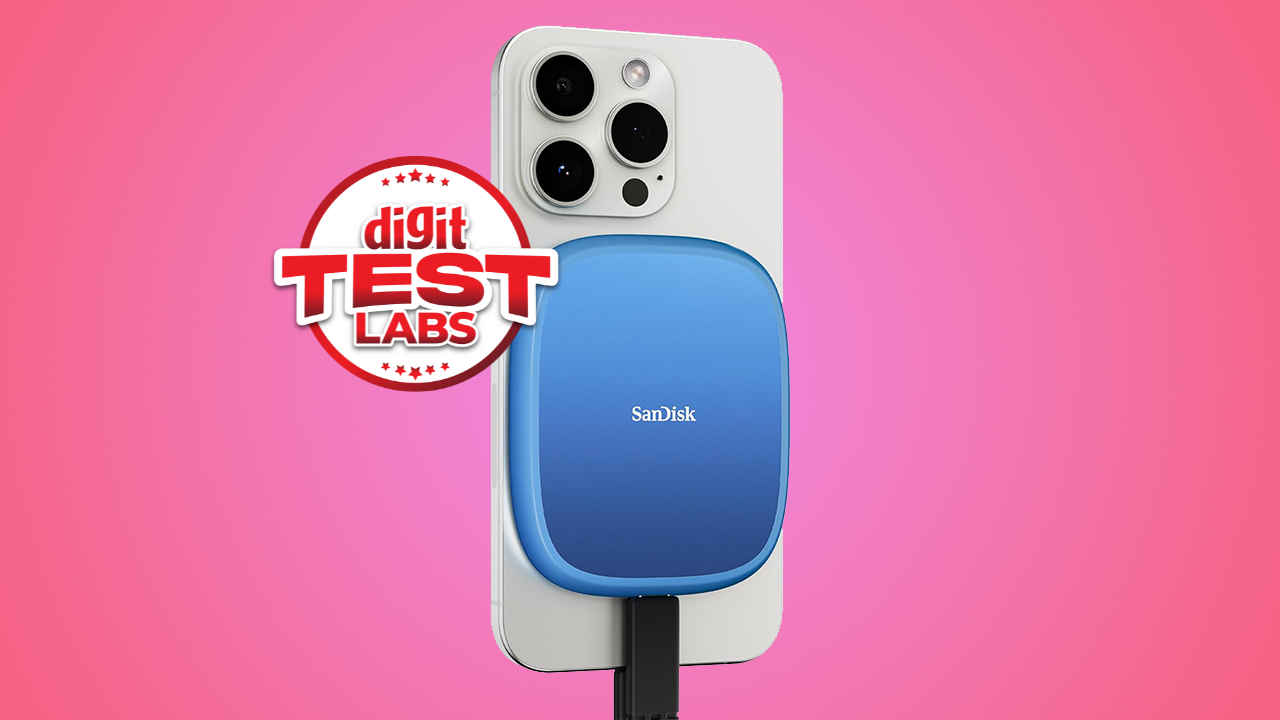
The SanDisk Creator Phone SSD targets a very specific pain point. Modern iPhones shoot lovely ProRes video, yet internal storage can vanish in a single day on set. This drive aims to be your pocketable scratch-pad, attaching magnetically to a MagSafe-compatible handset, then pulling double duty as a fast, rugged SSD when you are back at the desk. In short, think of it as the SanDisk Extreme Portable SSD, only trimmed to sit comfortably behind a phone and tuned for mobile workflows. The proposition is simple: snap it on, plug in a short USB-C cable, hit record, and save straight to external storage. That alone will appeal to creators who would rather spend time shooting than juggling storage alerts.
SanDisk’s positioning in the broader Creator series makes sense. The company promises support for Apple ProRes capture at up to 4K60, a silicone armour design with serious ingress protection, and claimed peak speeds around the 1 GB/s mark. It also throws in a month of Adobe Creative Cloud as a perk, which is handy if you are spinning footage into a quick cut.
Specifications
The Creator Phone SSD connects over USB Type-C with a USB 3.2 Gen 2 link, and is sold in 1 TB and 2 TB capacities. SanDisk rates the drive at up to 1,000 MB/s reads and up to 950 MB/s writes. It comes pre-formatted in exFAT, so Windows, macOS, Android, iOS and iPadOS recognise it immediately, which removes a typical setup hurdle. The unit weighs about 54 g and measures roughly 82.5 x 68.4 x 11 mm, making it a squat rectangle that sits neatly behind larger phones. A 5-year limited warranty covers the product. Officially, it supports 4K60 ProRes capture, has IP65 dust and water resistance, and is rated for drops up to three metres.

In the box, SanDisk includes a flat USB-C cable with straight connectors. You can use any quality USB-C cable, but the included one keeps the rig compact.
Build quality
If you have handled the SanDisk Extreme series, this feels familiar. The Creator Phone SSD wears a soft-touch silicone shell that resists scuffs and adds grip. The finish looks and feels practical rather than flashy, which suits a tool designed for field work. The IP65 rating gives peace of mind for dusty shoots and light rain, so long as you dry the ports before use. SanDisk’s three-metre drop protection claim is a welcome buffer against the inevitable bumps of run-and-gun filming, although, like all drop claims, it is not an invite to abuse your kit.
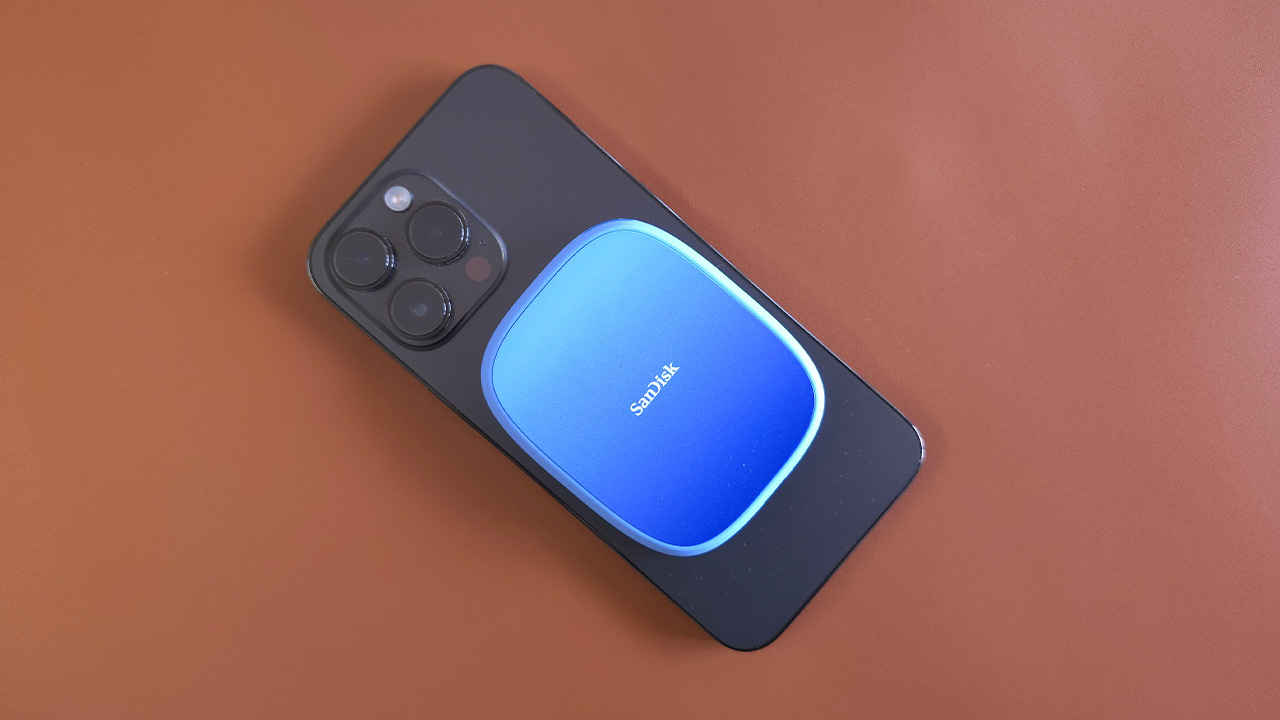
MagSafe compatibility is the signature flourish. The magnets are strong enough to keep the SSD seated on a naked iPhone 15 series (and above) handset or a MagSafe-ready case, reducing cable tug and making the whole rig feel more like a single object. It is, however, still a two-point connection, magnet plus cable, so the ergonomics hinge on your cable layout. The bundled cable uses straight ends, which can jut out awkwardly from the phone in landscape. An L-bend connector at the phone end would have made the grip more comfortable, especially for extended handheld shoots. If you plan to use cages or top handles, consider a short right-angle cable to tidy things up.
The form factor, at a little over 11 mm thick, is noticeably slimmer than many pocket SSDs. That matters when the drive rides on your handset, since bulk can get in the way of fingers and gimbal arms. The 54 g mass keeps the balance manageable, particularly on the iPhone 15 Pro and Pro Max, where titanium frames are lighter than the older stainless models.
Performance
We ran CrystalDiskMark on a USB 3.2 Gen 2 host and saw 977 MB/s sequential reads and 938 MB/s sequential writes. Those figures line up closely with SanDisk’s own claims, and they translate into practical wins. Dumping a 30 GB ProRes 422 HQ clip took well under a minute, and scrubbing through footage directly from the drive in a desktop NLE felt responsive for quick selects. As usual, your results will vary by host controller, cable quality, and thermal conditions, but the takeaway is clear: this is fast enough for the type of mobile ingest and offload workflows creators care about.

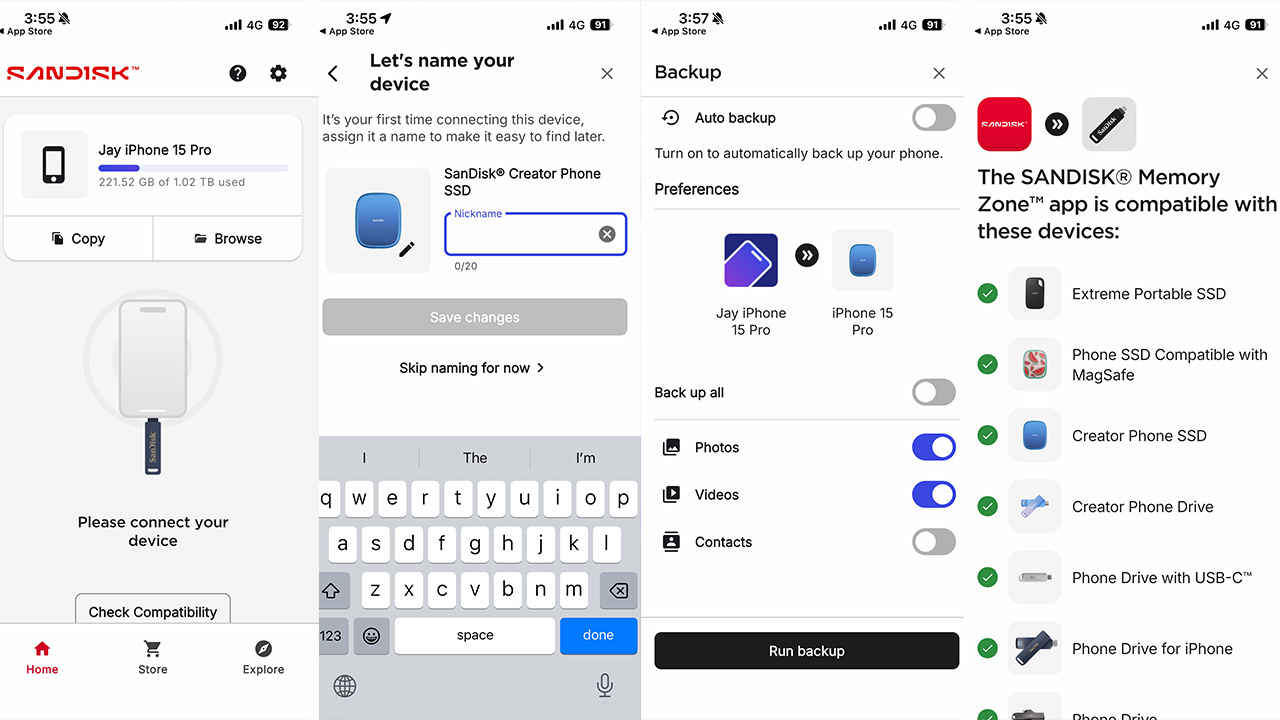
On iPhone, the workflow hinges on two points. First, you need USB-C, which means iPhone 15 series or newer. Lightning iPhones are out. Second, you want a straightforward way to manage files. SanDisk’s Memory Zone app on iOS helps by making the external volume easy to browse, and it exposes a Record Direct-to-Drive option when the SSD is connected. That means you can point your camera app, or compatible capture tools, to write straight to the external SSD rather than internal storage. In practice, this removes the usual shuffle of shooting to phone, exporting, then cleaning up space, and it lets you keep internal storage free for apps and system tasks.
Thermals were sensible in our checks. After repeated large writes, the silicone shell felt warm, not hot, and speeds stayed consistent for multi-gigabyte transfers. The controller and NAND are clearly tuned for sustained mobile use rather than headline desktop benchmarks. If your workflow includes simultaneous power delivery and recording, note that power draw and data over a single port can get tricky with some hubs. A simple clean connection from phone to SSD is the most reliable approach when absolute stability matters.
Because the drive is exFAT by default, you can pass it between iOS, macOS, Windows, and Android without reformatting. That makes it ideal as a shuttle disk between a phone on set, a laptop in the coffee shop, and a workstation in the studio. If you prefer APFS or NTFS features, you can reformat, but most creators will value frictionless hand-offs more than filesystem extras.
Verdict
SanDisk’s Creator Phone SSD nails the brief for iPhone 15 (and above) series shooters who need a compact, rugged, magnet-mountable scratch-pad that keeps pace with ProRes capture and quick offloads. The silicone shell and IP65 rating deliver practical resilience, the near-1 GB/s performance makes transfers painless, and the exFAT default keeps the drive plug-and-play across platforms. The magnet mount reduces rig faff, and the Memory Zone app, with its Record Direct-to-Drive front door, helps turn a phone into a mini production rig with far fewer compromises.
There are limits. The appeal is sharply focused on USB-C iPhones, so anyone on older Lightning models is excluded. The included cable works, yet a right-angle connector at the phone end would have made the handheld experience tidier. None of this undermines the core proposition, which is strong. For mobile creators, journalists, and social teams who have embraced iPhone workflows, this is a very neat way to reclaim internal storage, reduce friction, and keep shooting without pausing to delete.
If your needs are broader, for example heavy desktop editing or multi-device backup, a standard portable SSD might be better value. If your priority is a minimal mobile rig that lets you shoot, dump, and move on, the Creator Phone SSD is exactly the sort of tool that pays for itself the first time it saves a take.
 Follow Us
Mithun Mohandas
Mithun Mohandas is an Indian technology journalist with 14 years of experience covering consumer technology. He is currently employed at Digit in the capacity of a Managing Editor. Mithun has a background in Computer Engineering and was an active member of the IEEE during his college days. He has a penchant for digging deep into unravelling what makes a device tick. If there's a transistor in it, Mithun's probably going to rip it apart till he finds it. At Digit, he covers processors, graphics cards, storage media, displays and networking devices aside from anything developer related. As an avid PC gamer, he prefers RTS and FPS titles, and can be quite competitive in a race to the finish line. He only gets consoles for the exclusives. He can be seen playing Valorant, World of Tanks, HITMAN and the occasional Age of Empires or being the voice behind hundreds of Digit videos. View Full Profile


