Gemini for TV replaces Google Assistant on Google TV Streamer.
It enables conversational voice queries for entertainment, learning, and smart home control.
It will be widely rolled out in following weeks.
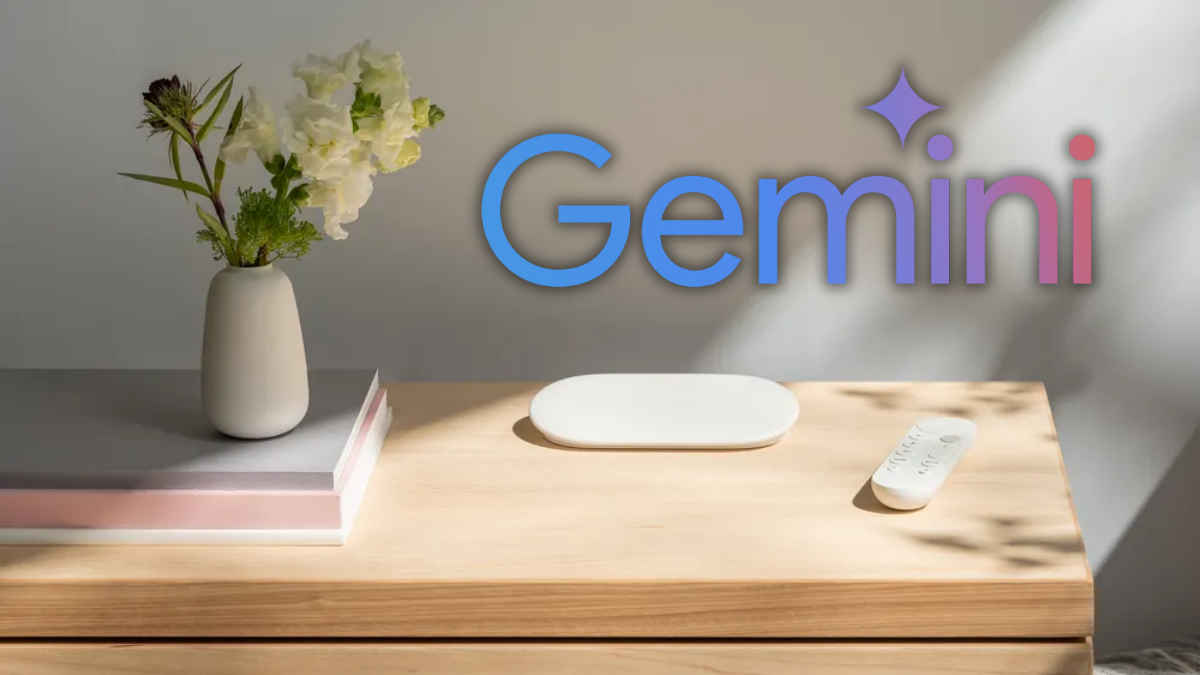
Google has started rolling out Gemini for TV to Google TV Streamer, thus expanding its conversational AI experience to more users globally. Previously, Gemini was available on select smart TVs. The new rollout will continue over the next few weeks, replacing Google Assistant. It will allow users to use natural, conversational voice commands to find shows, learn new topics, and manage connected devices directly through their television.
 Survey
How to use Gemini on TV
Gemini can carry out more natural and context-aware conversations. As an upgrade over Google Assistant, it can still handle tasks like showing live camera feeds or controlling smart home devices.


Users can now say things like, ‘I like dramas, but my wife likes comedies. What’s a movie we can watch together?’ and Gemini will recommend suitable options. It can also provide show summaries, such as ‘What happened at the end of ‘Stranger Things’ last season?’ or answer trending queries like ‘What’s the Baramulla show everyone’s talking about?’
It won’t be just entertainment. You can use it for learning and productivity. You can get topics explained, for instance, ‘Explain why volcanoes erupt to my third grader.’ It can assist your kids with home projects or you in cooking sessions on YouTube.
How to access Gemini on Google TV Streamer
Step 1: First of all, connect the Google TV Streamer to your smart TV through the HDMI port with HDCP 1.3 or later.
Step 2: If the streamer device is updated, you can access this feature by pressing the microphone button on your Google TV Streamer remote.
Step 3: Ensure you have a stable internet connection and Google TV Streamer is updated to the latest software version. To check if your device has received the update, go to Settings > Accounts & Profiles > Voice Assistant and look for the ‘Gemini for TV’ option.
The rollout will take place in phases in the coming weeks and will be available in select countries.
Keep reading Digit.in for similar stories.
Also Read: CES 2026 Innovation Awards announced, LG bags two Best of Innovation honours
 Follow Us
G. S. Vasan
G.S. Vasan is the chief copy editor at Digit, where he leads coverage of TVs and audio. His work spans reviews, news, features, and maintaining key content pages. Before joining Digit, he worked with publications like Smartprix and 91mobiles, bringing over six years of experience in tech journalism. His articles reflect both his expertise and passion for technology. View Full Profile


