
One UI 8 update finally rolls out for Samsung Galaxy S24, Galaxy S24 Ultra, Galaxy Z Fold 6 and Z Flip 6
 Follow Us
Samsung One UI 8.0 update live for Galaxy S24, S24+, S24 Ultra in Korea.
Galaxy Z Fold 6 and Z Flip 6 also receiving the stable build.
Global rollout likely within weeks, bringing major UI, camera, and security upgrades.
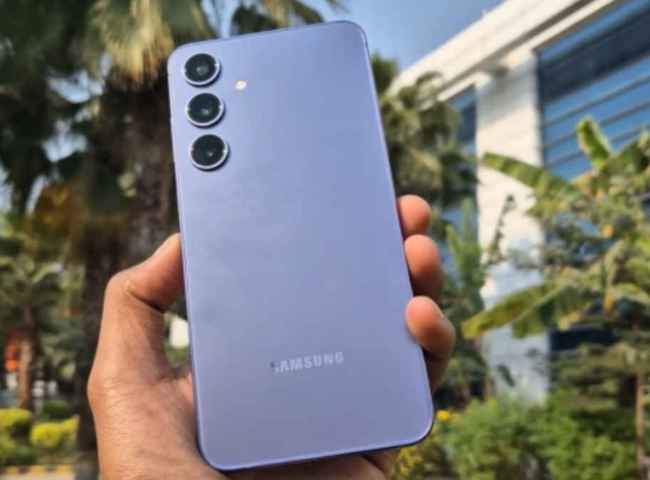

Samsung has officially released the stable version of One UI 8.0 (Android 16) for its Galaxy S24 series non-beta users in Korea. The update for the Galaxy S24, S24+, and S24 Ultra comes with firmware build versions S928NKSU4CYI7, S926NKSU9CYI7 and S921NKSU9CYI7, respectively. In addition, Samsung has also started pushing out One UI 8 stable builds for its 2024 premium foldables in Korea. The Galaxy Z Fold 6 is receiving versions F956NKSU2CYI7, F956NOKR2CYI7, and F956NKSU2CYHC, while the Galaxy Z Flip 6 gets F741NKSU2CYI6, F741NOKR2CYI6, and F741NKSU2CYHC.
 Survey
Here’s what we know about the Samsung One UI 8.0 update.
Samsung One UI 8.0: What’s new
One UI 8 introduces several enhancements that encompass UI polish, improved multitasking, enhanced privacy and security, updated health and communication tools, and more. While Samsung hasn’t yet shared a full changelog specific to the Indian rollout, global sources note features like upgraded split-screen modes, “Now Brief” daily summaries, improvements to Quick Share, and AI-driven utility features.
According to Samsung’s official rollout calendar, the global rollout for high-end models is expected to start within the next few weeks. The Galaxy S24 series, Z Fold 6, Z Flip 6, and the S24 FE are among the first in line outside Korea.
Broader eligibility for other Galaxy S, Z, A, and Tab series devices has been confirmed for 2025, with many devices expected to receive One UI 8 by October/November.
Also read: Samsung Galaxy A55 5G price drops by Rs 16,000 during Amazon Great Indian Festival 2025
At the moment, there’s no information about when Samsung will extend Galaxy S24’s One UI 8 update to other regions. Typically, the brand releases a new One UI 8 update in Korea, followed by a global rollout after a day, at least to high-end devices.
How to install the One UI 8.0 update
If you’re in Korea with a supported device, you can get the update via Settings > Software update > Download and install.
For users outside Korea, keep an eye on Samsung’s update schedule or the Samsung Members app. Also, back up your phone before updating and charge your device’s battery.


