
Want free Photoshop? Adobe is giving Chrome users 1 year of Photoshop Web: Here’s how to get it
 Follow Us
Adobe is offering 1 year of Photoshop Web for free to Chrome users who install the official extension before 8 December.
Users can edit images directly in the browser with tools like background removal, colour adjustment, cropping, and ready-made social media templates.
The offer benefits students, creators and businesses by providing powerful editing without installing software, as Adobe continues expanding AI-powered features.
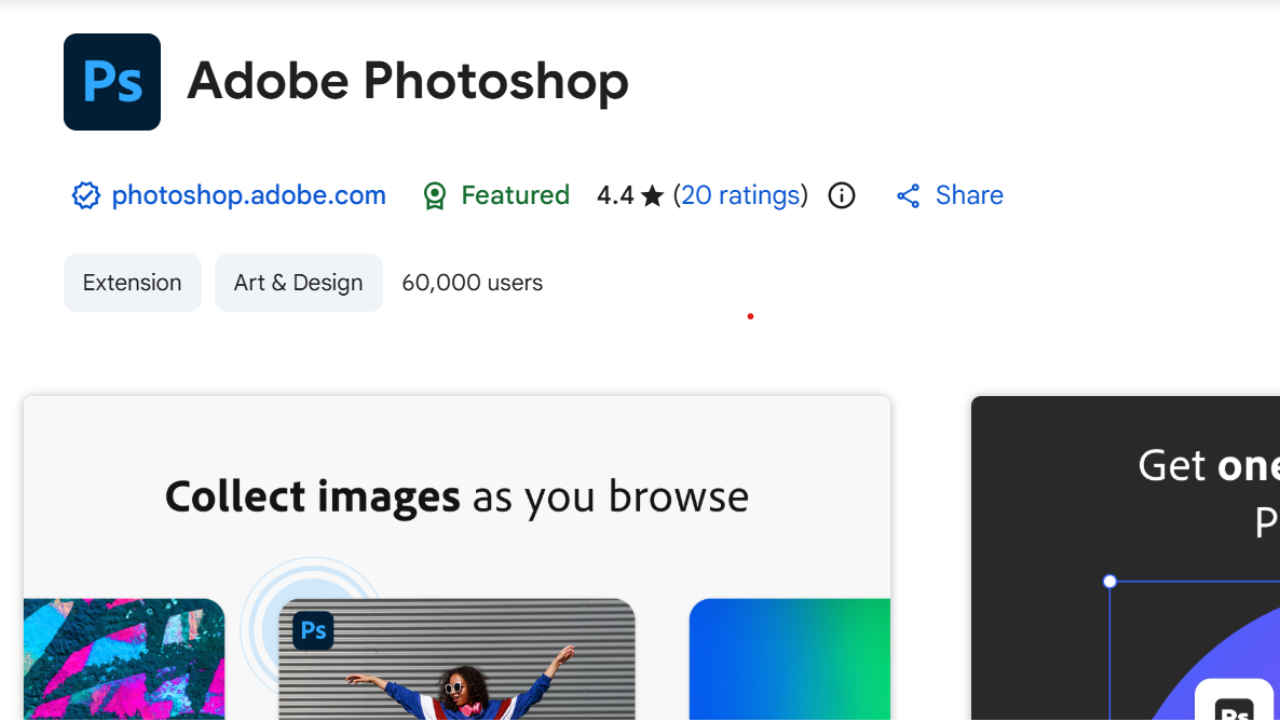

Adobe Photoshop is among the most popular tools used by students, creators and everyday users to edit their photos. While it is a paid software, Adobe is offering its software for Chrome users as an extension for free, but for a limited time. With this, the users will be able to access all the powerful features and edit the images on the go without needing to install the software on their system. If you are among those who want to use free Photoshop, here is how you can do it.
 Survey
How to claim free Photoshop Web
Follow these steps to activate your free Photoshop Web access:
- Open the Chrome browser.
- Search for “Adobe Photoshop Chrome extension”.
- Select the extension and click Add to Chrome.
- When the confirmation box appears, click Add extension.
- After installation, you will be redirected to the Photoshop page.
- Look for the section called ‘Start your free year of Photoshop Web’ and select ‘Start free offer’.
- Sign in with your Adobe account to complete the setup.
This offer works only if you install the extension before 8 December. Once it is activated, the free Photoshop Web access will be added to your Adobe account automatically.
Also read: Apple iPhone 18 Pro leaks: Design, specifications, price range and more
What the Photoshop Chrome extension offers
The new extension helps users make quick changes to images without installing heavy software. After adding it to Chrome, users can right-click any picture on the web and choose the Photoshop option to start editing. They can also use the small Photoshop icon that appears on supported images.
The web version supports background removal, colour adjustment, exposure correction and cropping. It also includes ready-sized templates suitable for platforms like Instagram, Facebook and YouTube. After editing, the image can be downloaded directly to the device.
Also read: Oakley Meta HSTN AI glasses set to launch in India on Dec 1: Price, features and everything new
Who can benefit from this offer?
Adobe says the extension is designed for creators, students, small business owners and marketing teams who need a quick way to edit pictures on the move. Because everything works inside the browser, users do not need a powerful computer. Adobe plans to continue improving the tool so that more editing tasks can be completed without opening the desktop app.
What is next from Photoshop?
At its recent event, Adobe introduced several new AI-based features across its creative apps. These include improved image generation, better editing tools and new options for audio and video creation. Adobe also said it is working on a system that will allow its AI helpers to work together across different apps. This may make editing faster and more connected in the future.
If you want easy web-based photo editing and do not want to miss a free year of Photoshop Web, installing the Chrome extension before the deadline is the best way to get started.


