

Samsung Galaxy S22 Ultra glitch leaves users locked out after reset: Here’s what is happening
 Follow Us
A factory reset is causing some Samsung Galaxy S22 Ultra phones to get locked with an organisation control message.
The issue seems linked to a system error where devices are wrongly marked as enterprise units in Samsung’s database.
The only current fix is contacting Samsung support with proof of purchase, but the process can take time.
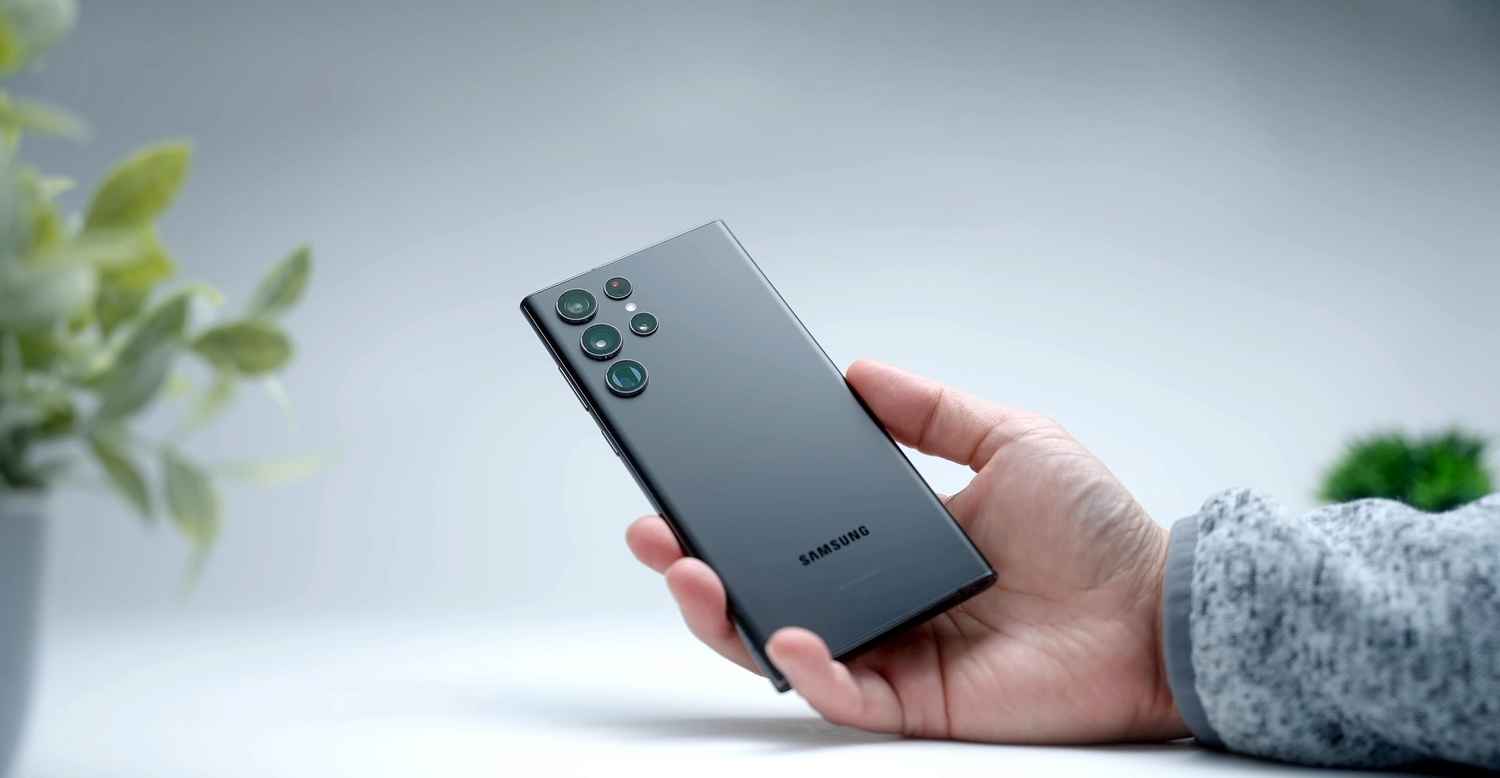

Samsung Galaxy S22 Ultra users are reporting a serious issue that can turn their phones into unusable devices after a simple factory reset. What is usually seen as a last resort for fixing software glitches is now creating a catastrophic new problem, as users encounter a permanent lock screen claiming the device belongs to an organisation. This is particularly alarming because the majority of affected owners purchased their phones from reputable retail stores and have never used them for professional or corporate work. While Samsung has addressed individual support tickets, there has not yet been a widespread official public statement regarding a permanent fix for this database error.
 Survey
The issue appears immediately after a user performs a factory reset and attempts the initial device setup. When the phone connects to Wi-Fi to verify the Google account, it instead triggers Samsung’s Knox Mobile Enrolment (KME) system. Users see a message saying the device is controlled by an organisation and that their data and activity might be watched by an admin. The KME was designed to help IT professionals to automate the setup of company devices.
Also read: Gemini integration bug may put millions of Android users’ data at risk: All you should know
Affected users maintain that their phones were never connected to a corporate environment, yet many have noticed a recurring detail: the management profile is often linked to an entity called NUMERO LLC, frequently displayed in all capital letters. The suspicious naming and the fact that these users have no affiliation with such a company suggest a massive error in how IMEI numbers were registered in Samsung’s global deployment database. This has caused people to guess different reasons, from simple data errors in the system to possible misuse of tools that let sellers register many devices at once.
Frustrated users have also tried resetting their phones many times or even reinstalling the Android software manually, but none of these methods worked. Every time the phone starts up and connects to the internet, it sends its unique IMEI number to Samsung’s servers to check its status. If that IMEI is incorrectly flagged as Enterprise in the Knox database, the system forces the management profile back onto the phone again, regardless of what software is installed. This makes the device effectively bricked for the average consumer who cannot bypass the organisational sign-in.
Also read: Motorola Razr 70 Ultra specifications tipped ahead of launch: What to expect
Contacting Samsung support is the only known fix to this issue yet. Users can request them to unlock their device. But remember, you’ll need to show proof that you bought it, like a receipt or bill, to confirm it’s a genuine purchase. After checking this, Samsung can mark the device as safe and remove it from the organisation’s control using its IMEI number.
However, many users say this process can be slow because the request has to be passed on to special technical teams who manage the Knox security system.


