
OxygenOS 16 rolling out for OnePlus 13 and 13R: Check features, how to install and all other details
 Follow Us
Parallel Processing 2.0 delivers ultra-fluid animations and seamless app transitions.
Plus Mind upgrade adds AI voice memos, image sharing, and extended screenshots.
Revamped visuals with lock screen widgets, video wallpapers, and adaptive icons.
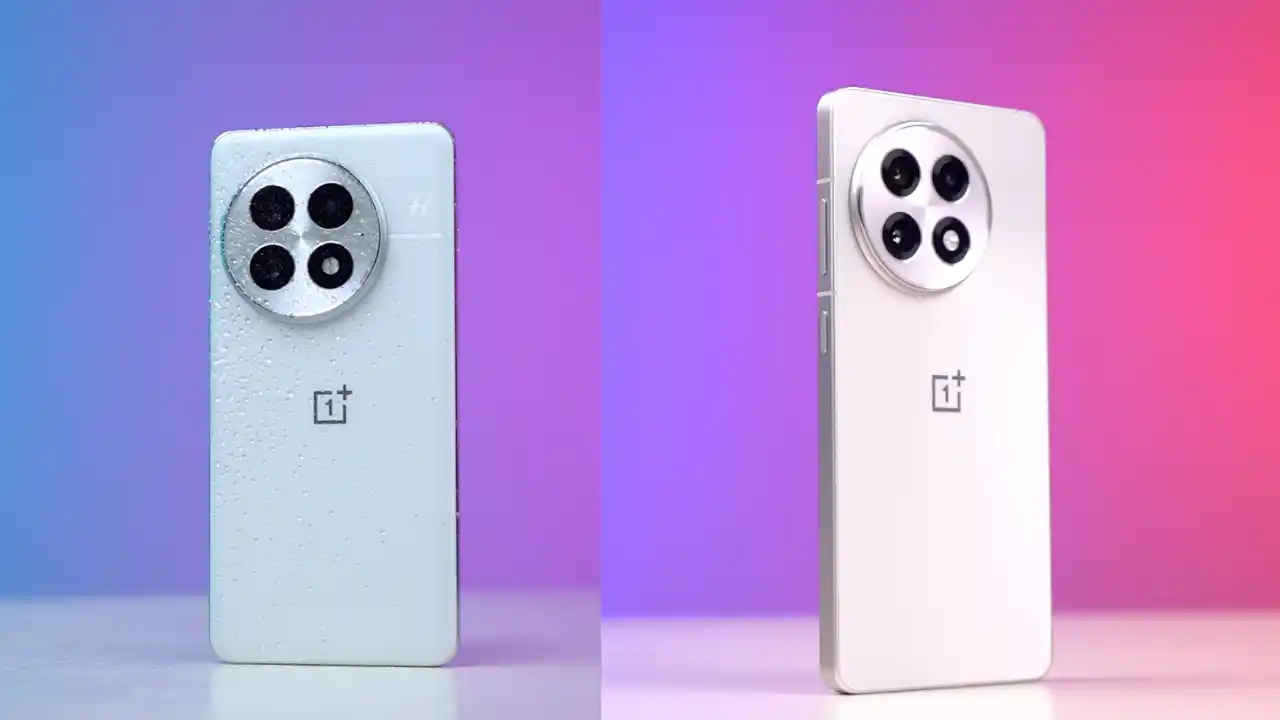

OnePlus has officially started rolling out OxygenOS 16, its latest Android skin built on Android 16 for the OnePlus 13 and OnePlus 13R. The new update brings a clean, expressive design with smarter AI-driven features that promise smoother interactions and deeper personalisation. Inspired by Google’s Material You Expressive design language, OxygenOS 16 offers two themes – “Breathe With You” for visual harmony and “Thrive With Free Expression” for creativity and customisation.
 Survey
Check out all the details here.
Oxygen OS 16 changelog and features
Oxygen OS 16 brings several new customisations and a visual refresh to the smartphones. OnePlus’ new Parallel Processing 2.0 makes animations run concurrently, eliminating visual lag between interactions.
The UI now embraces softer edges, translucent backgrounds, and Gaussian blur effects across the Home Screen, App Drawer, and Quick Settings for a more premium aesthetic.
OxygenOS 16 introduces resizable app icons and enhanced tablet support. Users can resize folders or icons, add up to five apps in Open Canvas, and use floating windows for multitasking.
A revamped Flux Theme 2.0 brings dynamic wallpapers and motion photos, while lock screen widgets let users view essential info without unlocking their device. The new Fluid Cloud feature shows live updates, from food orders to sports scores, directly on the lock screen.
Additionally, the update brings Plus Mind, OnePlus’s upgraded AI companion, allowing users to save long-form content, record one-minute voice memos, and share images seamlessly.
Also read: Samsung Galaxy S26 Ultra India launch date, specifications, price and all other leaks
OxygenOS 16: How to install
To check for the latest version of the update, users will be required to head over to Settings → Software Update, and they should see the OxygenOS 16 update. Tap on Download and Install to begin the upgrade process.
Notably, keep at least 30% battery on your device and ensure you have enough free storage space before starting the installation. A Wi-Fi connection is also recommended to avoid interruptions during the download.


