

Got a blurry, cracked and discoloured image? ChatGPT can bring your old photos back to life, here is how
 Follow Us
Restore damaged and faded family photos using ChatGPT.
Use AI prompts to fix scratches, blur and discolouration.
Enhance old photos while preserving their original look.
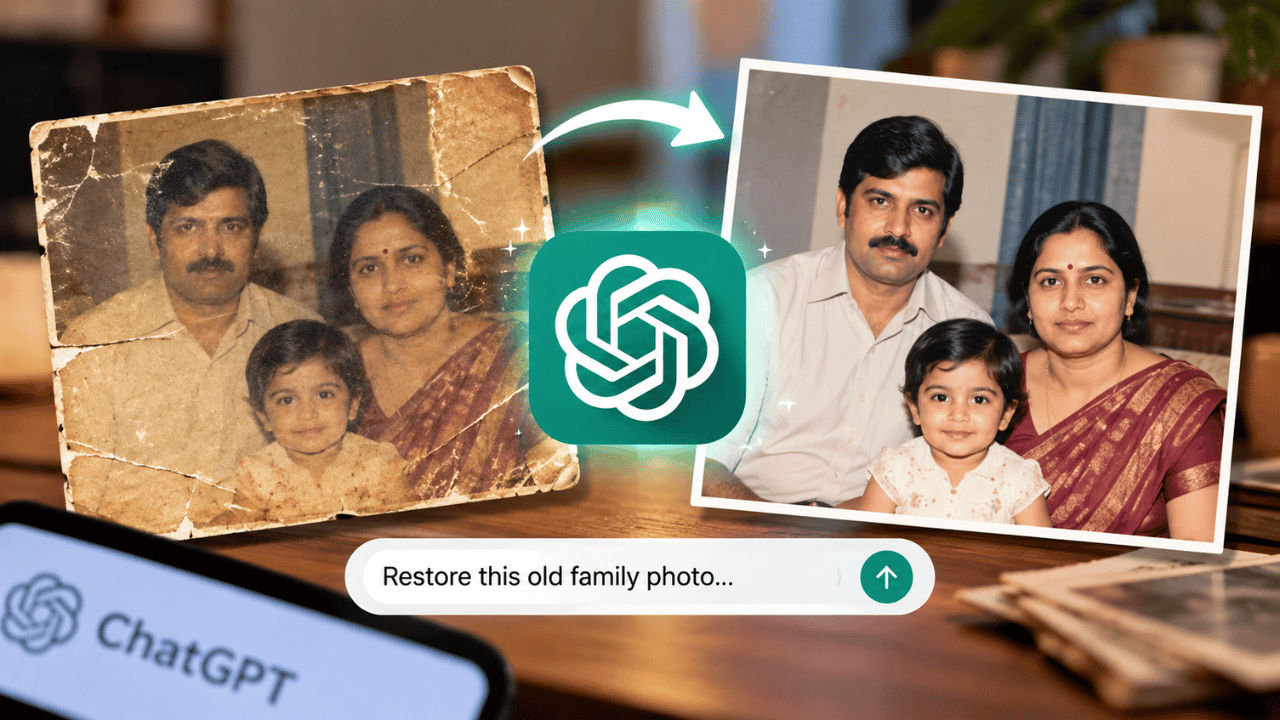

Photos hold a special place in everyone’s heart, as they hold special moments and stories from the past. They become more valuable if the moments captured are with your family and loved ones. However, time can cause these photographs to fade, develop scratches, lose their colour, or become damaged. Fortunately, the AI tools today are developed enough that they can help you restore these old photographs. There are many AI tools you can turn to, but the one I find the best for such situations is ChatGPT. If you’re not sure about how to correct the images, then here is a detailed article that can help you restore old family photos using ChatGPT.
 Survey
How to restore old photos using AI
To restore your old photos, open ChatGPT > Upload the image that needs to be restored > Enter a detailed prompt in the text box > You can also copy-paste the prompts below that we have prepared for you > Click the Submit button.
The AI tool will now take its time to fix the image. If you’re not satisfied with the output, then you can also re-prompt, asking the tool to make the necessary edits. Once you’re satisfied, download the image.
Prompts to restore old family photos using AI
Here are the prompts you can use to restore your old family photos using AI. Feel free to edit the prompts to your liking:
1. Restore an old family photo
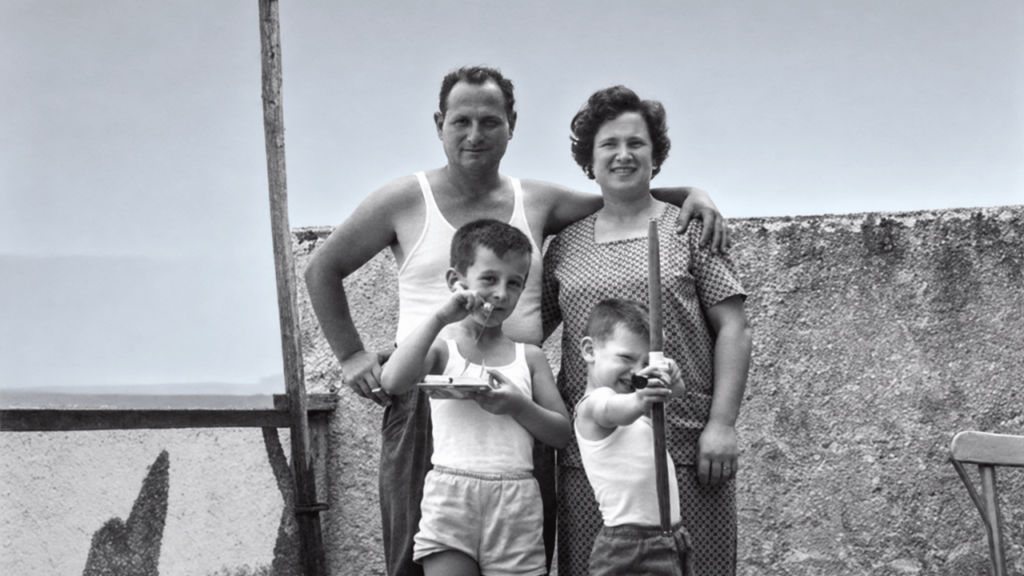
Restore this old family picture and remove all kinds of scratch marks, dust marks, creases, stains, and faded sections. Every individual must be recognised from his/her facial expressions, hairstyles, clothing, background, and overall appearance. This restoration should maintain its historical authenticity. No artificial changes should be made to any face.
2. Remove scratches and cracks
Make sure to carefully get rid of any scratches, cracks, dust spots, creases, and minor tears on this picture. It is important to repair all damages based on other visual information. Faces, hands, hair, clothes, and background should be kept exactly like in the original. Don’t remove or add anything important to this photo.
3. Restore faded colours
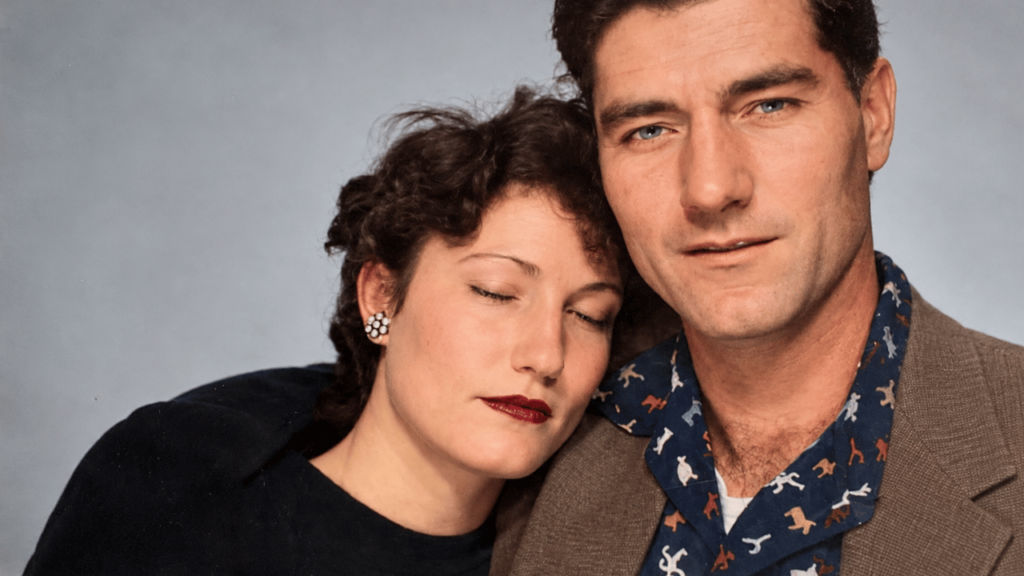
Enhance the colour palette of this old family picture. Fix the yellowing, discolouration, washed out appearance, and exposure problems without distorting the skin tone, clothes, and background. Maintain the authenticity of the photograph and its lighting conditions. Do not overenhance, use strong contrasts, or use new filters.
4. Colourise a black and white photo
Colourise this black-and-white family photograph using natural, historically plausible colours. Add realistic tones to skin, hair, clothing, and surroundings while preserving the original lighting, composition, and expressions. Keep the colours subtle and believable for the photo’s era. Avoid oversaturation, exaggerated contrast, and changes to anyone’s identity.
5. Improve blurry details
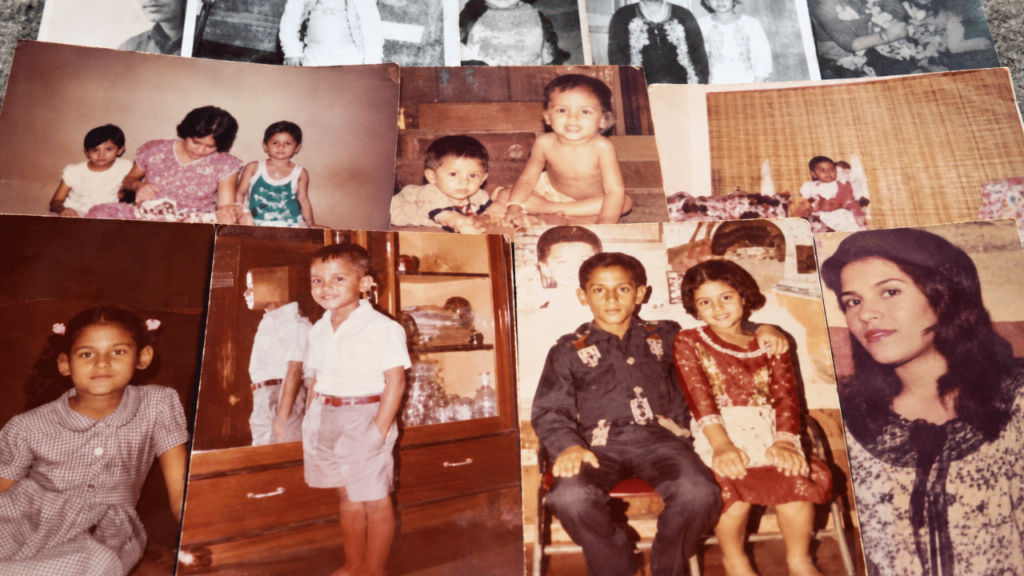
Improve the clarity of this old family photo by reducing grain, correcting mild blur, and enhancing visible details. Preserve each person’s original facial structure, age, expression, skin texture, and hairstyle. Keep the result realistic and faithful to the source. Avoid excessive sharpening, plastic-looking skin, or inventing details that cannot be recovered.
Note: The images used in the article are either open-sourced or generated using AI.


