How to make cinematic videos using Google Veo 3.1 for free
 Follow Us
Google Veo 3.1 lets you make videos using simple text.
You can add details like camera, light, and sound for better results.
It creates high-quality videos with audio, good for stories and social media.
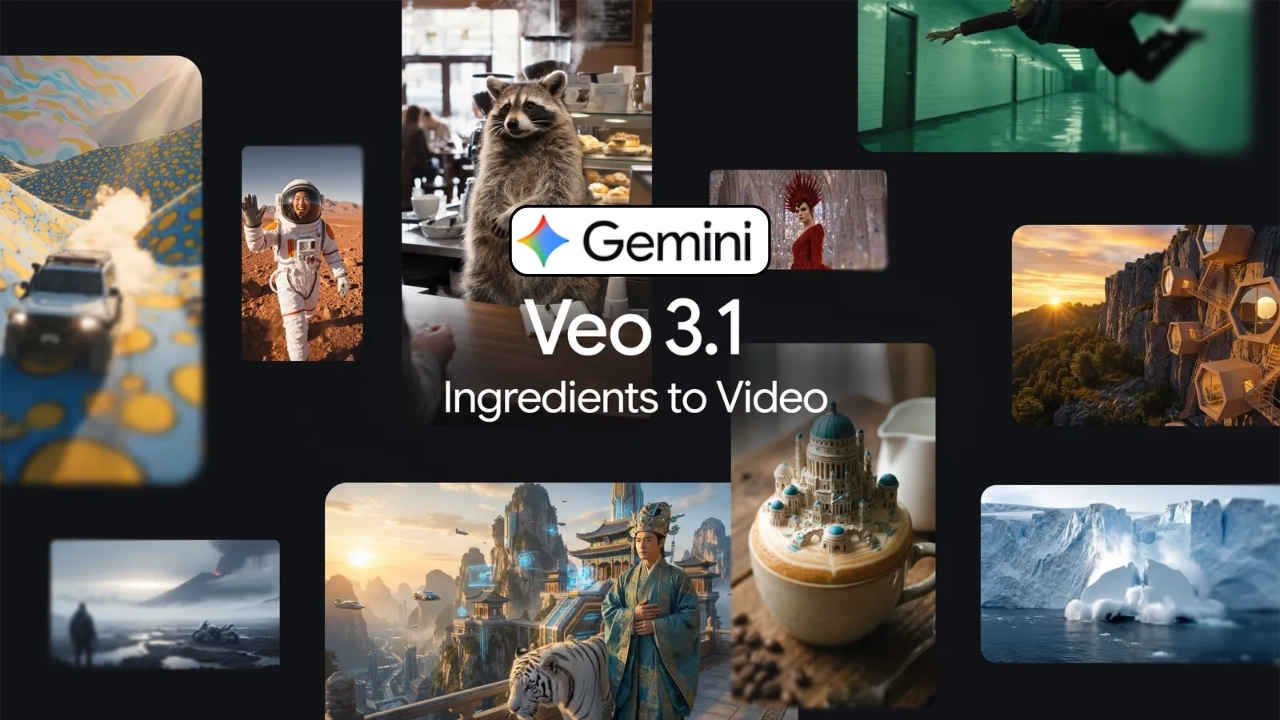

Creating professional movies used to require expensive cameras and large crews. Today, Google Veo 3.1 changes everything by allowing anyone to generate high-quality video from simple text. This tool understands how movies are made, from lighting to camera movement. You can now turn your wildest ideas into realistic scenes with synchronised sound in just a few minutes. Whether you want to tell a short story or create a beautiful visual for social media, this guide will show you how to master the art of AI filmmaking. In this guide I’ll walk you through the easy steps using which you can make cinematic videos with Google Veo 3.1.
 Survey
How to create cinematic videos using Veo 3.1
Follow the easy steps below to generate the videos using Google Veo 3.1:
1. Open your web browser and head to Google Veo 3.1.
2. You can choose between the standard mode for high quality or the fast mode for quick drafts.
3. Now, enter a detailed text prompt of the video you wish to create. You can also add an image or a video as a reference. If you have a specific starting and ending point, upload both a start frame and an end frame to guide the motion.
4. Describe the scene using a director’s voice and mention the subject, the action, the lighting, and the camera angle.
5. Mention specific sounds like leaves rustling or soft piano music to make the video immersive.
Note: Veo 3.1 can generate sound.
6. Once done, hit the generate button.
7. Now the AI tool will generate the video. If you’re not satisfied, then you can also alter the prompt and regenerate the video.
Also read: Samsung Galaxy S25 Ultra and Galaxy S25 get up to Rs 22,000 price cut on Amazon
Benefits of using Veo 3.1
The model offers several advantages for modern creators. Here are a few of them:
- You can generate or upscale your videos to 1080p or 4K, making them look sharp on any screen.
- Unlike older tools, Veo 3.1 creates dialogue, sound effects, and background music that match the action perfectly.
- The Ingredients feature lets you use the same character across different scenes, which is essential for storytelling.
- You can create wide cinematic videos (16:9) or vertical videos (9:16) for mobile platforms like YouTube Shorts.
Also read: BSNL Freedom Plan is back: Here is how you can grab a new SIM at Rs 1
Tips for better cinematic results
If you want to make your videos impressive, be a cinematographer! Here are some tips that can help you make better cinematic videos using Veo 3.1:
- Speak the language of cinematographers by using such words as ‘dolly in’, ‘slow pan’, or ‘tracking shot’ for your video.
- Use better adjectives instead of ‘bright’. For example, use ‘golden hour light’ or ‘moon blue light’.
- It prevents the AI from producing an ordinary look. Therefore, you can say ‘an old man’ instead of ‘a man’ and provide more details about his appearance.
- Uploading a photo of a specific style or colour palette helps the AI understand the exact vibe you want.


