

Google Dreambeans app launches in India, can turn your daily life events into comic storybook: Here is how
 Follow Us
Google Dreambeans is available to users aged 18 and above in India through Google Labs.
The app connects with Google services to create personalised, AI-generated comic-style stories based on your daily activities and interests.
Dreambeans supports 14 languages, including English, Hindi, Tamil, Bengali and Marathi, and is available on Android and iPhone.
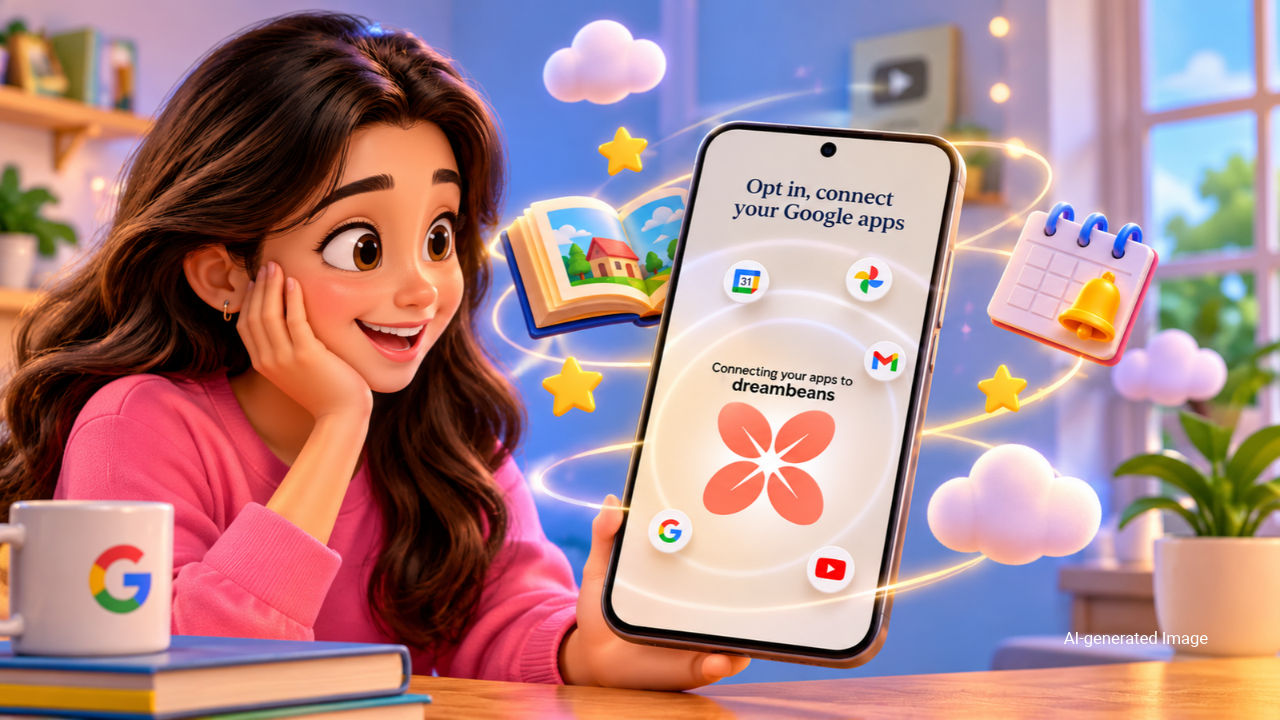

Dreambeans, a Google app previously limited to the US, is now debuting as an experiment in India. Google announced that Dreambeans will be available via Google Labs for 18+ users in the country. According to the tech giant, the app is based on two basic ideas: “dreams” – the app works at night to explore meaningful content from the loads of information from the connected apps and then funnels down the details into stories (what Google calls “beans”) with illustrations that users can view in the morning.
 Survey
The personalised story collection is aimed at surfacing “what matters” to a user without the “endless scroll”, Google said. The stories can include topics worth exploring, places to visit, arts and crafts activities, things to try and event reminders. Users will have the option to dig into more details of a particular story, bookmark content or share it with others.
Dreambeans app availability
Dreambeans will be available on the Google Play Store for Android users and the Apple App Store for iPhone users. The supported languages include English, Hindi, Assamese, Bengali, Gujarati, Kannada, Malayalam, Marathi, Nepali, Odia, Punjabi, Telugu, Tamil and Urdu.
It’s time to ☁️ dream bigger ☁️ Dreambeans is officially available to all US users (18+) on iOS and Android, free of charge. No subscription required. You can also now connect @Geminiapp to Dreambeans. Dreambeans will build off the nuance and understanding from your chats to surface even more insightful and personalized daily stories. Get your daily, freshly brewed collection of stories here: https://t.co/jCdAzMHvOD
— Google Labs (@GoogleLabs) September 10, 2026
Dreambeans: How to use?
Step 1: Download the Dreambeans by ‘Google Labs’ app from the Play Store or App Store
Step 2: Log in using your personal Google account
Step 3: Tap “Get started” and choose the Google apps which you want to connect, or tap “Connect all”
Step 4: Tap “Done” and wait for a few hours before the story feed starts showing up
Also Read: You can now use Gemini to create and edit PDFs, presentations and other documents, here is how
Google Notes users will get a notification when their first set of stories is ready. “Every story is illustrated with personalised, AI-generated artwork (using Google Photos and Nano Banana 2),” the company said. If you want Dreambeans to feature you and other members in the stories, enable the Google Photos face grouping option.
Users can give feedback (via the thumbs-down button) on the recommendations and even refine them using the sparkle button. Further, they can change the connected apps (such as Gemini, Photos, YouTube, Search, Gemini and more), review feedback history or delete their data from the Dreambeans app’s profile section.


