

You can now use Gemini to create and edit PDFs, presentations and other documents, here is how
 Follow Us
Gemini users can preview and edit existing documents and create new PDFs, presentations, spreadsheets and more.
Users can highlight specific text or data and ask Gemini to refine the output further.
PDF preview and editing are available on mobile and web, while editing other file formats is limited to the web.
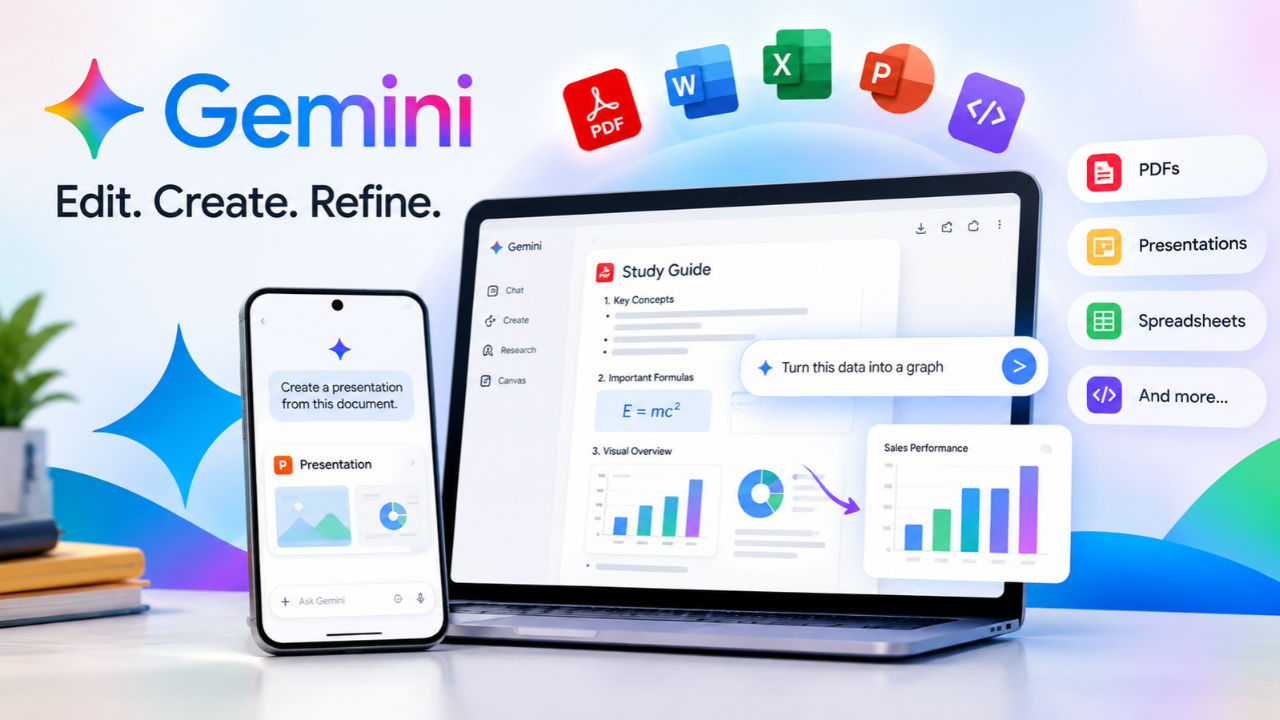

Google introduces enhancements to refine the user experience of Gemini with new features at regular intervals. In a recent move, the search giant added support for Gemini-based document creation and editing. Beyond generating a document, PDF, presentation, spreadsheet, or even code, users can refine existing docs with the help of the AI assistant. With the recent move, the company said Gemini users will be able to preview and edit files via chats.
 Survey
Users can edit documents by expanding the chat experience to full screen and entering the required edits in the chat bar so that the media can be refined using AI. To work on a specific part of a document, users can highlight the text and send enquiries to the chatbot.
Gemini-powered document editing: Availability
Google said PDF-based controls such as preview and editing will be available on mobile and the web experience. Formatting for all other file types such as Word documents, spreadsheets, presentations, code strings, Markdown and .txt files will be available for users on the web only. “These capabilities are now available to all users in all languages where the Gemini app is available,” Google said.
Editing and creating documents using Gemini
As per the demo shared by the tech giant, users can simply command the chat model to generate a document. For instance, the demonstration asks Gemini to create a study guide PDF using the attached media (lecture notes in this case). Further, the model is asked to include graphs, equations and visuals. The model generates detailed computer-written notes from the handwritten input and adds the required formatting, such as tables, subheadings, graphs and more for better understanding.
Also Read: Google unveils Gemini 4 Carbon AI model, says it delivers major leap in cybersecurity
Further, the user selects the data within a table and asks Gemini to turn it into a graph. As a result, the figures are later presented as a bar graph. Users can either choose to export the document as a PDF or add it to Google Drive. Meanwhile, Google also made a host of announcements at the Android Dev Summit 2026. You can read more about this here.


