
Facing flickering issues on Samsung Galaxy Z Fold and Tab devices while using Gmail? Here is how to fix it
 Follow Us
Gmail is showing flickering and text issues on some Samsung tablets and foldables.
The problem may be linked to a recent Android System WebView update.
Google is reportedly aware of the issue, while some temporary fixes may help users.

Gmail is used by millions of people daily for their work, academic purposes, and even for personal communication; however, a new problem that has arisen recently on Android devices is troubling many people. Reports say the Gmail app is flickering on some Android tablets and foldable phones, making text disappear or difficult to read while scrolling through emails. The issue seems to affect Samsung devices the most, including the Galaxy Tab S9, Galaxy Tab A11+, and Galaxy Z Fold models. Users on social media and Google’s support forum say common fixes such as clearing the cache, restarting the app, or updating Gmail have not worked. Google is said to be aware of the problem and could already be working on a solution for affected users.
 Survey
Samsung tablet and foldable users face Gmail app issues
Several users running the Gmail app reported that the mail app from Google becomes unstable while they are reading the emails. While some of the users complained about the screen flickering, others said that certain parts of the email turned blank or flashed continuously while they were scrolling the mail.
According to posts shared on Google’s support forum, the problem is mainly affecting Samsung foldables and tablets. Affected users say the issue becomes severe enough to make emails impossible to read comfortably.
Possible reason for the issue
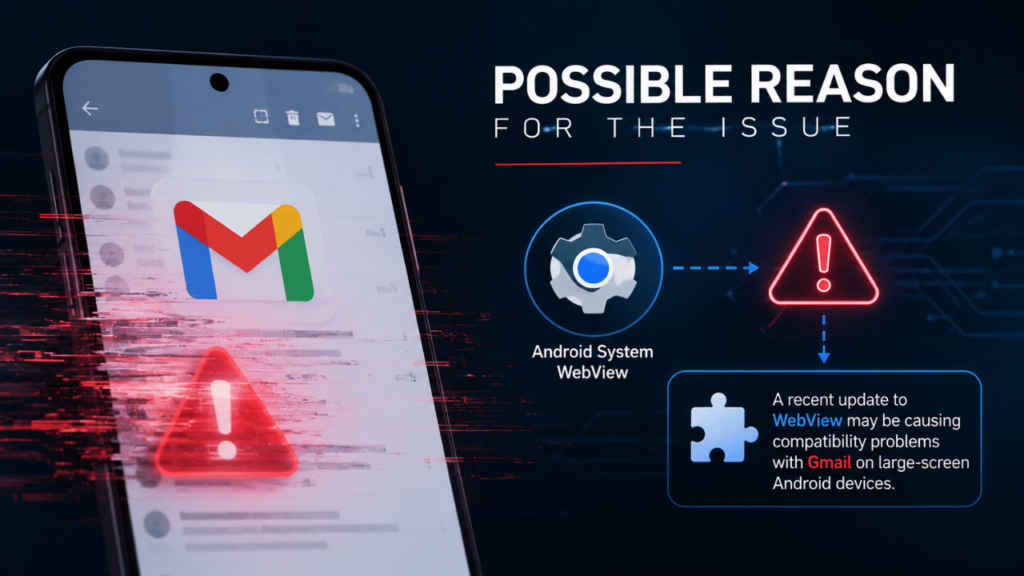
Early discussions suggest the bug may be linked to Android System WebView, which is a core Android component that helps apps display web-based content. The WebView recently received an update, and many believe that it may have triggered compatibility problems with Gmail on large-screen Android devices.
Community experts answering the question at the Google support forum say that the problem is already escalated to Google. Google has not officially acknowledged the exact reason for it yet.
Temporary fix for the users
Many users tried force-stopping the Gmail app, tried restarting the device and even tried reinstalling updates, but it did help them fix the issue. However, some users have shared temporary workarounds that appear to reduce the flickering problem. If you’re someone who is using a foldable device, then rotating the screen from portrait mode to landscape mode and then switching back to portrait mode at times stabilises the app. Do note that it’s just a workaround and may or may not work for you.
Aside from that, some users also suggested that clearing the cache and storage for Android System WebView or uninstalling recent WebView updates helped them deal with the issue. However, users warned that automatic updates may bring the issue back again later.


