
 E-Magazine
Diwali WhatsApp stickers: How to make personalised stickers from your image to send Dhanteras and Diwali 2026 wishes
To create Dhanteras and Diwali 2026 stickers, users can upload their photo to an AI image generator and ask it to create multiple festive-themed stickers from it.
You can ask the AI to add traditional outfits, chibi-style designs, diyas, sweets, gifts and different expressions to make the stickers unique.
Among the popular choices to generate festive stickers include ChatGPT, Gemini, Meta AI and more.
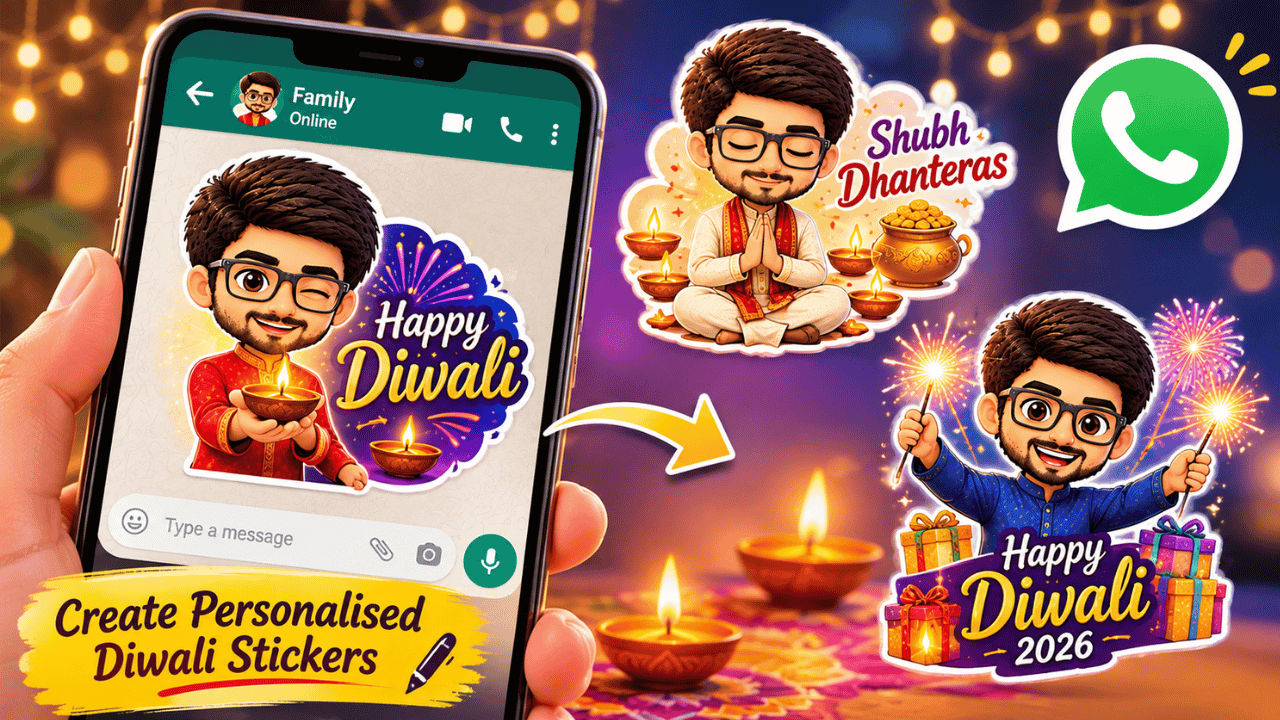
Diwali is just around the corner in India, with celebrations of the festival in full swing with Dhanteras today. Diwali (or Lakshmi Puja) is set for November 8, 2026. On this day, people resort to exchanging wishes with their loved ones offline and online. On social media, WhatsApp is considered among the most popular mediums to send wishes. This Diwali, if you want your wishes to stand out, personalised WhatsApp stickers can be a great idea. In the age of AI chat models like OpenAI’s ChatGPT, Google’s Gemini and Meta AI and more, creating custom WhatsApp stickers from your image is easier than ever.
For better context on how you can create WhatsApp stickers from your image, here is a step-by-step guide.
Happy Diwali and Dhanteras WhatsApp Stickers: How to make personalised stickers from image?
Step 1: Open an AI image generation app of your choice (ChatGPT, Gemini, etc., or you can also use Meta AI within WhatsApp)
Step 2: Upload an image of yours in the chat and enter a prompt asking the chatbot to make WhatsApp stickers from the image
You can also use these prompts as a reference:
- “Create Diwali and Dhanteras stickers for this image. Make different versions so that I can send them to multiple people without repetition. You can add elements like ethnic clothes, lights, diyas, sweets, crackers, gifts, etc. Keep the sticker pack unique and something that is memorable”
- “Create chibi-style stickers from this image for sending Dhanteras and Diwali 2026 wishes. Make multiple versions so that I can send it my contacts without duplication. Add relevant Diwali elements such as ethnic clothes, diyas, gifts, crackers, etc. Make sure to keep variations in facial expressions and the text that you use”
Here is a reference output from these prompts:
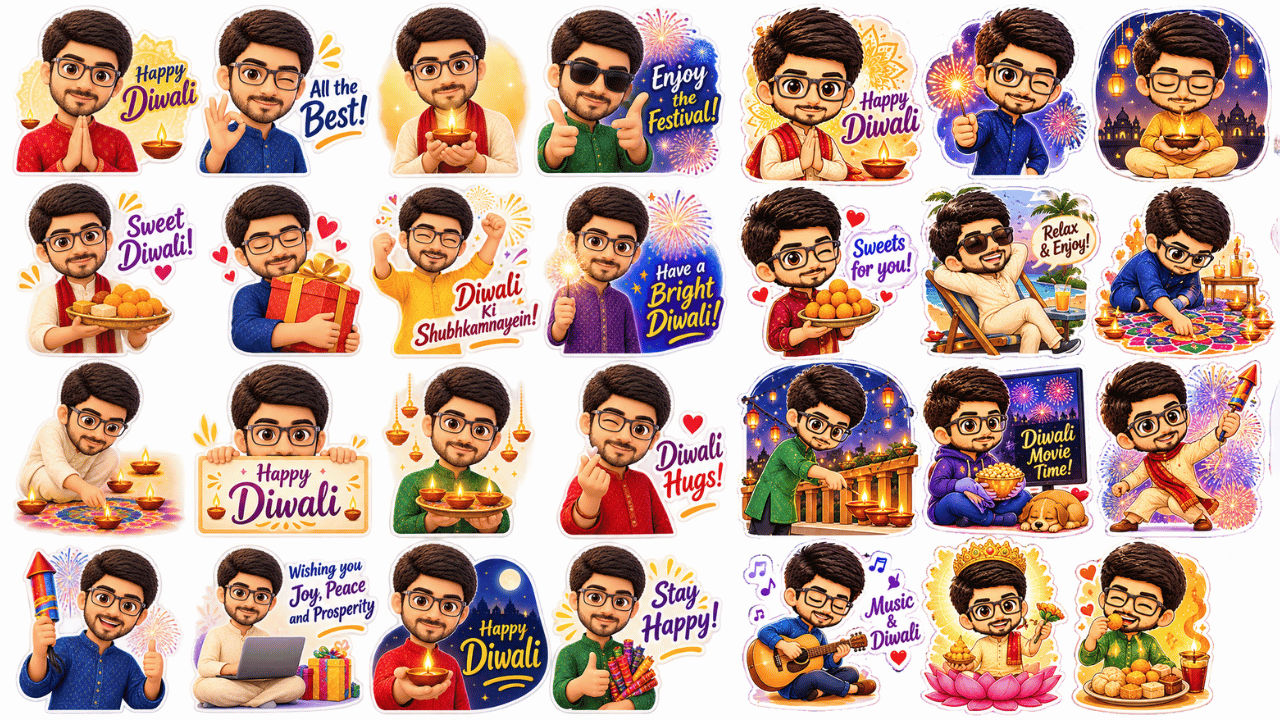
-
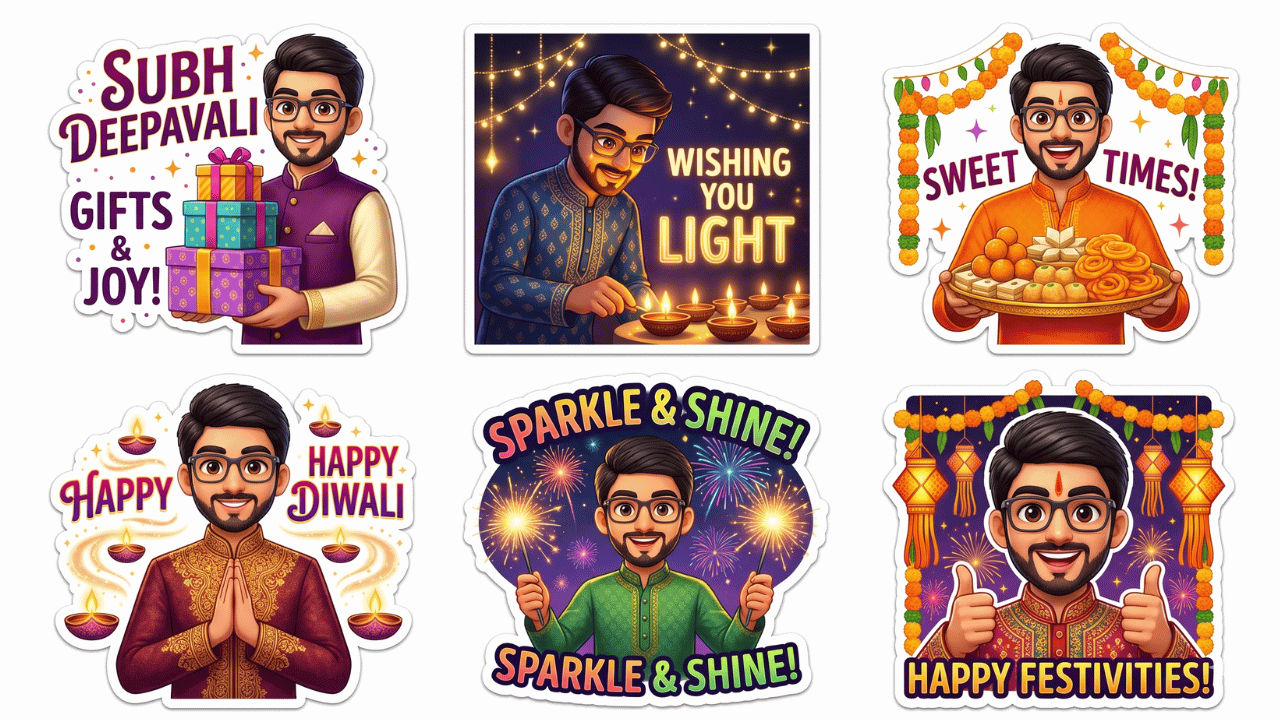
-
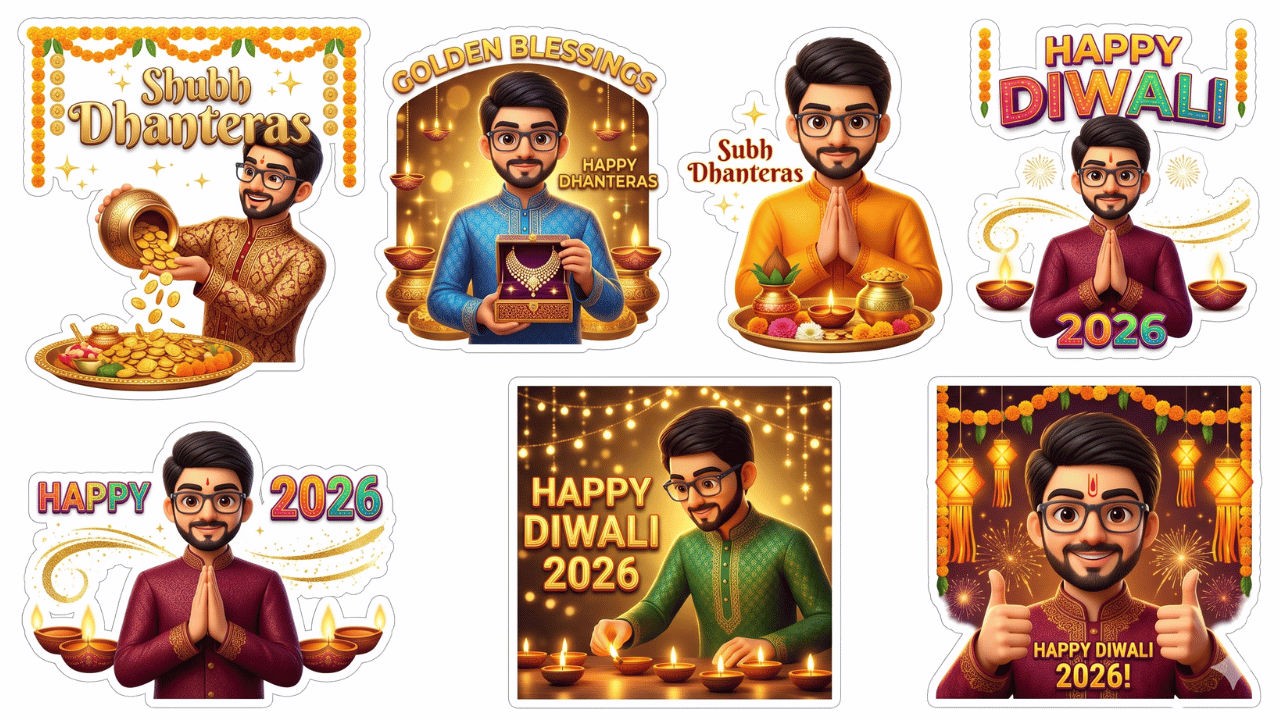
Step 3: After the image is generated with multiple options, download it (you can also ask the AI to make any changes based on your requirements to the existing output or make something from scratch again)
Step 4: Crop all the generated stickers individually (if you don’t want to download an additional sticker maker app)
Diwali 2026 WhatsApp sticker: How to send wishes?
Step 1: Head to the WhatsApp chat where you wish to send this sticker
Step 2: Tap the sticker icon on the bottom left and switch to the sticker section (placed next to the GIF and emoji icons)
Step 3: Choose “Create sticker” and select the cropped sticker from the AI-generated output (WhatsApp will automatically remove the background)
Step 4: If required, add additional text or elements from the available options on the top right
Step 5: Press the aeroplane icon to send the sticker
You can repeat this process for other stickers that you have cropped. Meanwhile, you can also use a sticker maker app from the Google Play Store to consolidate these stickers into a single pack. These dedicated apps offer more customisations and added controls. Plus, it can help you organise different versions of your stickers into separate spaces.