
 E-Magazine
Diwali 2026: 5 WhatsApp features that can protect you from scams
WhatsApp’s Silence Unknown Callers feature can help users screen out suspicious calls and reduce unwanted interruptions from unknown numbers.
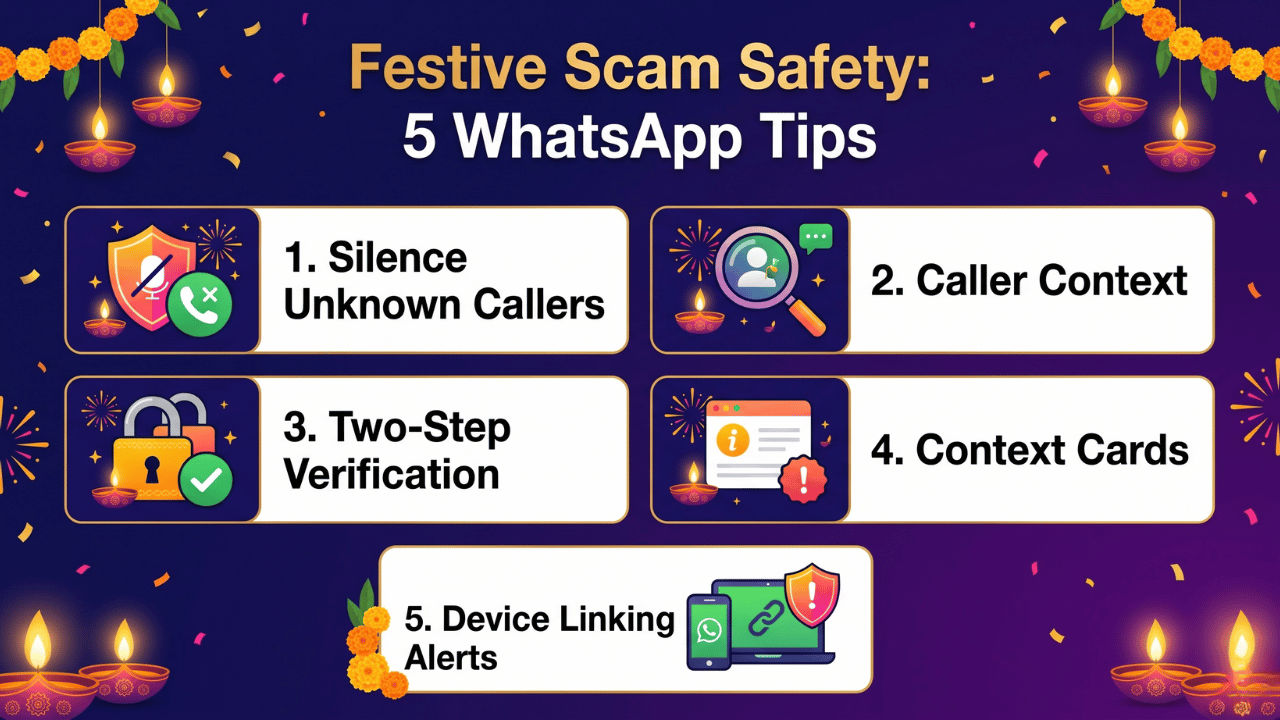
Two-step verification, caller context cards and device-linking alerts can help users identify suspicious activity and protect their accounts.
Users must avoid clicking suspicious festive offer links, downloading unknown APKs or sharing verification codes, and report cyber frauds promptly.

As the Diwali 2026 festive season gains pace in India, online shopping platforms announce offers and discounts across product categories. During this time period, fraudsters evolve their strategies of messaging and calling to impersonate genuine accounts, plant malicious links and embed fake ‘.apk’ packages (among other things) to take over access to your phone and steal money. One such medium that becomes a hotbed of such scams during this season is the widely popular messaging app WhatsApp.
Fraudsters promise unbelievable discounts, attractive giveaways, free coupons and more to lure people into fake payment links or parcel-delivery scams. In some cases, a sense of urgency, impersonation of government officials and threats of legal action may be used to frighten a WhatsApp user. However, the Meta app has several features to help people spot such activity. For a better idea, here are the five safety measures you can use on WhatsApp to stay safe from scams.
WhatsApp call filtering
Users can choose to Silence Unknown Callers to stop unknown people from bothering you at the first ring. While these call records will still be visible in the Calls tab, this can help avoid the sense of urgency linked to urgent call-to-action. WhatsApp claims this can help people screen out scams, spam, and unknown calls. The feature can be enabled from Settings > Privacy > Calls.
Context before you pick up unknown calls
WhatsApp states Android users will see more information about a caller who is not in their phonebook. The details will include information on whether the caller is a common group member and whether the mobile number’s country of origin is outside India.
Activate two-step verification
This identity verification method is an extra layer of security to prevent easy takeover of your WhatsApp account. WhatsApp says it is evolving the traditional six-digit PIN to a password that can include alphanumeric and special characters and supports longer inputs.
Spot scammers with context cards
If you spot a suspicious message promising massive discounts and windfall gains from an unknown caller, consider blocking and reporting them. Make sure not to click links shared in the message or download any files from the conversation window. Plus, the context cards for these chats can give you information such as whether the account was created recently, whether if you have a group in common with the unknown number, the country of origin of the SIM and more.
Device linking alerts
In some cases, a scammer may mislead people to gain access to their WhatsApp account using the Linked devices feature. The Meta app can issue alerts if the linking attempt appears suspicious. WhatsApp may show the details like the origin of the request and a warning that it might be scam to give room to people to rethink before making the final tap.
While sharing a linking code or scanning a QR is not recommended, always review the devices accessing your WhatsApp account from the Linked Devices option in Settings and log out if you find a suspicious device. Finally, WhatsApp users should remember that no Indian law enforcement body connects with defaulters via WhatsApp calls for investigation purposes. Hence, such requests should not be entertained. However, if you fall prey to a scam, report the matter to the cybercrime department immediately.

Vikas Yadav
Vikas Yadav Vikas, a Copy Editor at Digit, writes to express his interest in technology. He covers consumer-centric tech news while hunting the day's most "VFM" smartphone deal. Plus, this curious geek enjoys digging into the last-mile intricacies of latest gadgets. Before Digit, he reported for Jagran English. Off work, you'll find him emotionally attached to historical sites or lost in tales of India's past. Simply put, tech is his 9-to-5, the rest is history.
View full profile