
Apple iOS 27 beta 4 is here: What is new, how to download and supported devices
 Follow Us
Apple has released the fourth developer beta of iOS 27.
The iOS 27 beta 4 update is available for the iPhone 11 series and newer models.
Before installing the beta, make sure to create a complete backup of your iPhone because beta software may contain bugs.
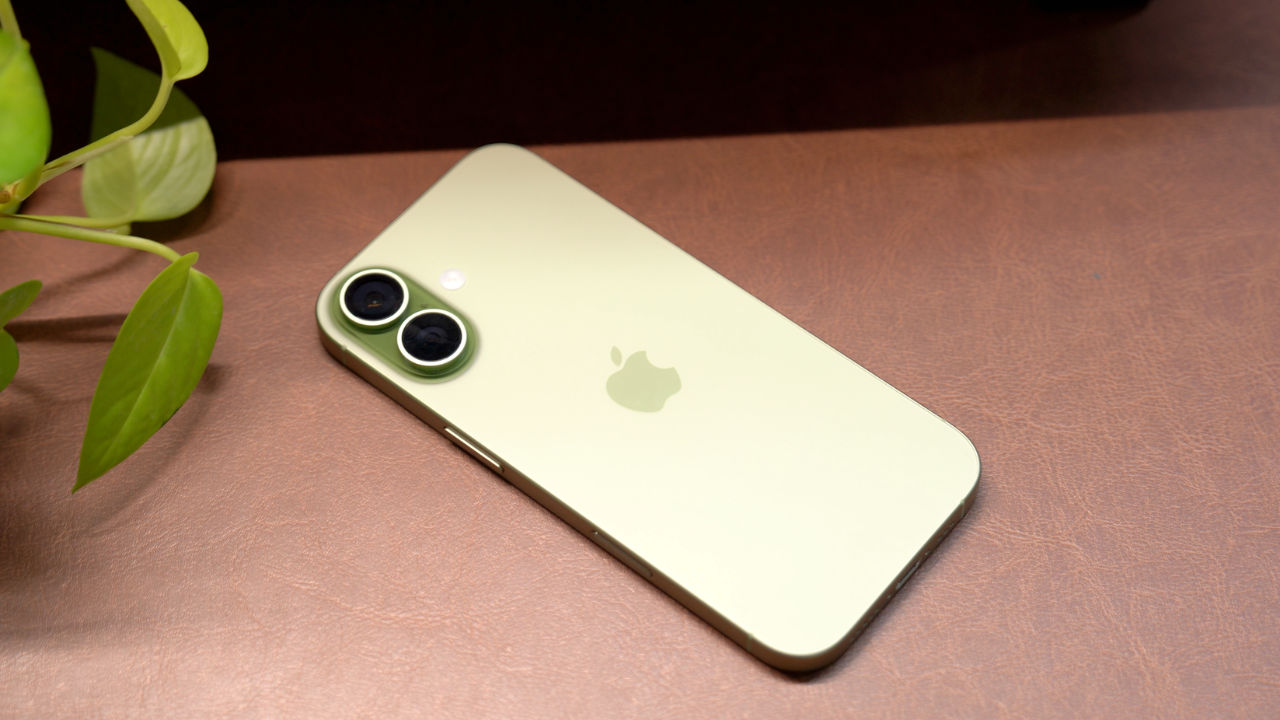

Apple has released the fourth developer beta of iOS 27 to give developers and early testers another look at the upcoming iPhone software update before its public rollout. The latest beta brings small but useful changes across apps like Photos, Siri, Camera and Apple TV. Apple has also made a few interface tweaks and removed one feature that was introduced in the previous beta. While this update is mainly meant for developers, users who are enrolled in Apple’s Developer Program can also install it. Before installing the beta software, don’t forget to back up your iPhone, as the update may have bugs. Here is everything you need to know about the iOS 27 beta 4 update, including what’s new, how you can install it and which devices support it.
 Survey
Apple iOS 27 beta 4: What’s new
iOS 27 beta 4 adds a new Automatic Downloads option in the Apple TV settings. When enabled, the next two episodes of shows in Continue Watching will download automatically and will be removed after you watch them, reports MacRumors.
Apple has also introduced a “Zoom Photos to Fill” option in the Photos settings. It slightly enlarges photos that almost match the iPhone’s screen size. This feature is turned on by default. Furthermore, the wallpaper effect added in the Notification Center in beta 3 has now been removed.
Siri has received several updates. The voice selection page has been redesigned, and more voice options are said to arrive soon. Users can now also adjust how many lines appear in Siri previews. In Accessibility, there is a new “Always Show Request” toggle that displays a transcription of what you say to Siri. Apple has also added a splash screen when opening the Siri Search or Ask interface by swiping down.
In the Camera section of the Settings app, you will now see an option to select a ProRes log format if you toggle Apple ProRes on. You can select ProRes Log Video Encoding and choose Log or Log 2.
Other changes include per-network Connectivity Assist controls and a redesigned AirPods section in Control Center with more Adaptive mode options.
Also read: Will iPhone price increase in India? Here is what we think
Apple iOS 27 beta 4: Supported iPhones
The iOS 27 beta 4 update is available for the iPhone 11 series and newer models. This includes the iPhone 17 lineup, iPhone 16 series, iPhone 15 series, iPhone 14 series, iPhone 13 series, iPhone 12 series and iPhone 11 series, along with the iPhone SE (2nd generation and newer).
Do note that some Apple Intelligence features will only work on newer iPhone models with compatible hardware.
Apple iOS 27 beta 4: How to download
Before installing the beta, make sure to create a complete backup of your iPhone because beta software may contain bugs.
To install iOS 27 beta 4, sign in to the Apple Developer Program with your Apple ID. Then go to Settings > General > Software Update, tap Beta Updates and choose iOS 27 Developer Beta. Then, return to the Software Update page and tap Download and Install when the update appears.


