
Happy Dussehra 2026 WhatsApp status video download: Short videos to share on Instagram and Facebook
 Follow Us
Download Happy Dussehra 2026 WhatsApp status videos for free.
Learn how to download and share Dussehra videos on WhatsApp, Instagram and Facebook.
Create AI-generated Dussehra videos using Google Gemini.
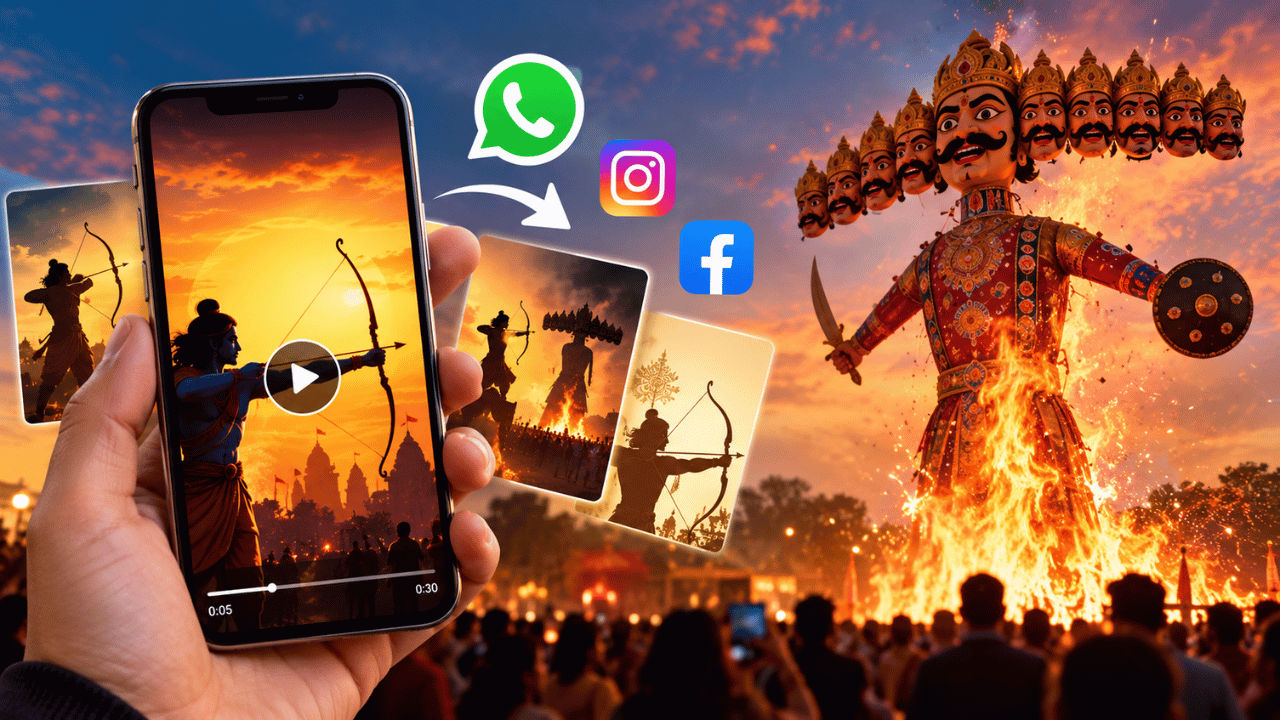

Dussehra is just around the corner, and if you’re planning to share some love with your family and friends, then WhatsApp status videos are one of the best ways. The festival holds great importance for Hindus as they celebrate the victory of good over evil. It’s also known as Vijayadashami, and the Hindu devotees celebrate the day praying and attending cultural events. Aside from that, in many parts of the country, people also come together and burn the dummy of Ravana to mark the victory of Lord Rama over him. If you’re looking for some interesting videos that you can put up as your WhatsApp status or on other social media platforms, then feel free to check out our collection below.
 Survey
Happy Dussehra 2026 WhatsApp Status video: Download now
Here are some of the free Happy Dussehra 2026 WhatsApp Status videos that you can download and share with your friends and family. Other than that, you can also share it on other social media platforms like Facebook and Instagram.
Also read: Vivo X500 Ultra leaks: Launch timeline, price in India, camera, battery and other expected specs
How to download Happy Dussehra WhatsApp Status video
Downloading the videos I’ve shared above is pretty easy; if you’re on a smartphone, then you can simply tap and hold a video till you see a download button. Now, tap the Download button to save the video. If on a desktop or PC, then you need to right-click on the video you want to save and choose Download from the available options.
How to upload a Dussehra video as a WhatsApp status
Now that you’ve downloaded the video, you may be looking for the simple steps to share it on your WhatsApp. Open the app and head to the Updates section. Tap Add Status and choose the Dussehra video you want to share. You can also Add a caption or an emoji to personalise your festive wishes. Once done, press the Send button.
Keep in mind that the app also allows you to change your preferred audience under Status privacy settings so that you can simply share the status with a limited audience.
The videos we’ve shared above are taken from open-source platforms like Canva, Pexels, and other websites. If you want to explore more than these platforms offer, Dussehra greetings, animated videos, and devotional clips.
Also read: Planning to buy Google Pixel 11? You can save over Rs 15,000, here is how
Happy Dussehra WhatsApp Status AI video
AI is taking over everything, and if you want to be a bit more creative, then you can also use Google Gemini to create an AI-generated Dussehra video. All you need to do is share an image of yours and ask the AI tool to convert it into a video where you are burning the Ravana dummy. You can also share a reference video with the AI tool so that it understands the context better. Once your video is ready, save it to your device and upload it as your WhatsApp status to spread the festive cheer.


