
Apple iOS 27 beta 3 is here: What is new, how to download and supported devices
 Follow Us
Apple has released the third developer beta of iOS 27.
One of the key additions in iOS 27 beta 3 is a new accessibility feature called Live Recognition.
iOS 27 beta 3 is available for the iPhone 11 series and newer models.
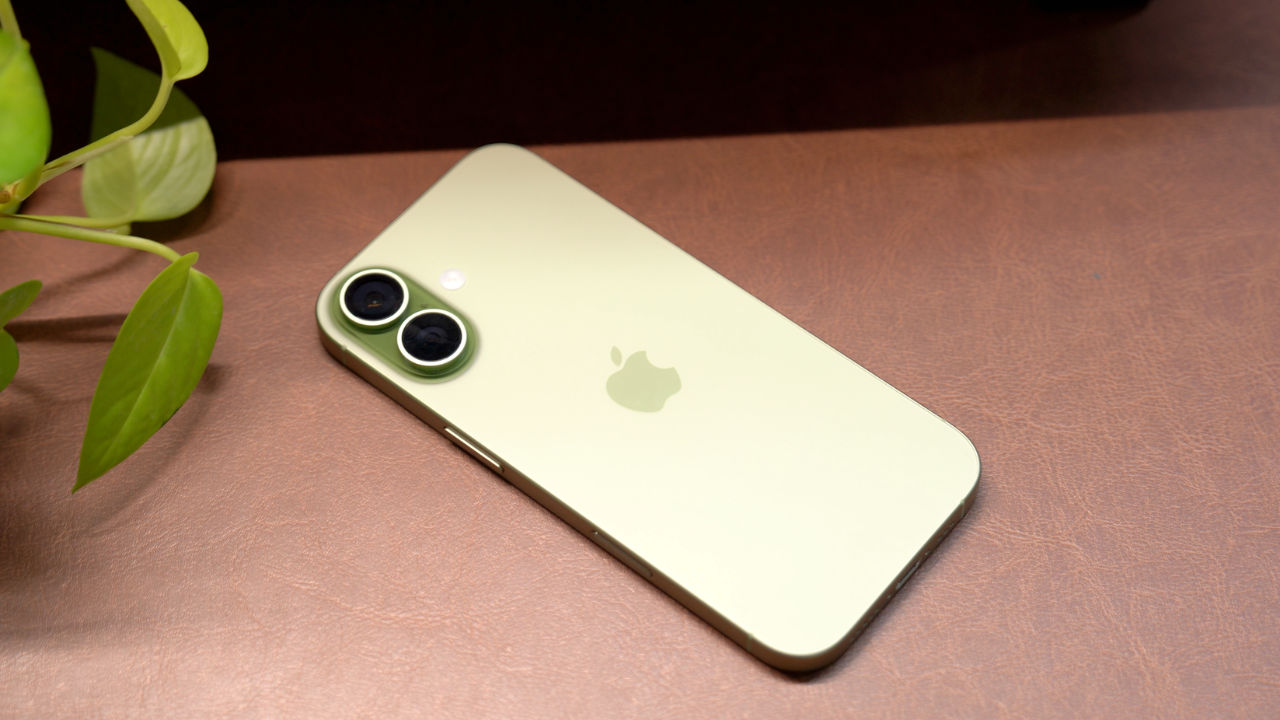

Apple has released the third developer beta of iOS 27, giving users another preview of the next major iPhone software update before its official release later this year. The latest beta focuses on improving the overall experience with new features, visual changes and bug fixes. It brings a new AI-powered accessibility tool, Siri improvements and several updates across Apple’s built-in apps. This version is mainly meant for developers, but anyone enrolled in Apple’s Developer Program can install it. Here is a look at the new features, the supported iPhones and the steps to install iOS 27 beta 3.
 Survey
Apple iOS 27 beta 3: What’s new
One of the key additions in iOS 27 beta 3 is a new accessibility feature called Live Recognition. It uses on-device AI to understand what the iPhone camera is looking at. It can identify objects, describe nearby surroundings and answer questions about what it sees. Apple has also fully enabled Siri voice customisation. Users with supported devices can now change how Siri sounds by adjusting its speaking speed and expressiveness.
The Reminders app now has a refreshed Liquid Glass-style icon. The Photos app gets a new option to display star ratings on photos and videos. The Control Center can now show cellular signal strength even when the iPhone is connected to Wi-Fi. Apple has also made improvements to Shortcuts, Maps, AirPods, the Home app and Lock Screen visuals.
Also read: Bethesda union criticises Microsoft after Xbox layoffs, says workers are paying the price
Apple iOS 27 beta 3: Supported iPhones
iOS 27 beta 3 is available for the iPhone 11 series and newer models. Supported devices include the iPhone 17 series, iPhone 16 series, iPhone 15 series, iPhone 14 series, iPhone 13 series, iPhone 12 series, iPhone 11 series and the iPhone SE (2nd generation and newer).
Do note that some Apple Intelligence features will only work on newer iPhone models with compatible hardware.
Also read: After 3,200 Xbox layoffs, Microsoft tells employees more changes are coming
Apple iOS 27 beta 3: How to download
Before installing the beta update, it is advised to create a full backup of your iPhone because beta software may contain bugs or affect battery life.
To install the update, sign in to the Apple Developer Program using your Apple ID. Then open Settings, go to General, tap Software Update, select Beta Updates and choose iOS 27 Developer Beta. Go back to the Software Update page and tap Download and Install when the update becomes available.


