Apple is rolling out the iOS 26.4 update.
iOS 26.4 includes a new AI-powered feature called Playlist Playground.
It also introduces a Concerts feature that helps you find nearby shows from artists in your library.
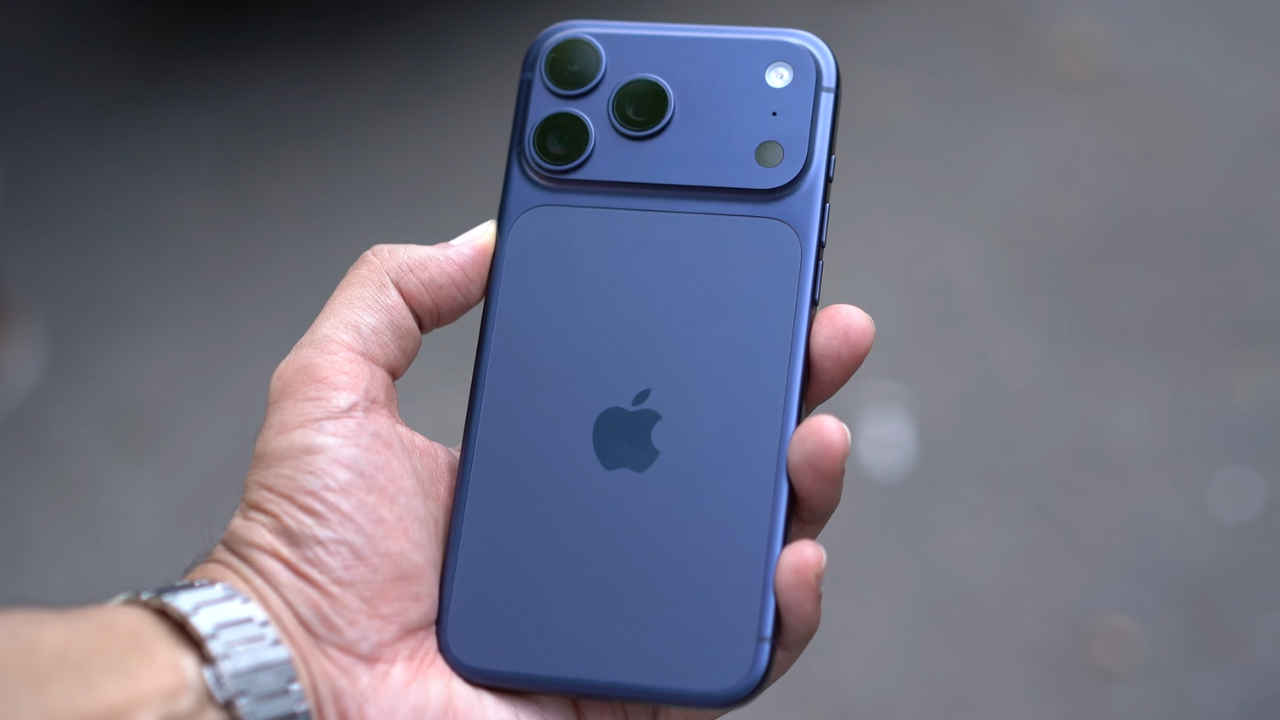
Apple has released a new update for iPhone users, iOS 26.4, the fourth major update since iOS 26 debuted last September. While this update does not introduce a major redesign or big leap in AI features, it still adds several useful tools, improvements and a few fun additions like new emojis. Here’s everything you need to know about the latest iOS 26.4 update, including what’s new, how to download and more.
 Survey
Apple iOS 26.4: What’s new
The iOS 26.4 update includes a new AI-powered feature called Playlist Playground. It allows users to generate playlists simply by describing a mood or situation. Apple has also introduced a Concerts feature that helps you find nearby shows from artists in your library and suggests new artists based on your listening habits.
Another useful addition is offline music recognition. This feature is available through the Control Centre and allows your iPhone to identify songs even without an internet connection. Once the device reconnects online, it will show the results.
Also read: Apple testing standalone Siri AI app to compete with ChatGPT, Gemini: What it may offer
The update also adds a new Ambient Music widget. This widget offers quick access to ready-made playlists. Apple has also improved the look of the Apple Music interface with full-screen artwork on album and playlist pages.
Alongside feature updates, Apple has added eight new emojis, including an orca, trombone, landslide, ballet dancer, and distorted face.
There is also a new Reduce Bright Effects option that can lower the intensity of flashing lights on the screen, which can help users who are sensitive to bright visual effects. With the latest update, Freeform offers better image creation and editing tools. Also, Reminders can now be marked as urgent.
Also read: OpenAI is killing Sora AI video generation app, leaves internet divided
Apple iOS 26.4: How to download and supported devices
To install iOS 26.4, just head to Settings, go to General, and tap Software Update. If the update is available, download and install it. The update is available for devices that support iOS 26, starting with the iPhone 11 series and newer models.
Also read: Anthropic’s Claude AI can now use your computer to complete tasks, but there’s a catch
 Follow Us
Ayushi Jain
Ayushi works as Chief Copy Editor at Digit, covering everything from breaking tech news to in-depth smartphone reviews. Prior to Digit, she was part of the editorial team at IANS. View Full Profile


