BGMI 4.3 update introduces the new Evolving Universe themed mode.
Players can now compete in racing challenges on the Erangel map.
The semi-automatic M1 Garand sniper rifle joins the game's weapon arsenal.

After much anticipation from players across India, Battlegrounds Mobile India (BGMI) has finally announced that the latest update, BGMI 4.3, is going live. The update brings a whole bunch of new features, including new changes in mechanics and the overall maps as well. Without wasting much time, let’s take a deep dive into everything new, and along with that, let’s also check out how you can update the game on your Android and iOS devices.
 Survey
Also Read: Fortnite to return to the Google Play Store tomorrow


BGMI 4.3 update: What’s new?
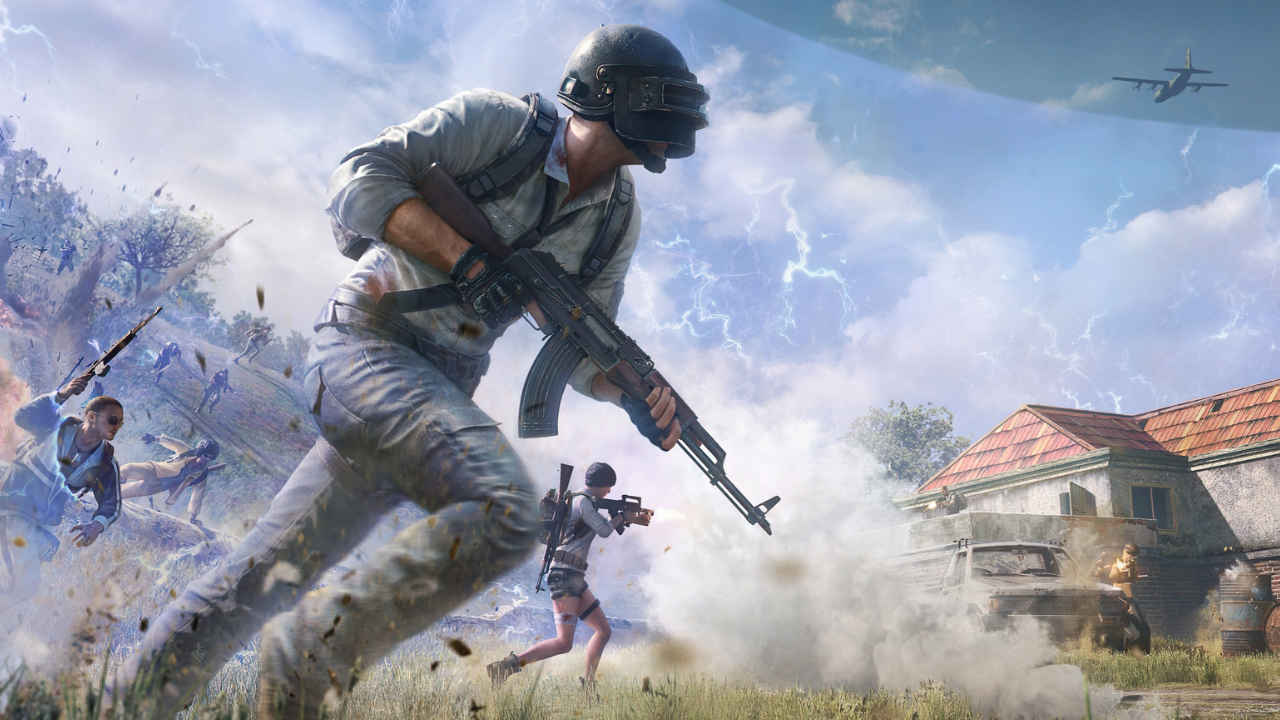
Speaking of what’s new with the update, BGMI is adding a bunch of new features. First up, there’s a new “Evolving Universe” themed mode. This allows players to have various specialisation systems, including sharpshooter, medic, and vehicle expert. These roles will give you different skills, making every squad member important for the team’s survival.
There’s one more fun feature getting added to the game, which is racing challenges in the Erangel map. The map is getting dedicated racing tracks, and players will be able to compete in timed challenges to earn rewards for being the fastest driver in the match.
Last but not least, the game is also adding a new M1 Garand sniper rifle. It is a semi-automatic rifle that would be viable in mid-to-long-range fights. Interestingly, it features a fast fire rate, allowing players with a quick-tapping finger to dominate the field.
How to update your game?
In case you’re wondering how to update your game to the latest version, it’s pretty simple and does not require a lot of steps. The update has already been made live on Android devices via the Google Play Store. Speaking of the iOS devices, the update has gone live there too via the App Store.
If you’re on Android, follow the steps below:
- On your mobile device, first of all, visit the Google Play Store.
- On the Play Store, click on the search icon and search for BGMI.
- Open the listing for BGMI and click on the ‘update’ button.
- Make sure you’re connected to Wi-Fi, as the update size is big.
- Wait for the update to install, and once it’s done, you can play the game.
If you’re on iOS, follow the steps below:
- On your iPhone/iPad, visit the App Store.
- Go to the search tab, and search for BGMI.
- Once there, you should see an update icon in front of the game.
- Click on the button to update the game to the latest version.
- Make sure you’re connected to Wi-Fi, as the update size is big.
- Wait for the update to install, and once it’s done, you can just hit ‘Open’ to play the game.
Also Read: Ada Wong could be a part of Resident Evil Requiem DLC
 Follow Us
Madhav Banka
Madhav works as a consultant at Digit, covering news, branded and feature stories. He has been writing about tech and video games since 2020. While not busy working, you'll usually find him roaming around Delhi in hopes of getting good pictures, playing video games or watching films and F1 during weekends. View Full Profile


