Truecaller has announced a new feature for the Truecaller Assistant: Personal Voice.
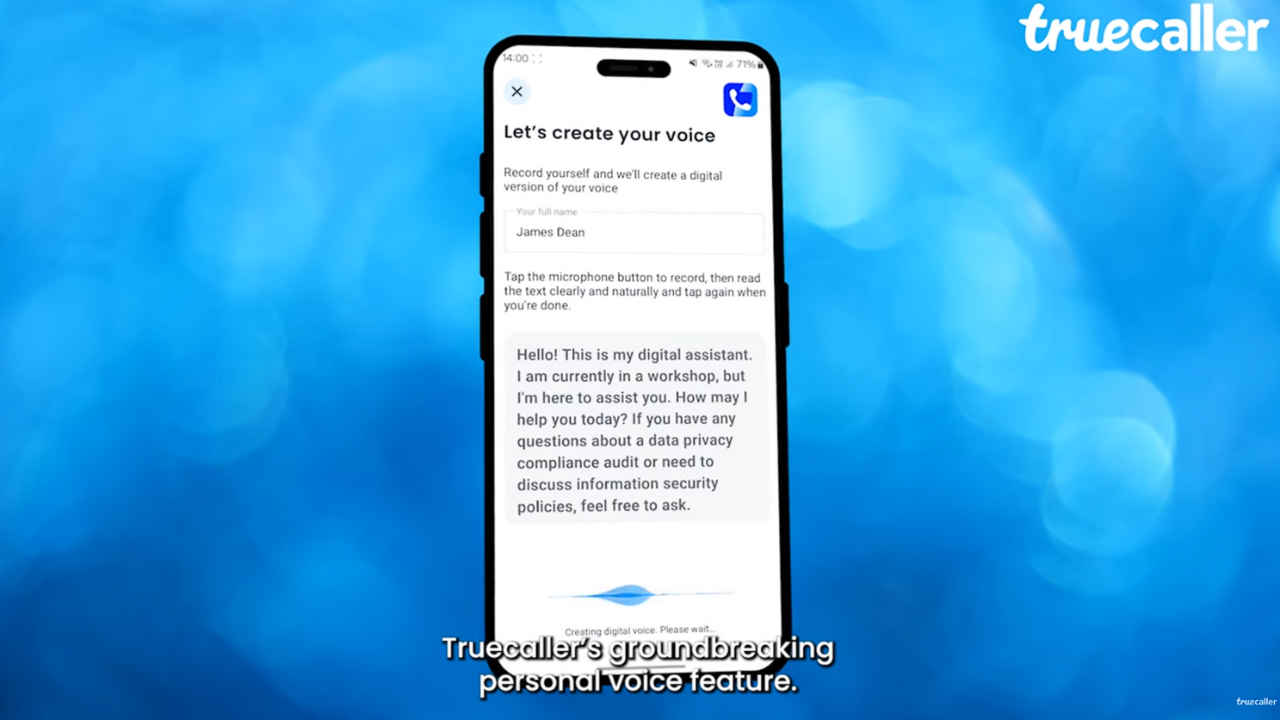
The Personal Voice feature lets you create a digital version of your own voice to use with Truecaller’s AI Assistant.
This means when someone calls you, they’ll hear your voice instead of a regular digital assistant.
First introduced in September 2022, Truecaller’s AI Assistant is your smart call secretary. It incorporates various AI features to answer phone calls for you, screen calls, take messages, respond on your behalf, and even record calls for you to listen to later. Now, the company has announced a cool new feature for the Truecaller Assistant: Personal Voice. With this feature, you can make your Assistant sound just like you.
 Survey
Let’s delve into the details of the new Personal Voice feature and how you can set it up.


What is Personal Voice?
The Personal Voice feature lets you create a digital version of your own voice to use with Truecaller’s AI Assistant. This means when someone calls you, they’ll hear your voice instead of a regular digital assistant.
Truecaller has partnered with Microsoft to utilise the new Personal Voice technology from Microsoft Azure AI Speech.
According to the popular caller ID company, the Personal Voice feature will revolutionise the way its users manage their calls and elevate their overall experience with Truecaller Assistant.
Also read: Truecaller Assistant: AI can now take calls on your behalf
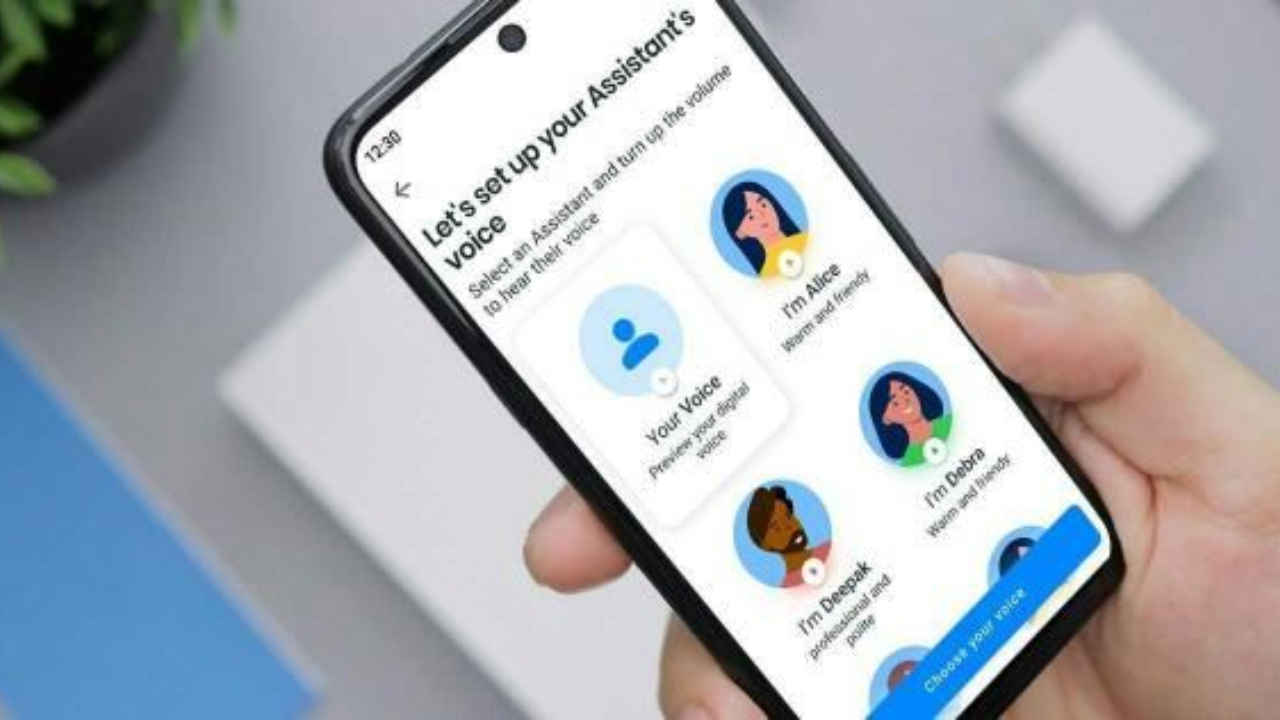
How to Set It Up
Step 1: Download/Update Truecaller- Make sure that you have the latest version of the app.
Step 2: Get Truecaller Premium- Truecaller’s AI Assistant is now available to Truecaller Premium users.
Step 3: Open Settings- Go to the Assistant settings in the app.
Step 4: Now, set up Personal Voice– Follow the instructions to record and set up your voice.
Personal Voice: Availability
In India, this feature is currently being gradually rolled out. So, wait a little while if you haven’t received the feature yet.
“We look forward to further exploring the potential of AI-powered voice technologies in partnership with Microsoft and delivering even more innovative solutions to our global user base,” Truecaller said.
 Follow Us
Ayushi Jain
Ayushi works as Chief Copy Editor at Digit, covering everything from breaking tech news to in-depth smartphone reviews. Prior to Digit, she was part of the editorial team at IANS. View Full Profile


