How to create images with your younger self and more trendy images using ChatGPT Images 2.0
 Follow Us
ChatGPT Images 2.0 helps you create fun and creative images easily.
Just use simple prompts and a photo to generate social media pictures quickly.
You can edit prompts and improve the image to match your style.
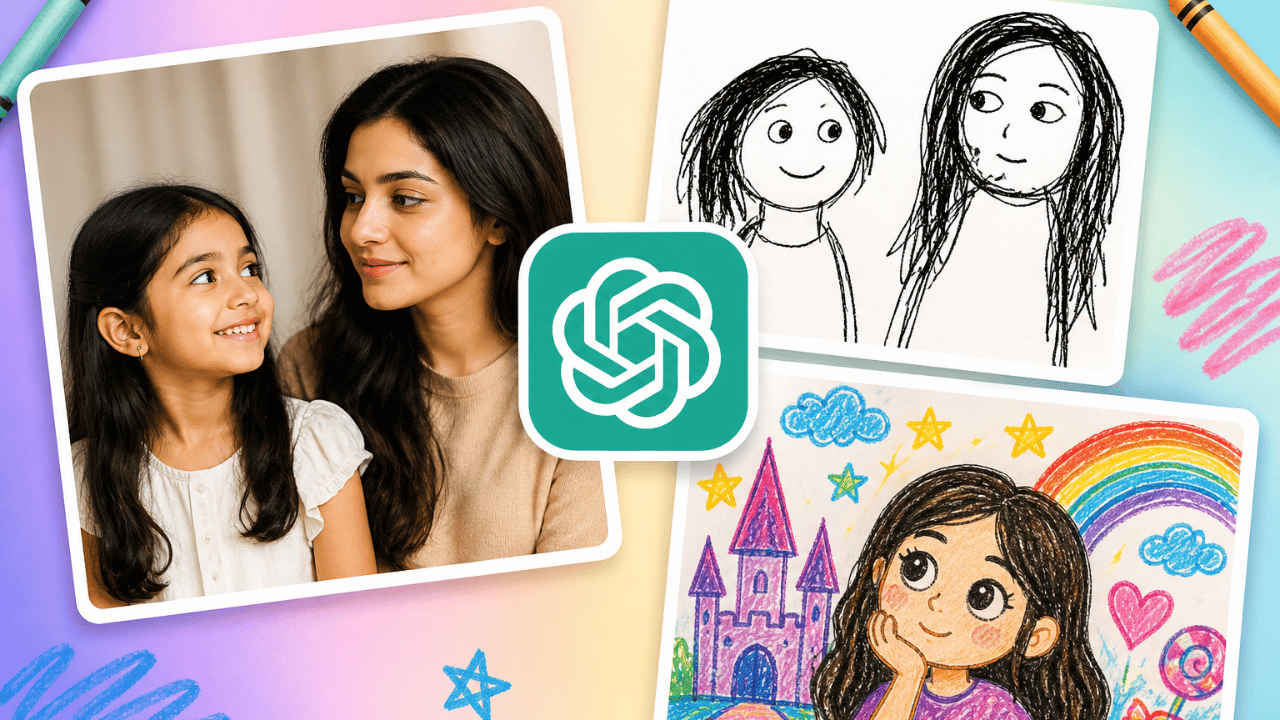

ChatGPT has launched its new Images 2.0 model, and people in India really like it! While people around the world are slowly starting to use it, India is already showing a lot of creativity. Social media is full of amazing AI-made pictures. People are making images with their younger versions, scribblified images, and colourful crayon-like profile photos. The best thing is that these images are very easy to create. Whether you want something creative, nostalgic, or eye-catching for Instagram, Images 2.0 can help you do it in just a few steps. In this article, I’ll walk you through simple prompts and easy steps to make trendy and attractive Instagram images using ChatGPT.
 Survey
How to make trendy images using ChatGPT
Follow the simple steps below to make social media-friendly images using ChatGPT 2.0:
1. Head to ChatGPT and log in to your profile.
2. Start a new chat and type a detailed prompt for the type of image you want to generate. Alternatively, you can also copy and paste the prompts from below.
3. Now upload an image for the reference and hit Submit.
The AI tool will now generate the image in some time. You can give additional prompts to fix the discrepancies you found in the image. Once satisfied, download the image and share it on social media.
Also read: OpenAI introduces Advanced Account Security for ChatGPT users: Here is what will change
Prompts to make trendy Instagram images using ChatGPT
Here are the prompts that you can use. Feel free to edit the prompts to your likings:
Prompt 1: Image with younger self
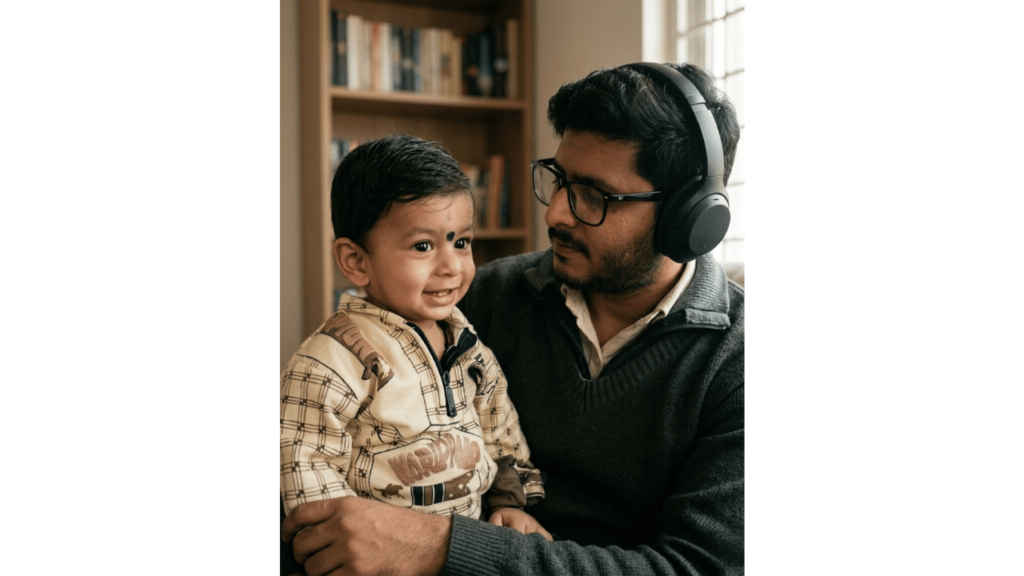
Create an ultra-realistic photo of me and my younger self side by side. Use soft cinematic light and a simple background. Younger self on left smiling, present self looking at younger self with a calm expression. High photographic quality. Aspect ratio 4:5.
Prompt 2: Scribblified image
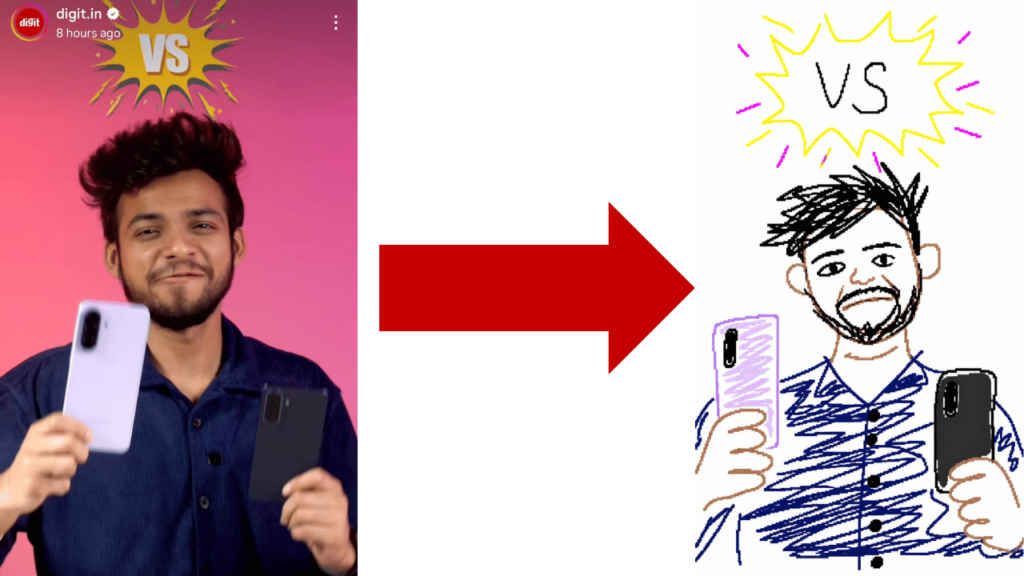
Redraw the attached image in the most clumsy, scribbly, and utterly pathetic way possible. Use a white background, and make it look like it was drawn in MS Paint with a mouse. It should be vaguely similar but also not really, kind of matching but also off in a confusing, awkward way, with that low-quality pixel-by-pixel feel that really emphasizes how ridiculously bad it is. Actually, you know what, whatever, just draw it however you want.
Also read: Tired of contract reviews? Microsoft’s new AI Legal Agent could change that
Prompt 3: Crayon-like profile photos
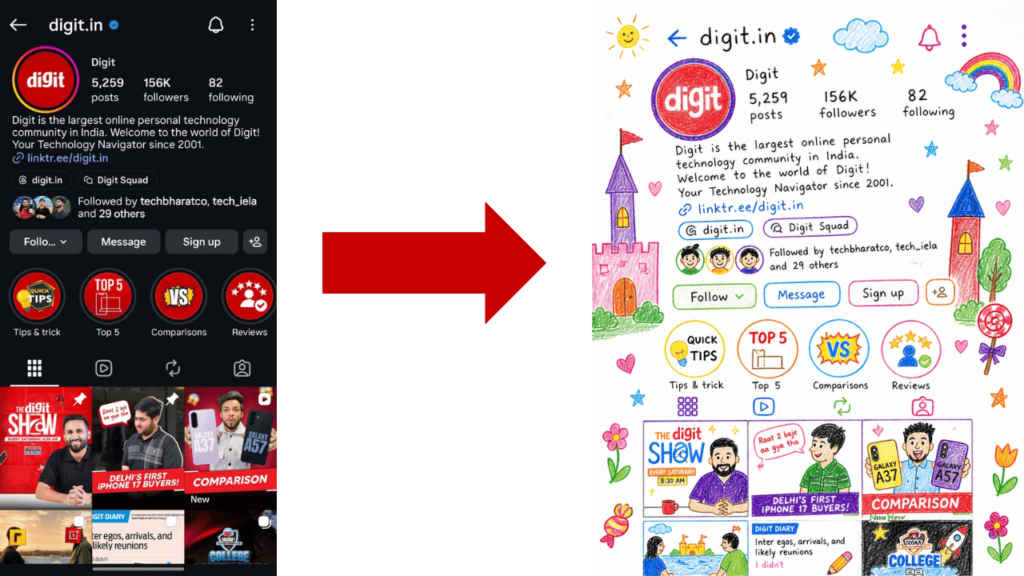
Rework the given image into a crayon-style illustration, transforming the entire scene into something that feels hand-drawn by a 10-year-old. Keep the forms simple and slightly imperfect, like a child’s drawing. Avoid using the original color palette replace it with bright, playful crayon colors on a clean white paper background. Aim for a soft, cute, and innocent aesthetic. Incorporate fun, childlike details such as castles or towers, candy, stars, clouds, and other whimsical decorations to amplify the playful vibe. The final result should feel charming, colorful, and full of childlike imagination.


