
Securing the boot: Why Microsoft is updating 15 year old security keys
 Follow Us

Microsoft has launched a critical “generational refresh” of Secure Boot certificates to replace aging security keys that are nearing their end-of-life. This move is essential for maintaining the integrity of the Windows boot process against evolving modern threats.
 Survey
Also read: NVIDIA and Samsung building the world’s most intelligent chip factory
The Looming Crisis of Expiring Trust
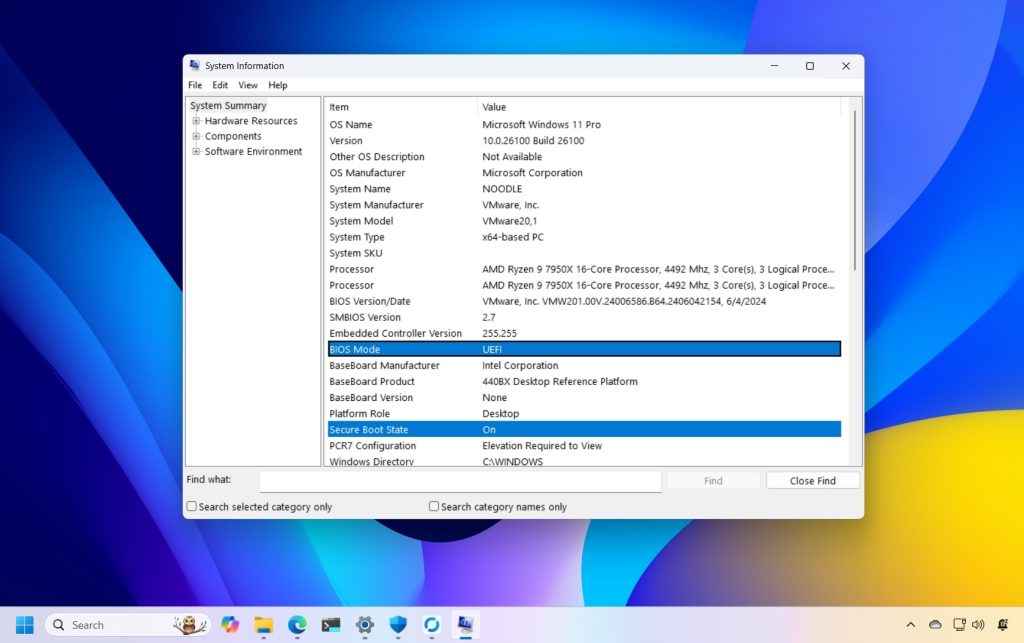
Secure Boot, first introduced in 2011 with Windows 8, acts as a security gatekeeper that ensures a device boots only using software trusted by the Original Equipment Manufacturer (OEM). This trust is enforced through cryptographic certificates stored in the PC’s firmware. However, these 2011-era certificates are set to expire between June 2026 and October 2026. While devices will continue to function normally immediately after expiration, they will enter what Microsoft calls a “degraded security state”. In this state, devices will no longer be able to receive security fixes for pre-boot components, leaving the hardware increasingly vulnerable to sophisticated boot-level threats that bypass traditional antivirus software. Over time, this expiration can lead to significant compatibility issues, as newer operating systems, hardware, or security-dependent software may fail to load on systems lacking the updated trust foundation. For those still using Windows 10, the situation is even more critical; because official support ended in October 2025, these systems will only receive the new certificates if they are enrolled in the Extended Security Updates (ESU) program.
Also read: India AI Impact Summit 2026: Why US companies are turning up in record numbers
A Massive Coordination Across the Ecosystem
Updating these foundational keys is a complex, large-scale undertaking that requires seamless coordination between Microsoft and global hardware manufacturers like Dell, HP, and Lenovo. Most modern PCs manufactured since 2024, and almost all shipped in 2025, are already provisioned with the new 2023 certificates and require no user action. For the vast majority of existing Windows 11 users, the replacement certificates will be delivered automatically through the regular monthly Windows Update process. However, Microsoft notes that for a “fraction of devices,” a separate firmware or BIOS update from the PC manufacturer may be necessary before the Windows Update can successfully apply the new certificates. To track the progress of this update, Microsoft plans to introduce a certificate update status indicator within the built-in Windows Security App in the coming months. You can also manually verify your system’s status today by running a simple command in PowerShell with administrator privileges:
([System.Text.Encoding]::ASCII.GetString((Get-SecureBootUEFI db).bytes) -match ‘Windows UEFI CA 2023’)
A result of “True” confirms your system is up to date, while “False” indicates that a firmware or platform update is still required. This effort represents a proactive step to ensure that the foundational trust of over a billion PCs remains resilient for the next decade of computing.
Also read: India AI Impact Summit 2026: Organisers warn about fake registrations and fees


