
I almost gave up on Google Gemini, but this one simple tweak made it useful
 Follow Us
Connecting apps made Gemini more useful and personal.
Gemini helped find files, emails, and reminders faster.
App access turned Gemini into a smarter AI assistant.
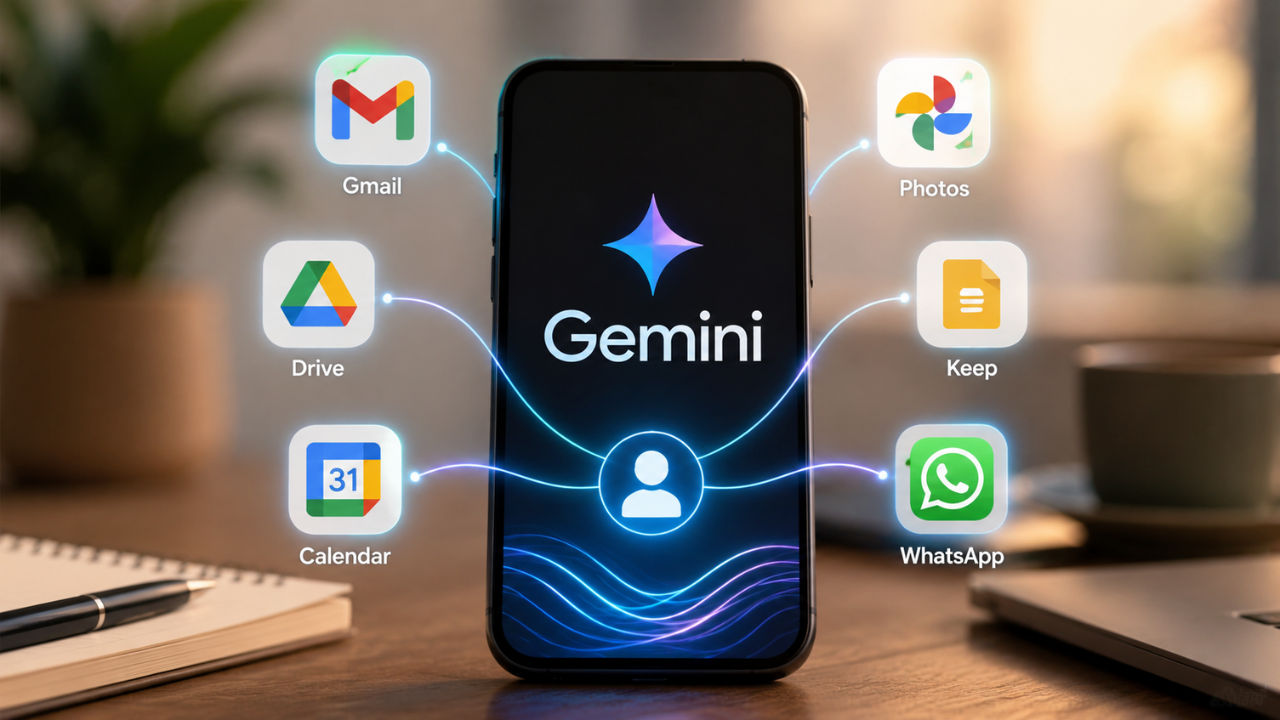

I was all set to give up on Google Gemini, but then I decided to give it one last chance with this tweak. No, the AI tool did nothing wrong, but it just felt like another AI tool and offered no real benefit. Though it helped me with tasks like answering questions, learning new things, generating videos, and more, it felt similar to what ChatGPT offered, along with the all-new coding ability with Codex. However, while I was about to give up, I tried something I had previously ignored connecting it to my daily apps like Gmail, Drive, Calendar, and Photos. That small change flipped everything. Suddenly, Gemini was not just replying; it was helping me find real things from my own life. The emails, files, reminders, and even old documents showed up in seconds. It felt less like a chatbot and more like a personal helper that actually understood me.
 Survey
I gave Gemini access to my life
I’ve been using Gemini since its inception, and yes, the tool has its advantages and disadvantages. But lately, I had given up on it because my experience with Gemini felt like using any other AI chatbot. I would ask it questions, get explanations, generate ideas, or use it for quick searches. It was helpful, but nothing made me feel that I needed Gemini specifically. You can argue that it can help you generate videos or audio files, but how often do you actually make those on a daily basis?
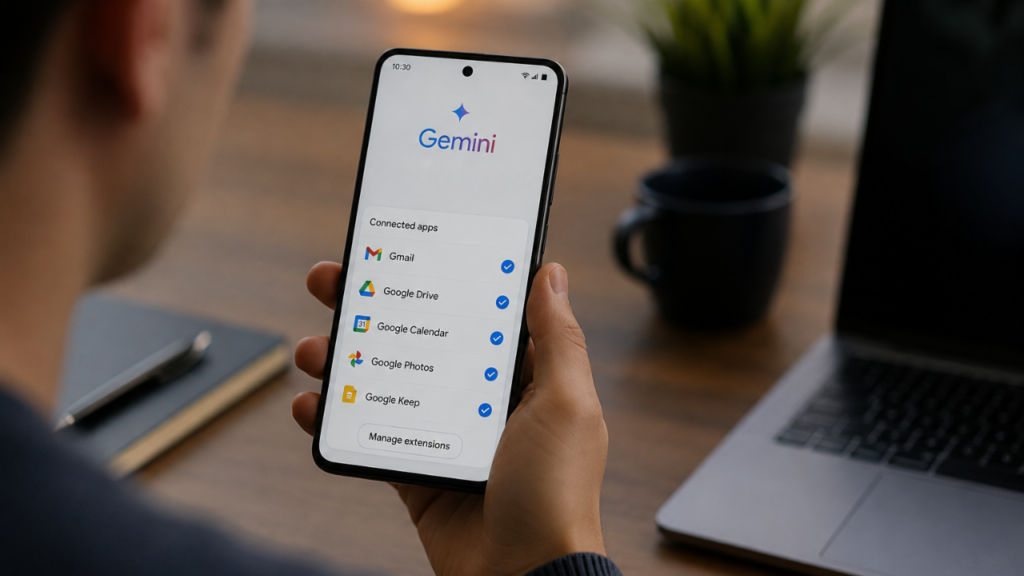
One day, I decided to try more of the tool and turned on the Personal Intelligence features. This lets Google Gemini connect with the Google services and other relevant apps I use on a daily basis.
Also read: Best ANC headphones in India under Rs 3000 to buy during Amazon Prime Day 2026
After I enabled it, the tool did not depend only on what I typed in the chat anymore. Instead, Gemini could understand more about my personal digital life. By linking with apps like Gmail, Calendar, Drive, Keep, and Photos, it could search through my information like a kind of personal memory. Moreover, the personal intelligence also works with apps like Spotify, WhatsApp, and Canva, though the integration is not as deep as the Google services, but it gets the work done for the most part.
This changed how I looked at Gemini. Whether I was on my OnePlus 15, iPhone 15, Windows laptop, or Mac, Gemini became much more useful because it had better context. It was no longer waiting for me to explain everything. It could help me find things, organise information, and complete tasks by understanding what I needed.
Gemini became more useful once it understood my personal context
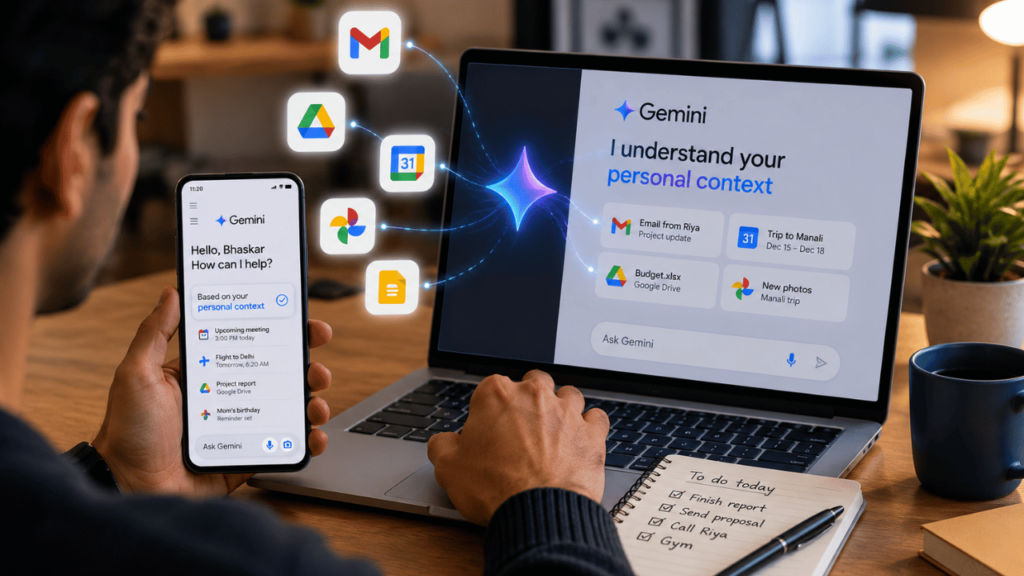
Since I connected Gemini across apps, life has also become very easy and convenient, especially when I talk about the mundane tasks I had to perform on a daily basis. Earlier, I had to remember or make a note of where I stored certain information. And if I forgot it, then I’d have to look into emails, files, notes, or messages, which was too much of a hassle. However, now all I have to do is turn to Gemini, and it searches it across apps which I have given it access to, which include my email, calendar, files, notes, and even pictures.
For instance, recently, I needed to get my Honda Activa insurance renewed but could not recall its expiration date or where I had stored the insurance policy. I normally have to look into Gmail or go through the files in the cloud storage. However, I just asked Gemini, “When does my Honda Activa insurance expire?” Within seconds, it brought the document and not only gave the expiry date but even showed me the document itself.
What surprised me was how seamlessly this worked across my ecosystem. As someone who reviews tech gadgets frequently, I switch between an iPhone 15, various Windows machines, and a Mac. Earlier, I often had to keep track of which device held the file or information I needed. Now, because Gemini draws from my Google Account context, it finds what I’m looking for regardless of which device I’m currently using.
Using Google Gemini as a personal AI assistant rather than a regular chatbot is what really sets it apart from the competition.
While the change may seem small, I’ve realised how much time I used to spend searching for information instead of actually getting things done. The assistant does more than just answer questions; it makes everyday tasks faster, simpler, and easier.
How to convert Gemini to your personal assistant
If you’re also planning to turn your Gemini into your personal assistant, then you can just enable the Personal Intelligence and connect it with your apps. To do so, you need to open the Gemini app or website > go to Settings > tap Extensions. From there, you can connect your Google apps like Gmail, Google Drive, Docs, Google Maps and Calendar. Once they are linked, Gemini can help you directly from your data, like checking your emails, finding files, or managing your schedule.
Furthermore, you can also go ahead and connect other third-party apps like WhatsApp or Spotify by turning on their extensions in the same place. After everything is set up, you can just talk to Gemini naturally. For example, you can ask, “What’s on my schedule today?” or “Find my flight email,” and Gemini will quickly find and show you the right information.


